



🚀 Upgrade your workflow with speed and space that keeps you ahead of the curve!
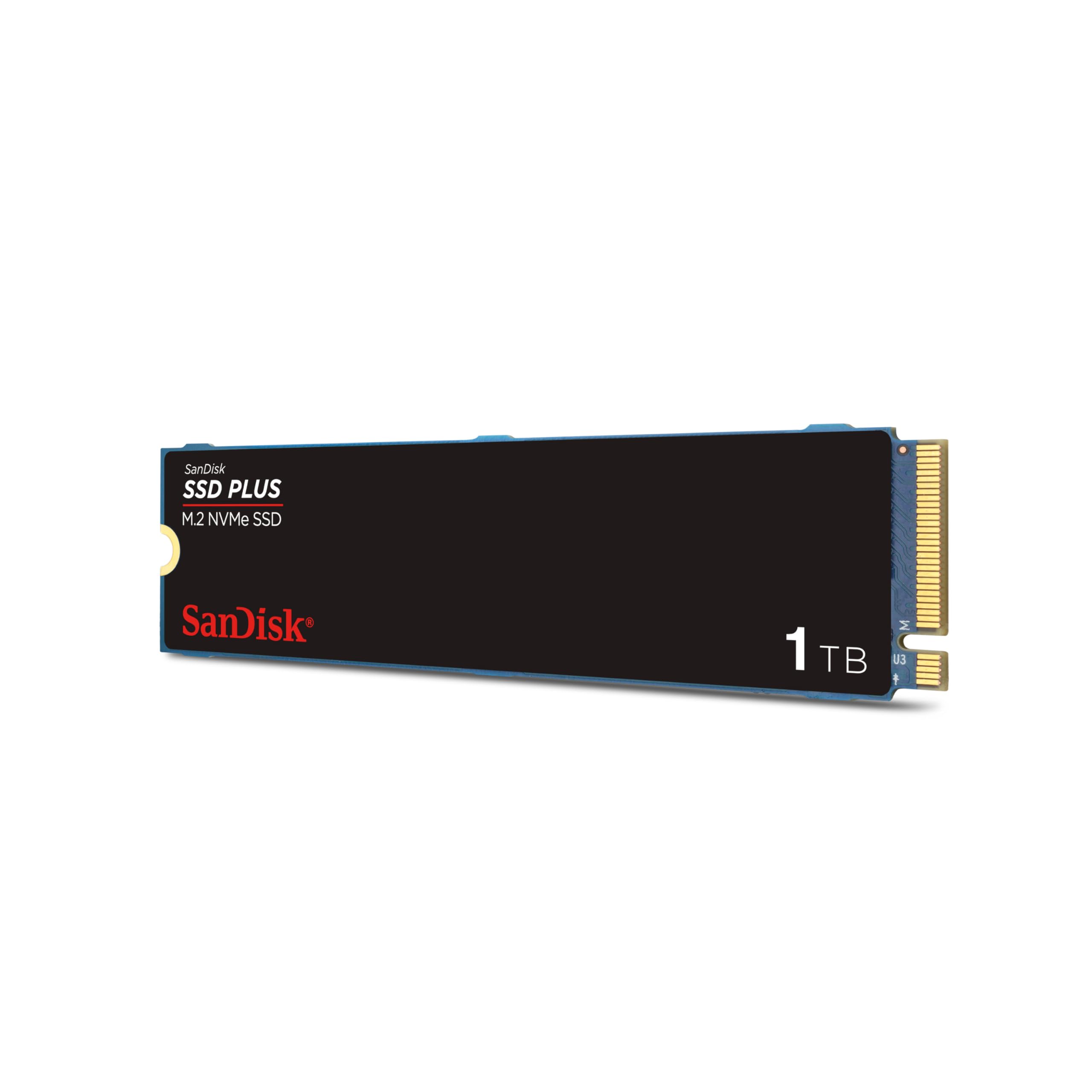
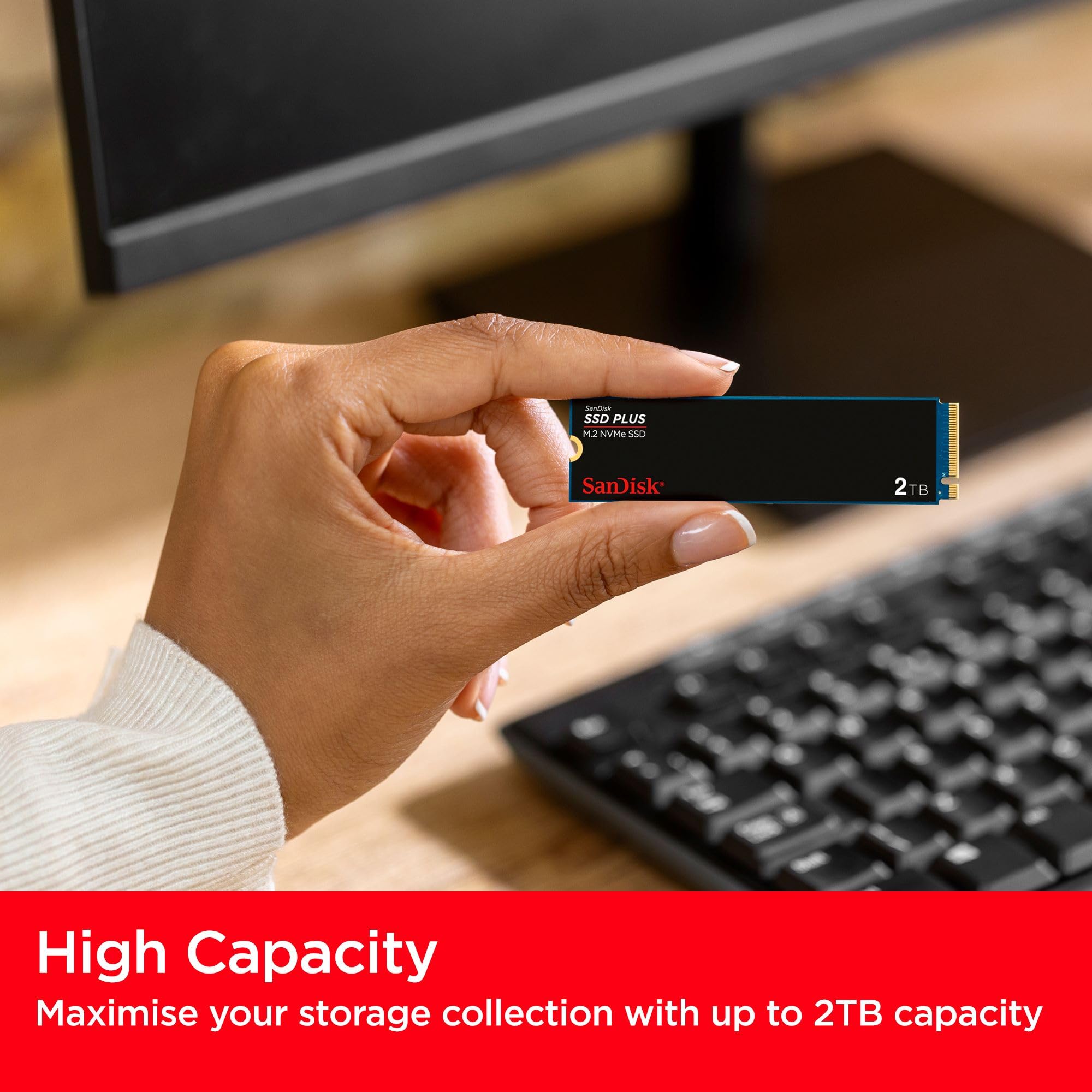
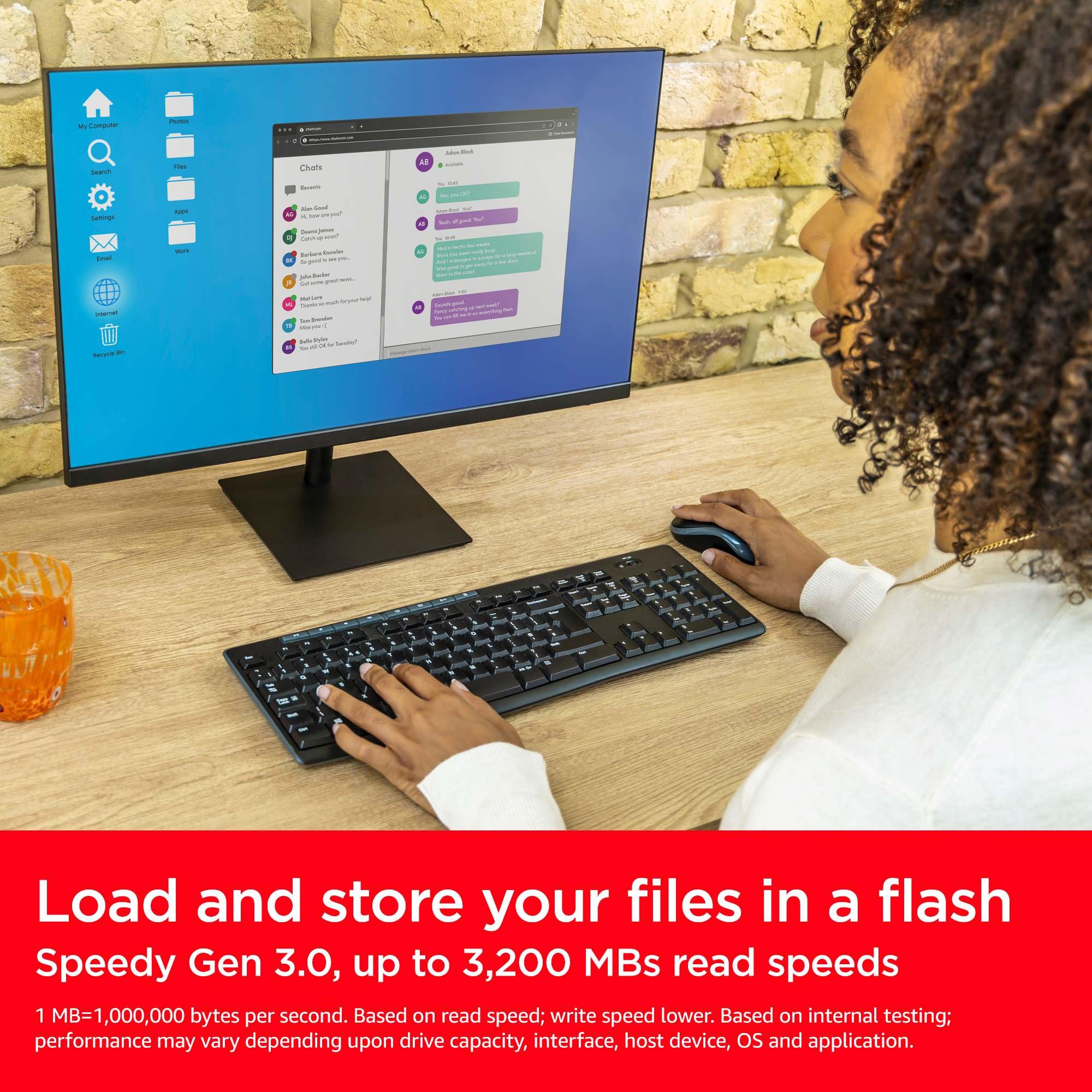
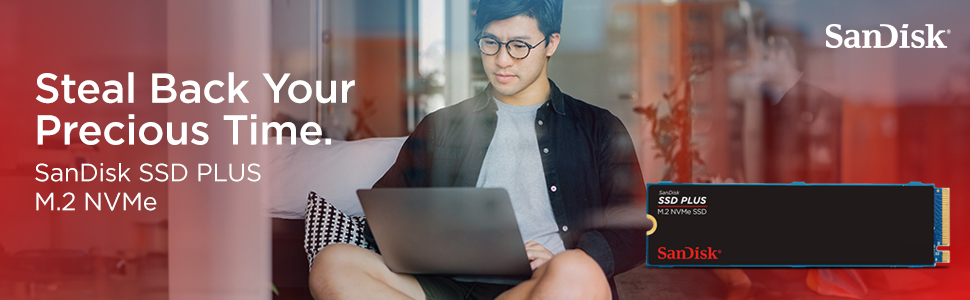
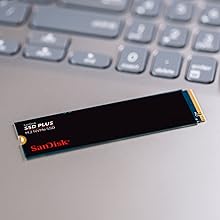
The SanDisk Plus 1TB M.2 NVMe SSD delivers ultra-fast PCIe Gen 3 speeds up to 3,200 MB/s, offering 5x faster performance than traditional SATA SSDs. Its slim M.2 2280 design ensures compatibility with most laptops and desktops, while a simple one-screw installation makes upgrading effortless. With 1TB of storage, it provides ample space for professional files and multimedia. The drive’s health can be monitored via the Western Digital Dashboard, and it comes with a 3-year warranty, making it a reliable and high-performance storage solution trusted by professionals.




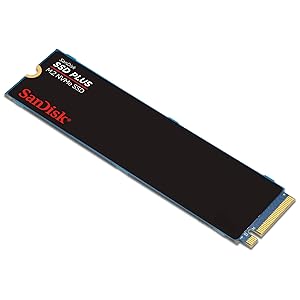

| ASIN | B0CN3N3591 |
| Best Sellers Rank | 5,373 in Computers & Accessories ( See Top 100 in Computers & Accessories ) 46 in Internal Solid State Drives |
| Box Contents | Internal Solid State Drive |
| Brand | SanDisk |
| Brand Name | SanDisk |
| Cache Memory Installed Size | 1 |
| Color | Black |
| Compatible Devices | Desktop Computer, Laptop |
| Connectivity technology | PCIe |
| Customer Package Type | Flat Free Package (FFP) |
| Customer Reviews | 4.6 out of 5 stars 65,697 Reviews |
| Data Transfer Rate | 3200 Megabytes Per Second |
| Digital Storage Capacity | 1 TB |
| Digital storage capacity | 1 TB |
| Enclosure Material | 3D NAND |
| Form Factor | M.2 2280 |
| Global Trade Identification Number | 06196592083010 |
| Hard Disk Description | Solid State Drive |
| Hard Disk Form Factor | 2280 Inches |
| Hard Disk Interface | PCIe |
| Hard disk form factor | 2280 Inches |
| Hard disk interface | PCIe |
| Hard-Drive Size | 1 TB |
| Hardware Connectivity | SATA 6.0 Gb/s |
| Installation Type | Internal Hard Drive |
| Item Weight | 5.44 Grams |
| Item height | 0.09 inches |
| Manufacturer | Western Digital Technologies, Inc. |
| Media Speed | 3200 MB/s |
| Model Name | SDSSDA3N-1T00-G26 |
| Model Number | SDSSDA3N-1T00-G26 |
| Network Connectivity Technology | PCIe |
| Number of Items | 1 |
| Product Features | Backward Compatible |
| Product Warranty | 3 year |
| Read Speed | 3200 Megabytes Per Second |
| Special feature | Backward Compatible |
| Specific Uses For Product | Multimedia, Personal, Professional, staff |
| UPC | 619659208301 |
| Unit Count | 1.0 count |
D**S
Absolutely great.
Works as advertised, easy to install on a akai mpc live iii, perfect on all counts.
A**A
Reliable, Speedy, Durable, Hassle-free, Trusted.
The SanDisk SSD PLUS 480 GB SATA III 2.5-Inch Internal Solid State Drive (SDSSDA-480G-G26) is a high-performance storage device that offers durability, exceptional speed, and a hassle-free setup. With its robust design and impressive specifications, this SSD is an excellent choice for users seeking to boost their system's performance and secure their data. The SanDisk SSD PLUS 480 GB is built with a durable solid design that can withstand vibrations and shocks, ensuring the safety of your data over time. This makes it an ideal choice for users who prioritize the long-term reliability of their storage devices. The sleek black design adds a touch of elegance, making it a visually appealing addition to any system. With sequential read speeds of up to 535MB/s, the SanDisk SSD PLUS delivers a significant performance boost compared to traditional hard disk drives (HDDs). It performs up to 20 times faster than an HDD, resulting in improved overall system responsiveness and reduced loading times for applications, files, and operating systems. This enhanced speed translates to a smoother and more enjoyable computing experience, especially when multitasking or running resource-intensive applications. The SanDisk SSD PLUS is designed to handle typical PC workloads with ease. It incorporates SLC caching, which enhances burst write performance, making it perfect for tasks such as web browsing, email management, and audio/video entertainment. This drive ensures that everyday computing tasks are executed quickly and efficiently. Setting up the SanDisk SSD PLUS is a breeze, thanks to the included step-by-step instructions that guide you through the installation process. Whether you're a novice or an experienced user, the clear instructions ensure a smooth setup experience. Furthermore, the drive comes with cloning software, allowing you to transfer your existing data seamlessly, saving you time and effort during the migration process. SanDisk is one of the leading manufacturers in the flash memory industry, boasting over 30 years of experience in developing cutting-edge technologies. As a well-established and trusted brand, SanDisk has earned a reputation for producing reliable, high-quality storage products. With their extensive expertise, you can have confidence in the longevity and performance of the SanDisk SSD PLUS 480 GB. The SanDisk SSD PLUS 480 GB SATA III 2.5-Inch Internal Solid State Drive (SDSSDA-480G-G26) is a standout storage solution that offers a winning combination of durability, speed, and ease of use. Its solid design ensures the safety of your data, while its impressive read speeds significantly enhance system performance. Whether you're a casual user or a professional seeking to optimize your computing experience, the SanDisk SSD PLUS delivers on its promises. With SanDisk's trusted reputation and comprehensive package, this SSD is an excellent investment for anyone looking to upgrade their system's storage capabilities.
D**.
SDD works great. Easy to setup as a Windows OS C: Boot disk.
My wife's HDD on her 16 month old Dell 8930 Desktop had been playing up. I already had to re-install windows 10 around a month ago. It was ok for a while, but started getting crashes again over the last few days. I decided to replace the single HDD with a Sandisk SSD Plus 240GB, to be used as the boot disk, and a separate 2TB HDD for Data. The current C-drive was only using around 60GB for Windows 10 and other installed program, so 240GB was more than enough, and its really good price. The Sandisk product comes with an unreadable 2-point 10 x 3cm booklet, don't know what’s in it, I can't read it. However, the Sandisk website is fairly useful. Note 1, the Dell has removable drive bay cradles which can accommodate either a HDD or SDD drive, but many Desktops won’t have that so you may need to also buy a "2.5 to 3.5 inch SDD cradle", some screws to secure the SDD and cradle, a SATA Data cable (most Desktops will come with extra power cables, but check first). I think you can get kits which include all that for about £5. Note 2, when you receive your SDD drive, make a note of the serial number, it’s on the back of the drive you need it to register the product on the Sandisk Website fro 3 year guarantee. If you don’t take a note of it before you install the SDD, you’ll have to uninstall and re-install it all over again. Installation is easy, just install a cradle, screw the SDD to it, connect your SATA Data Cable and power cable. My SDD was to be used as a bootable drive, to hold windows and all installed programs. The easiest way to do that is to use Acronis True Image Software, and clone your existing drive (which is free if using a Sandisk or WD drive, link to Acronis from the Sandisk website). My existing drive was 1TB, but with only around 450GB used. 320GB of that was photos, the SDD is 240GB. So I backed up all the data on the existing C Drive to an external portable 2TB HDD, then removed all the photos from the existing C drive, reducing its size down to about 130GB, which meant it would easily fit on the 240GB SDD. In Windows 10 use the Disk Management program (best to access that via Computer Management App, (run as administrator eg Left click)) to first initialise you SDD, so that the computer will recognise it. Just set it up as a “ Simple” partition, use full size, doesn’t matter what Drive number you assign, but don’t use A, B, or G (Windows will automatically reassign the Boot Disk(SDD) as the C: drive when you restart the PC.) When the SDD is recognised you will see the empty SDD in File Explorer. Run Acronis, select the clone tool, choose automatic mode which will clone all partitions. The amount of data on the source disk must be less than the available space on the destination SDD. I have 5 partitions on my old HDD C: drive, 3 recovery and 1 x EFI. These are replicated exactly by Acronis, the remaining C: partition holding the Boot, and OS and Data is automatically shrunk down into the remaining space on the SDD, about 207GB, so no problem creating 240GB SDD from a 1TB HDD. Follow the instructions, restart the computer, and Acronis will take over and clone. When cloning is complete, PC will shut down. What I did then is unplug the Data cable from the old HDD, and swapped it over to connect to the SDD, that way you don’t have to amend the Boot order in the BIOS, if you don’t do that you have to amend the BIOS. The SDD worked a treat, much faster startup, shutdown and program load and has fixed my crash issues. I could then bin the old HDD and replace it with a new 2TB HDD D:Data drive, and onto that, re-import the photo data from my external backup drive.
P**O
Works just fine. Very speedy transfer. No performance issues.
Sandisk are about as good as it gets, with a good balance between price, performance and reliability. My only issues, and I have been building computers since the mid-1980s, are twofold. Firstly, no screw was provided to fix the opposite end to the connector to the mounting pillar on the motherboard. Previous products did. This motherboard did not have one. Do any?! Fortunately I have accumulated a large bag of such items over the years. Your mileage may vary and the absence of a screw to securely mount is of no consequence. Secondly, the TOTAL FRUSTRATION packaging is an exemplar of how NOT to do it! I cut along the dashes in line with the scissors icon expecting the colourless fairly rigid plastic capsule protecting the chip to slide out. Anything but! The layers of card above the chip and below the cut seemed to be glued firmly. I cut lower twice but no success. The capsule would not slide out. Carefully, very carefully, I cut around the colourless blister pack area to open up the capsule protecting the chip. I needed to do this TWICE, cutting ever nearer, to gain access to the chip without any risk of whip-back from the plastic hitting the chip and potentially breaking it. Just dreadful! Protective overkill and almost designed to create an issue. Considerable patience and even more caution plus a good pair of scissors are recommended. On the other hand, you might find it hassle free?! Hope helpful as always.
T**Y
Fast and reliable .
Have a PC run out of m.2 drives so added this sata , impressed how fast it is worked great for games .
A**R
As advertised, many thanks
As advertised, good item. Fitted works well
A**R
Good price, and good performance to date.
I bought this drive for my HP 290 G2 Microtower PC (a second-hand purchase). The motherboard only supports PCIe Gen 3, so one of the more expensive Gen 4 drives would have been overkill. I've owned lots of SanDisk USB thumb drives in the past, and never had a single issue with any of them, so I felt pretty confident about choosing another product from the same stable to supply my internal storage needs too. It's only been a few weeks, but things have been working flawlessly. Installation was simple (although in common with every other manufacturer, no retaining screw is provided, so you'll need to source one from elsewhere to hold it in place - I picked up a low cost screw kit on Amazon). The drive doesn't have a heat sink, but according to the sensor feedback in HWMonitor, it sits at just above 30 degrees Celsius, so it runs pretty cool. 2TB is a huge step up from the 500GB mechanical drive I was using previously, I'm very happy with the performance I've been seeing, and I'd recommend it as a cost effective choice to anyone looking to upgrade their storage solution.
A**R
Solid state
Not bad value for money does the job time will tell
Trustpilot
1 month ago
1 month ago



