Buy anything from 5,000+ international stores. One checkout price. No surprise fees. Join 2M+ shoppers on Desertcart.
Desertcart purchases this item on your behalf and handles shipping, customs, and support to Portugal.
💼 Elevate your digital workspace with storage that keeps up.
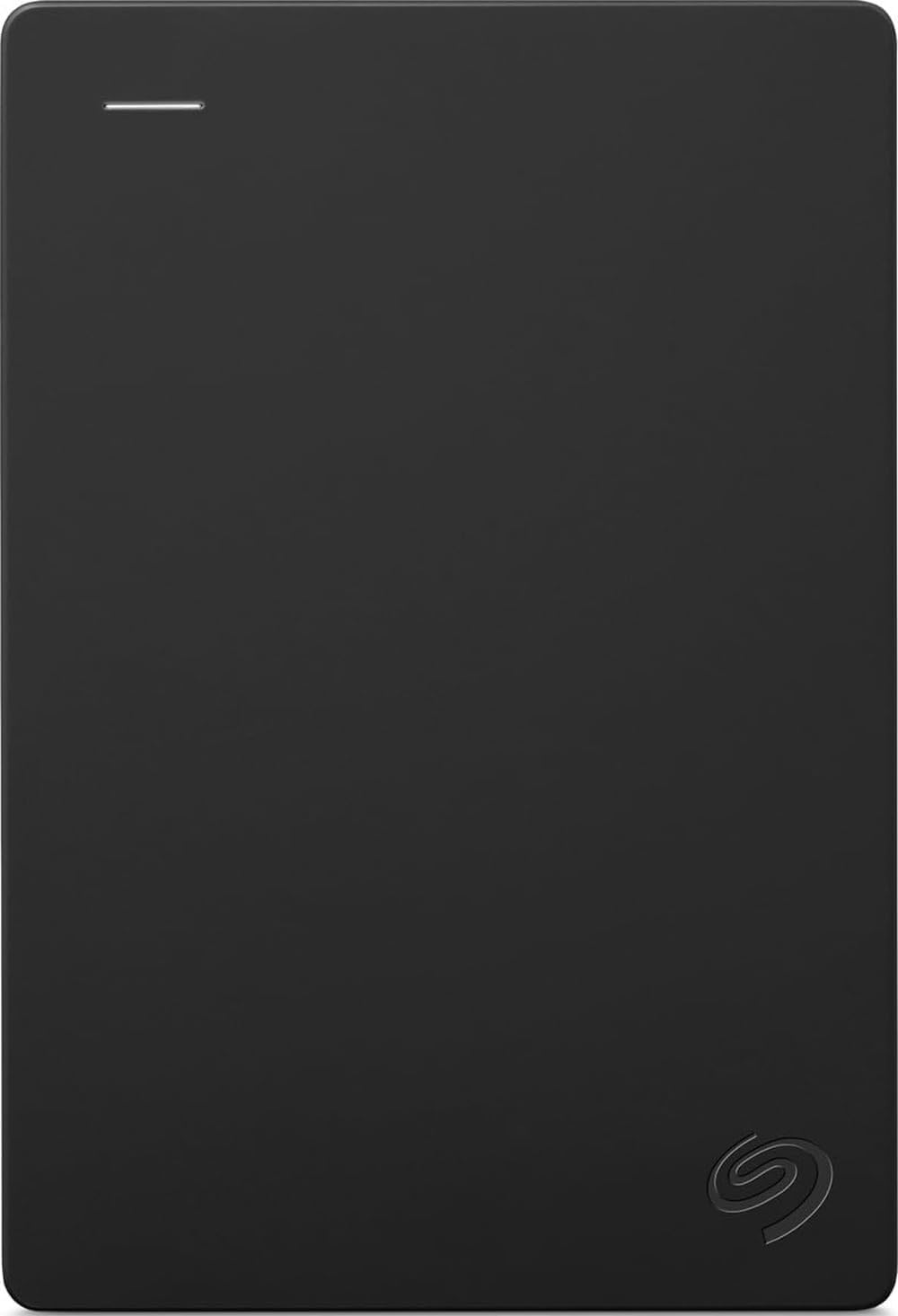
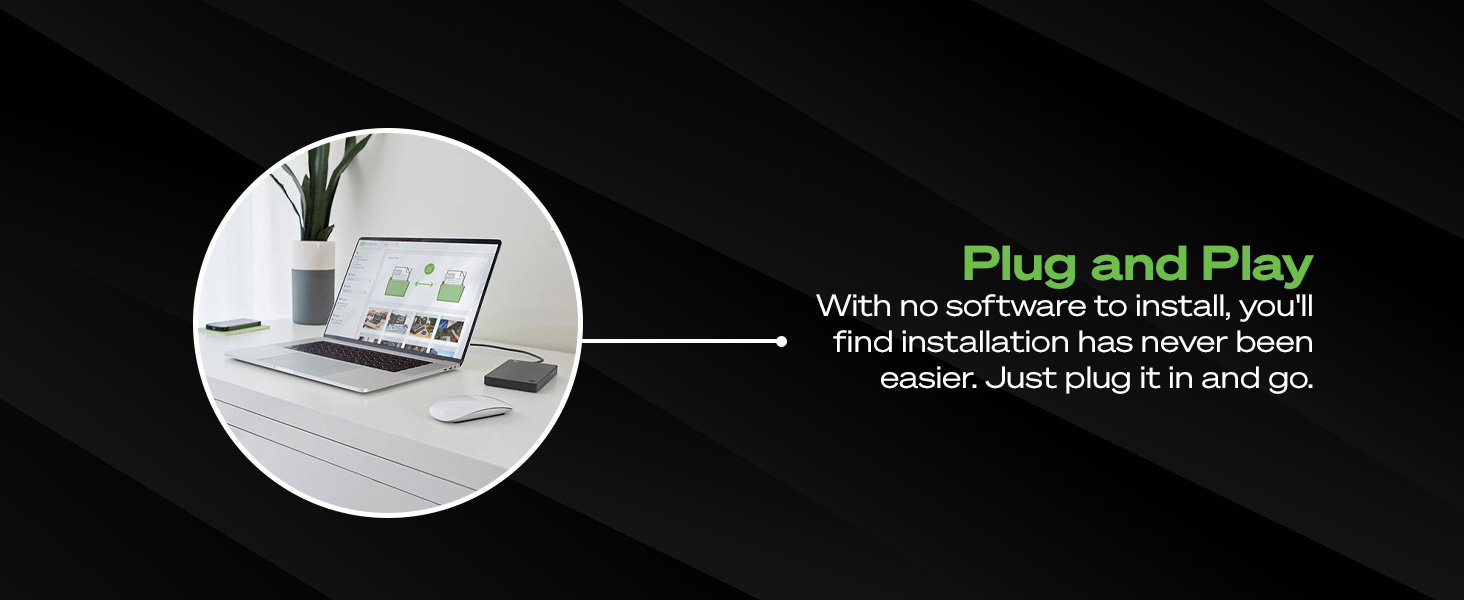
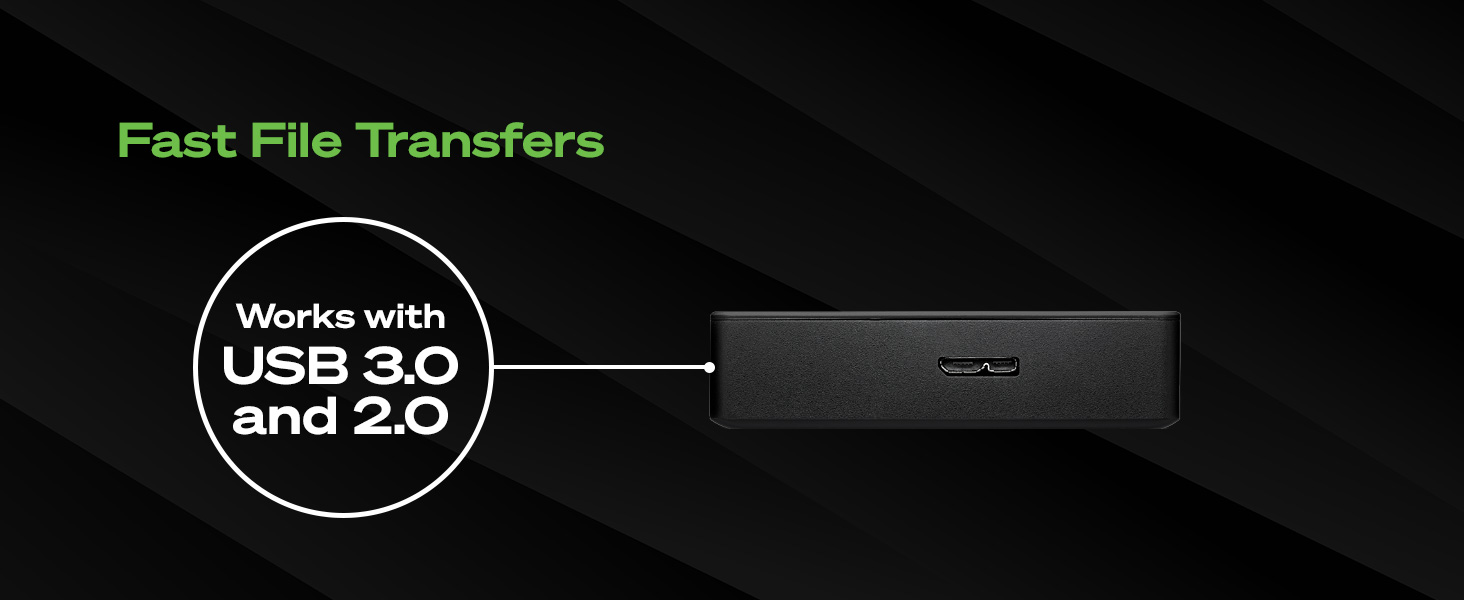
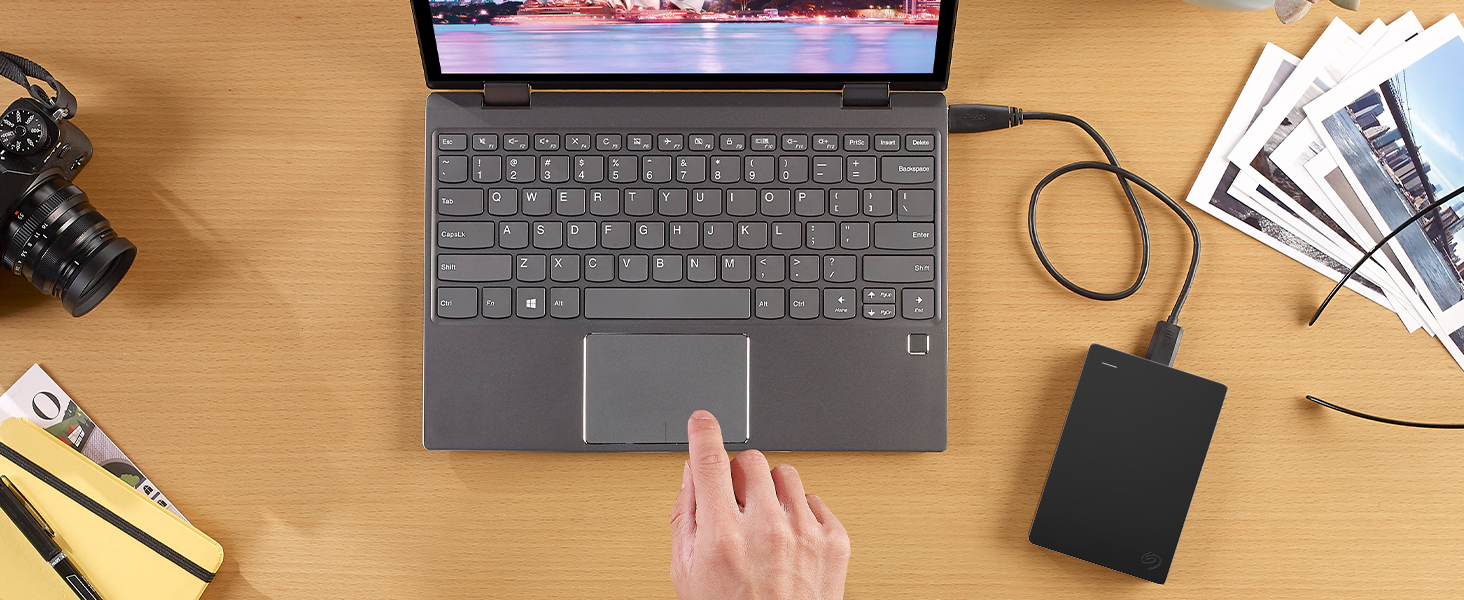
The Seagate Portable 4TB External Hard Drive offers a robust 4TB storage capacity with USB 3.0 connectivity, delivering up to 120 MB/s transfer speeds. Compatible with Windows, Mac, Xbox, and PlayStation, it features a compact, lightweight design for ultimate portability and plug-and-play simplicity requiring no additional software. Backed by a 1-year rescue service, it’s the reliable choice for professionals needing expansive, easy-to-access storage on the go.


| ASIN | B07CRGSR16 |
| Additional Features | Portable |
| Best Sellers Rank | #1 in External Hard Drives |
| Brand | Seagate |
| Built-In Media | Seagate Portable Drive 4TB USB3.0 |
| Cache Memory Installed Size | 4 |
| Color | PORTABLE |
| Compatible Devices | Desktop, Laptop |
| Compatible Video Game Console Models | Microsoft Xbox SERIES S |
| Connectivity Technology | USB |
| Customer Package Type | Standard Packaging |
| Customer Reviews | 4.6 out of 5 stars 269,859 Reviews |
| Data Transfer Rate | 120 Megabits Per Second |
| Digital Storage Capacity | 4 TB |
| Enclosure Material | Mechanical Hard Drive Material |
| Form Factor | Portable |
| Global Trade Identification Number | 00763649127315 |
| Hard Disk Description | Mechanical Hard Disk |
| Hard Disk Form Factor | 2.5 Inches |
| Hard Disk Interface | USB 3.0 |
| Hard Disk Rotational Speed | 7200 |
| Hard-Drive Size | 4 TB |
| Hardware Connectivity | USB 3.0 |
| Hardware Platform | Mac, PC |
| Installation Type | Plug In |
| Item Dimensions L x W x Thickness | 4.61"L x 3.15"W x 0.79"Th |
| Item Length | 11.7 Centimeters |
| Item Type Name | Seagate Portable 4TB External Hard Drive HDD – USB 3.0 for PC, Mac, Xbox, & PS4 (STGX4000400) |
| Item Weight | 260 Grams |
| Item Width | 8 Centimeters |
| Manufacturer | Seagate |
| Media Speed | 1 |
| Mfr Part Number | STGX4000400 |
| Model Name | SRD0NF1 |
| Model Number | STGX4000400 |
| Number of Items | 1 |
| Read Speed | 120 Megabytes Per Second |
| Special Feature | Portable |
| Specific Uses For Product | Personal |
| UPC | 763649127315 |
| Warranty Description | 1 Year Limited |
A**S
Good Quality and it Works Fine with a MacBook Pro
As a music producer, my last external drive was much smaller and it began to fill up quickly. I bought this Seagate because of the known quality, and the size. I understand that with a Windows computer, it’s plug and play. If you use a MacBook Pro, it is a simple task to prepare it. I’ll copy instructions for Mac preparation. It was ready to go in about a minute. It’s not something to worry about. Here are the instructions: First an easy installation, you’ll use Disk Utility on the Mac to erase and reformat the drive; it’s straightforward and only needs to be done once before you start using it. 1. Decide on a format For a drive used only with your MacBook Pro for plugins/projects: APFS (best for SSDs, modern macOS, fast and robust). If you also want to plug the same drive into Windows regularly: ExFAT (works read/write on both Mac and Windows, fine for large audio files). 2. Erase and format the drive Connect the new external drive to your Mac. Open Disk Utility (Applications → Utilities → Disk Utility). In the menu bar, choose View → Show All Devices so you see the whole physical disk, not just volumes. In the left sidebar, select the top-level entry for that external drive (it will usually show the manufacturer’s name and “Media”). Click the Erase button at the top. In the dialog: Name: Something like “Audio Plugins” or “Samples”. Format: Choose APFS (or ExFAT if you need Mac/Windows). Scheme: Choose GUID Partition Map if offered. Click Erase and wait for it to complete, then click Done. After this, the drive will mount on the desktop in the new format and you can start moving plugin content or sample libraries to it. It took time to move data off the old drive and load onto the new drive. That’s natural. With this new Seagate drive, I store all my music plug-ins and virtual instrument files along with a large collection of audio and midi files. When producing music, there’s no delay and everything works fine. With that said, I have the new M4 chip and 48GB of Ram. With that, the computer works fine, but the Seagate also keeps up just fine. This Seagate external drive was a good purchase. It is reliable, portable and built well with a good appearance.
J**E
reat 4TB Drive for Backups and Gaming
I’ve been using the Seagate Portable 4TB External Hard Drive for a few weeks now and honestly it’s been exactly what I needed. Setup was super simple — literally plug it in and it works. No complicated software, no weird formatting issues. I’m using it mainly with my PC but I’ve also tested it on my PlayStation and it worked without any problems. The 4TB storage is a huge plus. I backed up my entire system image, stored a ton of video files, and still have plenty of space left. Transfer speeds over USB 3.0 are solid — not lightning fast like an SSD obviously, but for a traditional HDD it’s more than fast enough for backups, media storage, and games. It’s lightweight and small, which surprised me. I expected something bulkier for 4TB. It doesn’t get hot and it runs quietly. I just leave it connected most of the time. If you need reliable, large storage for backups, gaming, or just extra space, this is a great value for the price. No complaints so far. Would definitely buy again.
O**Y
Nice!
Fast, fairly rugged, and reliable. It came formatted and also comes with the interface cable in the box. I'm very pleased! These drives are a nice piece of mind and an insurance policy knowing your system is backed up just in case it crashes. Some data cannot be replaced so it's good to have a copy!
W**3
It works smoothly and is acceptably rapid, just not as fast as the LaCie d2 Pro. Recommended.
When I finally got it to work, it was very good. It has a decent amount of capacity. It isn't as fast as the LaCie d2 Pro, but it got the job done. I had originally decided to return it as my computer, A Mac Studio, did not 'see' it as an available drive, but noted it was out there - just grayed out. This turned out to be caused by my antivirus software (ESET). The software was doing its job, it was just quietly blocking disk access. I fixed that by uninstalling and then reinstalling the AV software. Then it worked fine.
R**K
The most cost-effective solution for 5 TB of portable storage, but with some limitations
I use 16 such drives, a mix of Seagates and competitive drives, for my backup solution (two sets of backups of two machines, each of which requires four drives -- I have quite a bit of data -- with one volume set stored offsite at all times). This kind of drive is certainly the most cost-effective solution for 5 TB of bus-powered storage, but it has some limitations. Unfortunately, 4 TB SSDs are still prohibitively expensive for this application, costing about 4x per byte more. 1) It's a shingled magnetic recording (SMR) drive. That may be needed to achieve this kind of storage density on platters this small, but it does mean that if you're trying to write multiple terabytes of data to this drive, it will typically slow down drastically after the first 100 GB or so. That may well depend upon the filesystem used on the disk. I'm using ext4fs in a LUKS-encrypted container on Linux; writing 4.5 TB of average 10 MB files took me well over a day. Write throughput frequently dropped under 10 MB/sec for extended period of times, interspersed with short periods of 70-100 MB/sec and averaging about 25 MB/sec. The same applies to drives made by competing manufacturers. This is much less of a problem with incremental backups, which are much smaller and which the drive can handle within CMR cache. 2) If I create an encrypted LUKS container spanning the entire drive, I've found that I get I/O errors when creating the filesystem (mkfs.ext4) or checking the filesystem (with fsck). This does not happen with ordinary filesystem operations. Via a long story related to a single drive that had genuinely gone bad, it led me to believe that all of the Seagate drives in my fleet were bad. There turned out to be a simple enough solution to this: rather than using the entire disk, creating a partition starting 1 MB in. Once I figured that out, I had no further difficulty. This was not an issue with drives made by another vendor. It's not something most people will run into at all (if you use the drive as partitioned from the factory, you'll be fine), and losing 1 MB out of 5 TB is not significant. I suspect it's likely a firmware problem/limitation of some kind interacting with the LUKS container (it did not happen if I did not LUKS-format the drive). It's not a reason not to use this drive, just something to be aware of if you want to use these drives for cheap encrypted backups under Linux. 3) When writing large amounts of data to SMR drives, it's first written to CMR (conventional) cache space on the drive, which is fast (100-140 MB/sec). After writing is complete, the drive will spend some time reorganizing the data on the drive. As such, it is probably a good idea to leave the drive plugged in for some time after writing a large amount of data (I usually leave it for 30 minutes after writing an initial backup to one of these disks).
D**D
Nice Hard Drive
I purchased the 2TB version of this drive for additional storage on my iMac. Large video files can be cumbersome to transfer to the cloud, so having reliable physical storage makes a big difference. I chose Seagate because they’ve been around for decades, and from my experience working in a computer repair shop, they’ve consistently been a dependable brand. The 2TB capacity offers plenty of space for video files, backups, and general storage, and it’s a great value for the price. The drive itself has a slim, compact design — slightly larger than a credit card and about half an inch thick — so it takes up very little desk space. It’s lightweight and easy to carry in a backpack or laptop bag. The enclosure is plastic but feels sturdy enough for normal travel and everyday handling. I’ve moved it around without any issues. It works with both PC and Mac. I’ve used it on both systems, though it’s currently formatted for my iMac. Setup was straightforward and formatting was simple. Performance has been solid. There’s virtually no delay when accessing files, and it transfers roughly 100GB in about 20–30 minutes, which is perfectly acceptable for my needs. Overall, I’m very happy with this purchase and would absolutely buy it again.
E**A
The Best, Easiest External Drive for Photo Storage!
I take a LOT of pictures, and I was constantly getting those annoying notifications that I was out of space. I was tired of paying monthly fees for cloud storage, so I bought this Seagate drive to finally digitize my ancient physical photo albums (probably over 100 years worth!) and clear out my devices. It’s such a relief to have all that history in one secure, physical place instead of scattered across old albums and full phones. Technical Specs & Performance: Functionality: The functionality is pure plug-and-play. I just plug it into my laptop and drag my pre-organized photos directly into the drive for instant storage. Cable Length: The included cable length is just right for desktop or laptop use—it's long enough to be flexible but short enough to keep my workspace organized and clutter-free. Design & Durability: I love the sleek, compact design. It’s very portable, and the overall durability gives me peace of mind that my decades of memories are physically secure. Capacity Options: While I went with the 2TB version, they also offer 1TB, 4TB, and 5TB options depending on your specific storage needs. Final Verdict: If you want a straightforward way to keep your digital life organized without a monthly subscription, this is a solid win.
H**R
High Quality - Plug and Use - A perfect alternative to the Cloud
This is my second Seagate Portable External Hard Drive. I bought one about two years ago for my consulting business and have been incredibly happy with it for all the reasons listed below. As a result, when I decided to purchase another Portable External Hard Drive to combine and replace several 8+ year old (much smaller capacity yet physically larger) Portable External Hard Drives I immediately went to the Seagate Brand. Over the years I noticed the Seagate Brand has gained wide name brand recognition in the field since I bought my first one. I like Portable External Hard Drives as opposed to the cloud because I believe they provides more security for my data. When I plan to be away from my home for an extended period, I simply unplug them and store them in my safe. Additionally, in my experience with my business Seagate Hard Drive I found them to be very sturdy/durable when it accidently gets knocked off the shelf it is laying on. I also liked that they offered me 3 data storage size choices (2TB, 4TB, 5TB) but for my needs the 2TB was all I needed. Finally, their small/compact size (physical) means they fit nicely bundled together lying next to my powered USB switched hub.
T**Ç
Hafif diye plastik
Aynı modelin backup plus slim olanı vardı. Kasasının üstü metal altı plastikti. Bunun ise yekpare plastik. Kaliteli hissettirmiyor ama elinizde dolaşan bir ürün de değil zaten. Bellikte Seagate kalitesini tartışmaya bile gerek yok. 2 TB alın kafanız rahat etsin.
M**G
Great to keep memories
We bought the 1TB External Hard Drive mainly to store images and videos especially now that we just had our first baby. Those memories are everything to us, and I didn’t want to rely only on my computer or risk losing them on a phone. So far, it’s been exactly what we needed. It’s small, lightweight, and very simple to use. I’m not a tech expert at all — just plug it in and it works. We use it strictly for photos and videos, and 1TB is more than enough space for our entire family’s memories. It’s easy to toss in a drawer or bag without taking up space. Pros: • Compact and lightweight • Simple plug-and-play setup • Plenty of storage for family photos and videos • Works with multiple devices (PC, Mac, consoles) • Great value for the price Cons: • The only real downside is the cable. It uses a specific wire for this unit. If you lose it, you’ll have to do some research to find the exact replacement. It’s not as universal as I would have liked. Overall, it gives us peace of mind knowing our baby’s photos and videos are backed up safely. For a family looking for a simple, reliable storage solution, this is a great option.
M**D
Hdd
Does the job . Nothing fancy . Just the way I like it
A**R
Vale a pena
Ótimo produto, funcionando perfeitamente
C**N
Produto Estratégico
Excelente produto, chegou no tempo hábil. Vale a pena todos terem, pois a cada dia computadores, notebooks, smartphones recebem atualizações que ocupam muito espaço. Enfim, este HD externo de 5 tb é essencial para todos e na substituição de eletrônicos. A recomendação que faço é o uso de plástico bolha, pois muitas transportadoras não têm zelo na entrega de produtos.
Trustpilot
2 weeks ago
2 weeks ago