

Desert Online General Trading LLC
Dubai, United Arab Emirates
Desert Online General Trading LLC
Dubai, United Arab Emirates
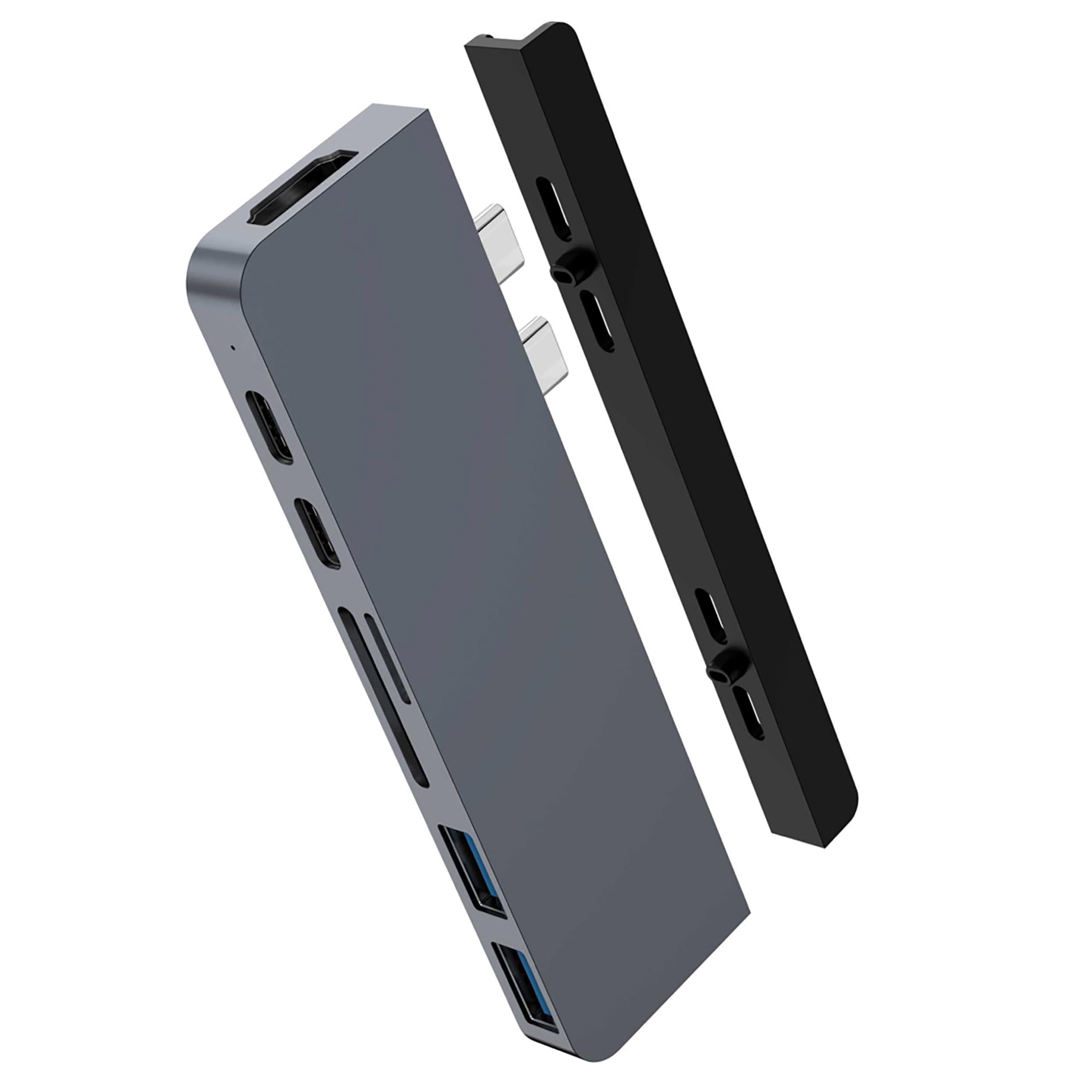


🚀 Elevate your MacBook game with HyperDrive Duo — power, speed, and style in one sleek hub!
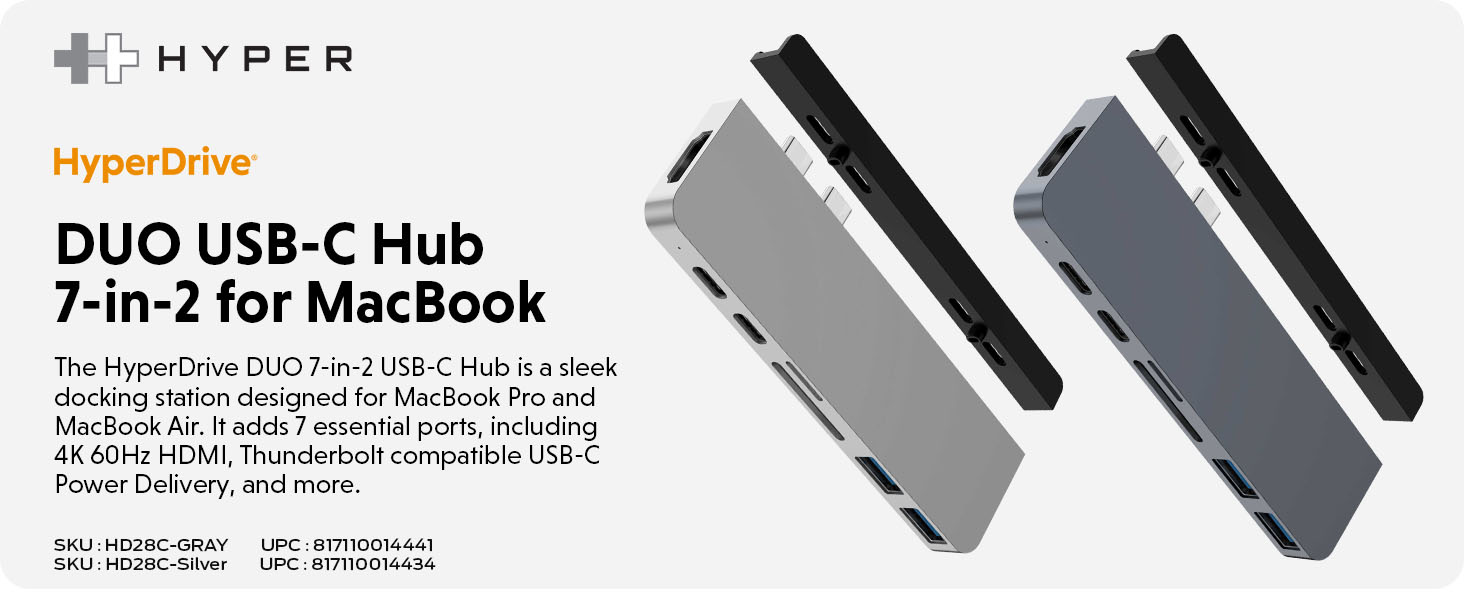
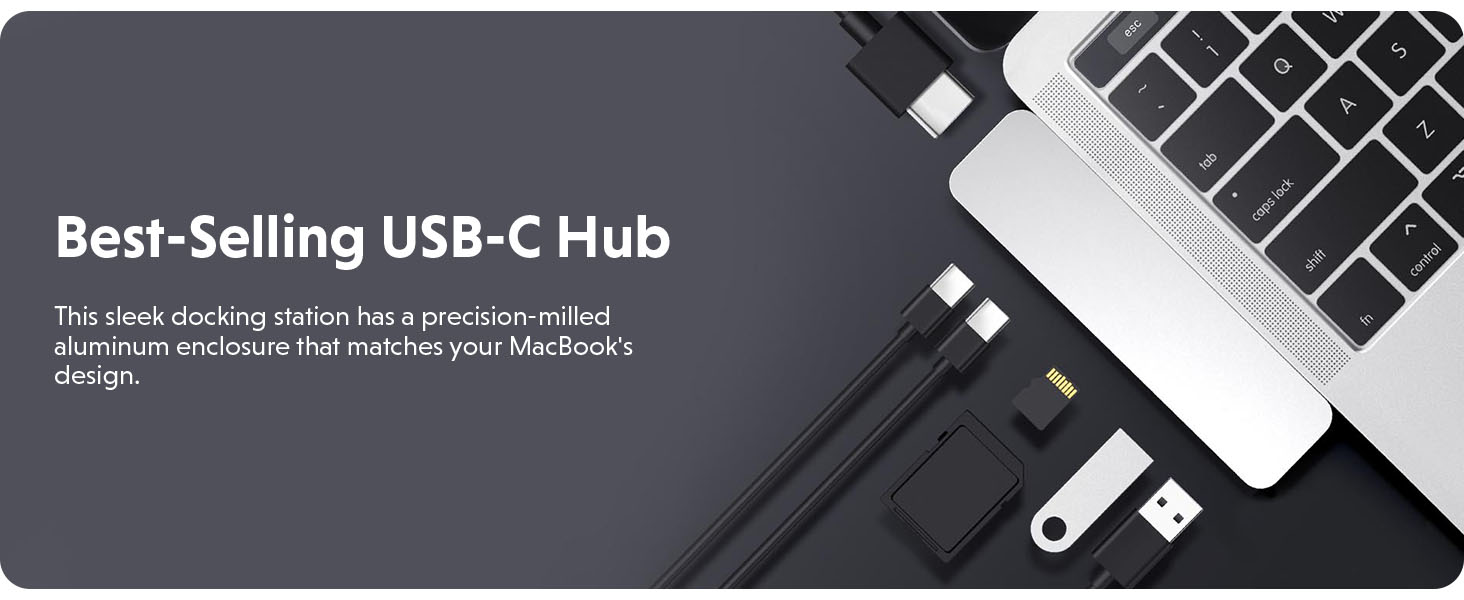
The HyperDrive Duo 7-in-2 USB-C Hub is a precision-crafted MacBook accessory offering 7 essential ports including 4K60Hz HDMI, dual USB-A, SD/MicroSD slots, and ultra-fast 40Gbps USB-C data transfer with 100W power delivery. Its magnetic mount design ensures effortless attachment and detachment, perfectly complementing your MacBook’s space gray finish while expanding your device’s connectivity and charging capabilities.
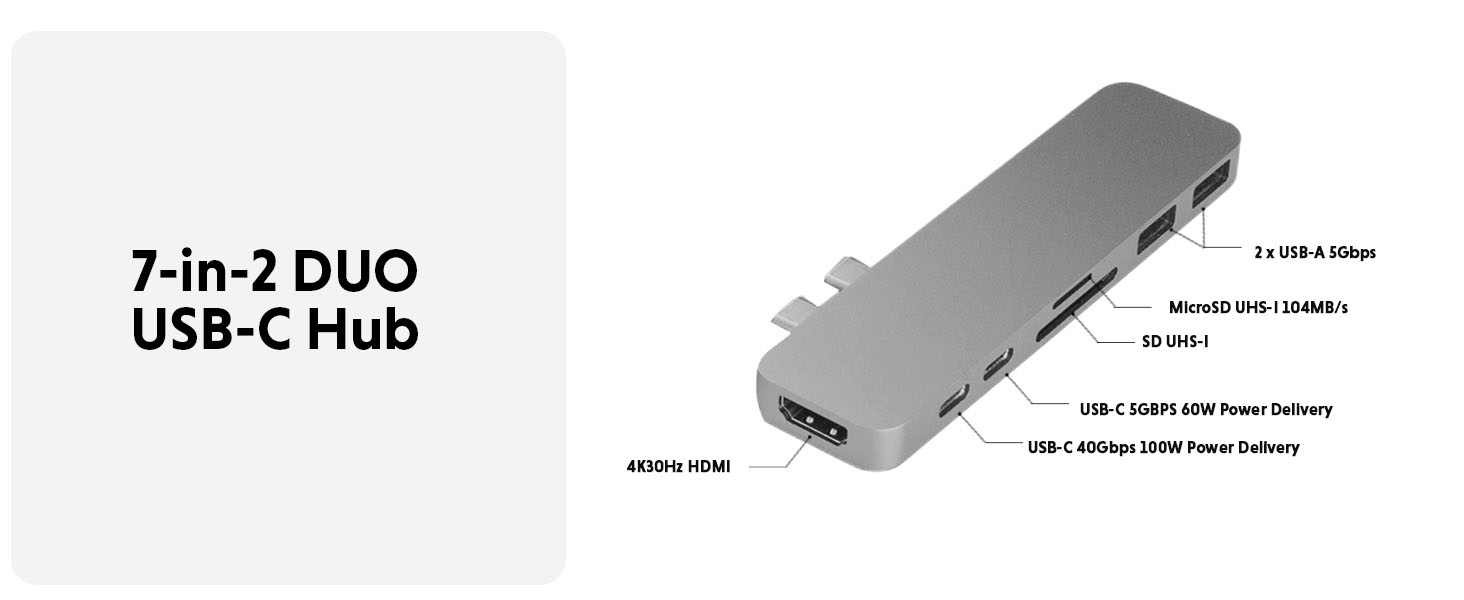
| Data Transfer Rate | 5 Gigabits Per Second |
| Number of Ports | 3 |
| Operating System | Mac |
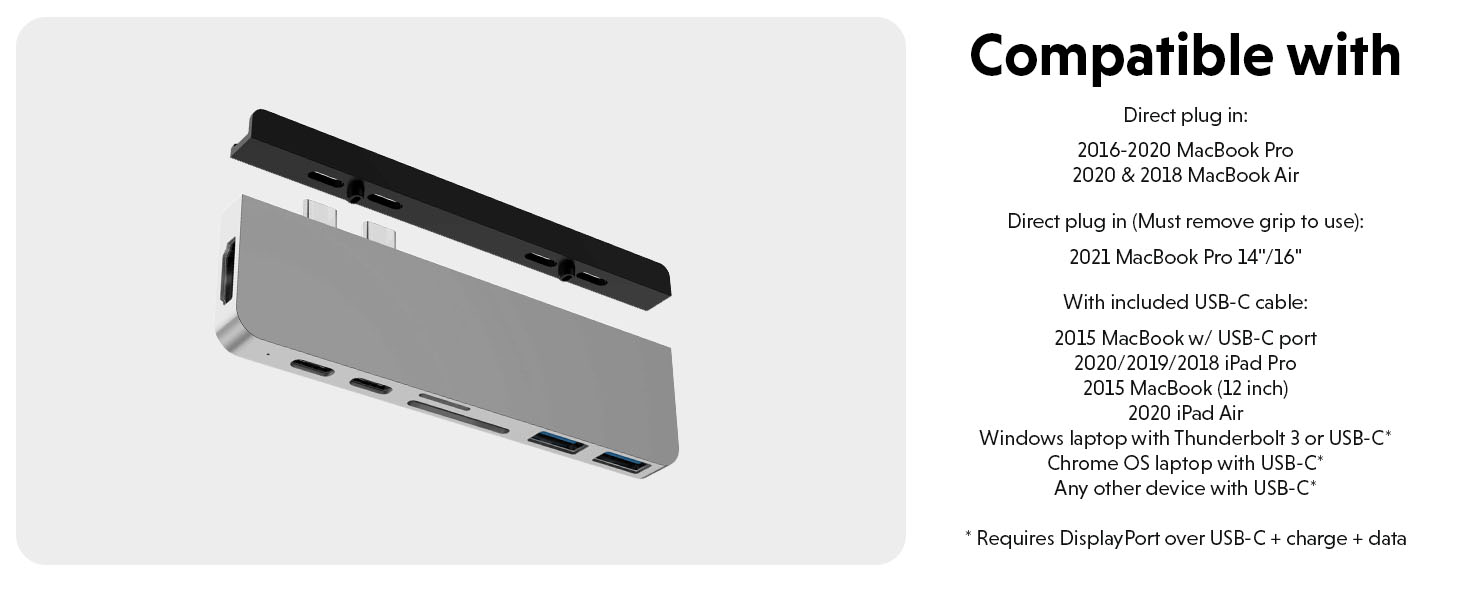
| Compatible Devices | Not compatible with M2 MacBook Air, M1 Pro/M1 Max MacBook Pro 14" and 16"; Direct plug in: 2020/2019/2018/2017/2016 MacBook Pro, 2020/2018 MacBook Air; Direct plug in (Must remove grip to use): 2021 MacBook Pro 14"/16"; With included USB-C cable: 2015 MacBook w/ USB-C port, 2015 MacBook (12 inch); 2018 iPad Pro or newer, 2020 iPad Air; Windows laptop with Thunderbolt 3 or USB-C*; Chrome OS laptop with USB-C*; Any other device with USB-C*; *Requires DisplayPort over USB-C + charge + data |
| Total Usb Ports | 7 |
| Hardware Connectivity | MicroSD, HDMI, Thunderbolt |
| Additional Features | Slim |
| Item Weight | 42 Grams |
| Item Dimensions L x W x H | 4.5"L x 1.61"W x 0.35"H |
| Material Type | Crystal |
| Color | Gray1 |
V**U
Best MacBook Pro external hub ever
Great hub. Had this thing for a long time. I use it all the time to connect my mouse, keyboard, and my external hard drive to my 2019 MacBook Pro. It’s fast and slick. I do use the external cable just so it’s a bit far from my Mac so it’s harder for me to accidentally hit it since my Mac is on a item that slants it. Would 100 percent recommend if you need to run a lot of things at once. Just be aware it can get a little warm sometimes if you use all of the slots at the same time otherwise it’s fine!
S**I
great
It works great, matches to my MacBook Pro, and lasts for a while. I love this.
K**N
Works just fine, but...
Works just fine. Light, compact and gives you the ports you need with the new M1 MacBook Pro. HOWEVER...it really needs a Gigabit Ethernet port and doesn't have one. If you try to go with a version that has one, then you lose your SD port. This sucks because photographers have to choose between the convenience of downloading photos from your SD card or the convenience of uploading images to your cloud. You don't have an option that allows for both.
A**N
Quits on me
I bought this part so that I could use a larger monitor with my Apple Worldbook. It was great at first but then it started occasionally to quit out on me, so that my monitor would go black. I would jiggle the connection and sometimes it would come back on. Generally after a break, with my laptop not connected it would start up again. The first time I purchased this from the recommendation of a major computer retailer. I bought a second unit from Amazon, thinking that perhaps it was just an unlucky manufactured device. The second one gave me the same problem. So I ditched it and bought a hub from a third party manufacturer recommended by Apple. I have not had a problem since I did that. I still keep one of the original ones in my briefcase to use as a hub on the road.A
A**U
Good product
Awesome product. Work perfect and is not getting overheated. Recommend
M**P
The magnet makes a big difference
Old product without the magnet was no longer performing well;this product is working great.
P**W
Quit working after two weeks
I am currently a graduate student and wanted this to connect my MacBook Pro to a larger screen and use a wireless mouse and keyboard. This hub quit working after two weeks. It's not worth the money. If you want a dock, spend the money and buy a good one. Don't waste your time with the cheap stuff. You will only end up spending more money in the long run. "You can go broke trying to save money"!
R**Z
Good not perfect
Wish it had an Ethernet port.
Trustpilot
4 days ago
2 days ago