We remain fully operational. Our teams are working around the clock to ensure your deliveries continue safely.

DOWNLOAD THE APP


Customer Services
Copyright © 2025 Desertcart Holdings Limited
DOWNLOAD THE APP
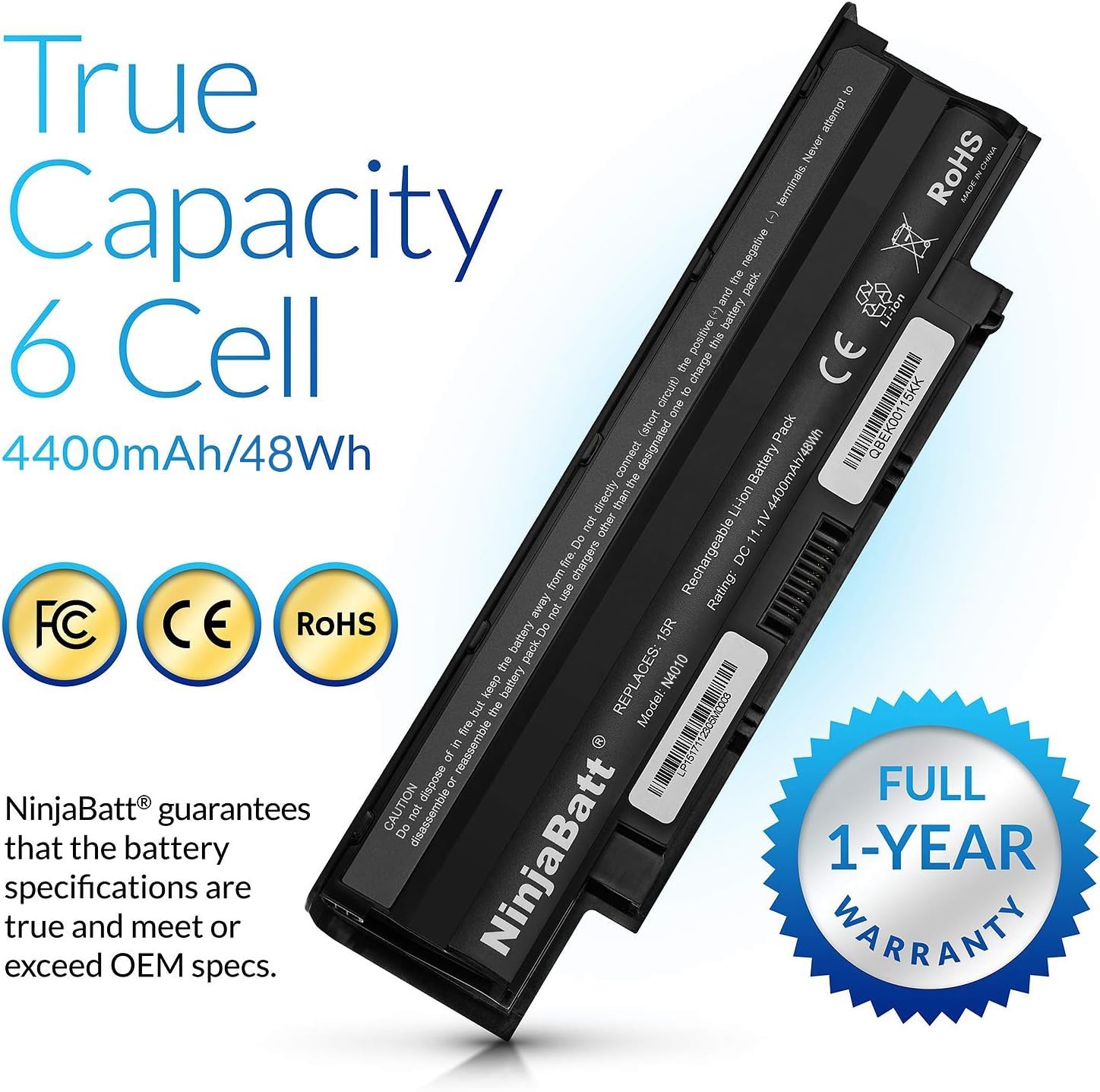
![- Battery for Dell J1KND N7110 N5010 N4110 N7010 3750 N5110 N4050 9T48V M5030 N5030 3550 N5050 N5040 3520 17R 1540 4T7JN P20G N4010 3420 M5040 15R - High Performance [6 Cells/4400mAh]](https://m.media-amazon.com/images/I/71ve6W05z8L.jpg)




🔋 Power up your productivity with NinjaBatt — never miss a beat!
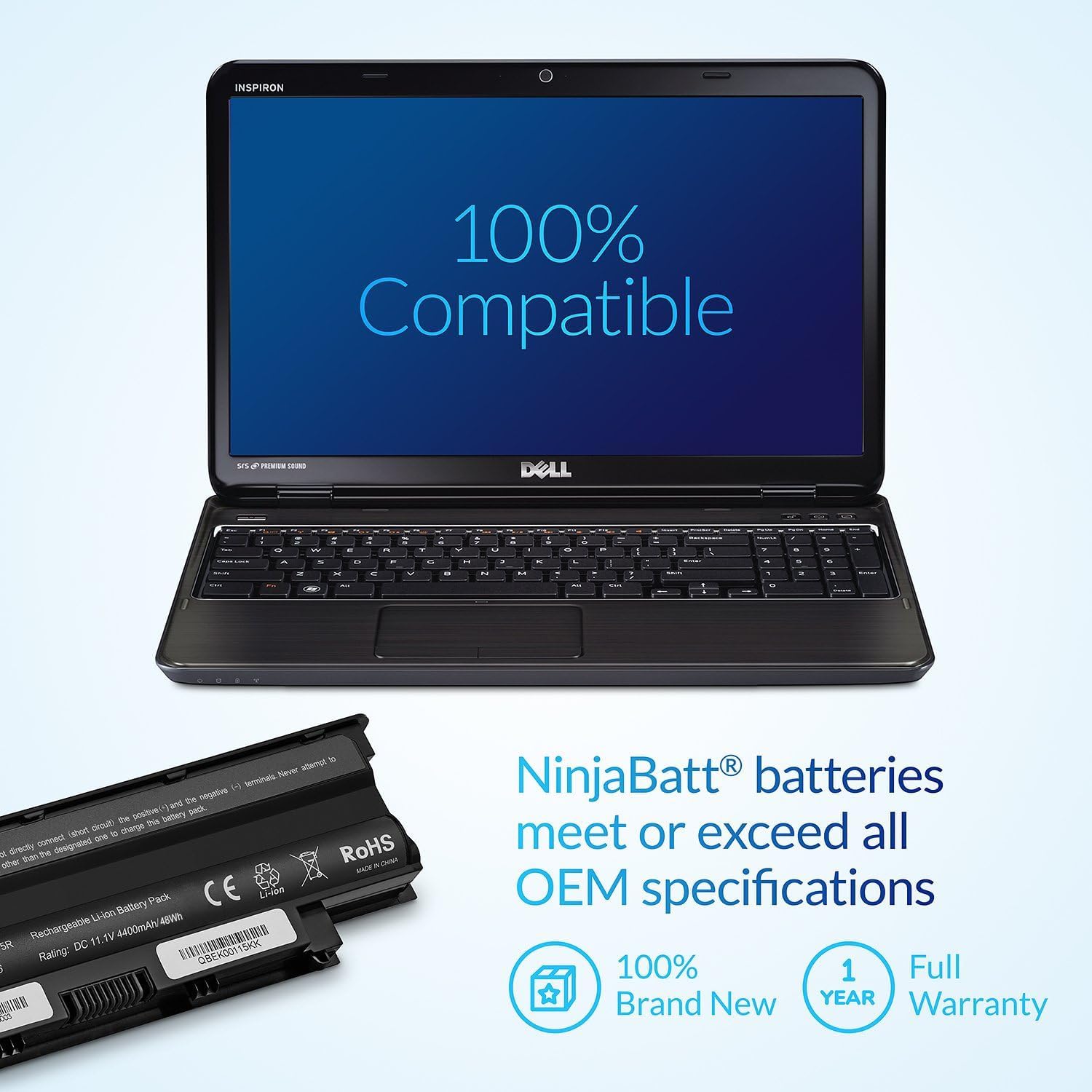
NinjaBatt’s high-performance 6-cell 4400mAh lithium-ion battery is a premium replacement for select Dell Inspiron and Vostro laptops, delivering reliable 11.1V power with advanced safety features and up to 500 charge cycles, all backed by a 12-month warranty.


| Brand | NinjaBatt |
| Series | Dell Inspiron/Vostro J1KND |
| Item model number | N4010 |
| Item Weight | 14 ounces |
| Product Dimensions | 2 x 4 x 10 inches |
| Item Dimensions LxWxH | 2 x 4 x 10 inches |
| Voltage | 11.1 Volts |
| Batteries | 1 Lithium Polymer batteries required. |
| Manufacturer | NinjaBatt |
| ASIN | B00YJCJC3Q |
| Is Discontinued By Manufacturer | No |
| Date First Available | May 30, 2015 |
W**T
Perfect so far.
I made the mistake of leaving my laptop plugged in but unused for many months. When I finally turned it in again, I was getting a critical battery message. I ordered the replacement, which I felt was a reasonable price. It came in the usual Prime time, nicely packaged in a box with padding and informative instructions. I now know what to do if I neglect my laptop again! This battery fit perfectly and so far is working great. Longevity is unproven as I just replaced the old one, but I still recommend it.
N**E
Reliable, Long-Lasting, and Safe – Always Go Ninja 🥷💻
Ninja Batteries are always my go-to when replacing laptop batteries. I’ve used them multiple times for customer repairs and personal devices, and I’ve never had a single dud. These batteries are solidly built, reliable, and hold a charge exactly as advertised. My customers are always satisfied, and I never have to worry about safety or premature failure.Installation is simple and straightforward—even if you’re not a tech pro, swapping it in is a breeze with the proper tools. Fitment is perfect, just like OEM, with no forcing or awkward alignment. Once installed, the battery charged up quickly without overheating, and it holds a solid, long-lasting charge that rivals or even outperforms some stock batteries. 🔋⚡Compared to the cheap knock-offs out there that are a fire hazard waiting to happen 🔥, Ninja gives me peace of mind. The packaging is professional, and the battery comes well protected. Even after several charge cycles, the performance is consistent and dependable.If you're looking for a safe, high-performance replacement battery that won’t fry your motherboard or burn your house down, this is it. Highly recommend for techs, students, and DIYers alike! 🛠️✅
E**A
Weird way to make it work on my Dell 7110
I got one of these a couple years ago for my 7110 and I always thought it was defective or incompatible with my Dell 7110 because it wouldn't charge. What would happen is that the battery light would alternately flash orange and white and the laptop wouldn't charge. So I figured I'd try another one so I ordered a new one and plopped it in and same behavior - no charge and wildly flashing battery light.I thought great my old 7110 is done and I need a new laptop. But before committing to a new laptop, I did some searching on this flashing light issue. Some folks said it was the power adapter but the bios recognized it as a 90w adapter. Others said it was the power jack - gets broken somehow. Others said it was Windows software, etc, etc... Somehow I stumbled across a Dell troubleshooting site and a person had posted a fix that corrected this issue on their 7110 - so I thought what have I got to lose (this only applies to the 7110 afaik so don't try this on other Dells and if you do, it's all on you!!!):Boot up Windows normally with AC adapter plugged in.While Windows is booted - remove the battery pack - yes - remove the battery pack while windows is running. Just take it out...do it! Windows continues to run but it will indicate that the battery is missing.Open Device Manager and click on the Batteries entry: Delete the AC adapter and the compliant batter y entries. Uninstall them completely.Reboot with the battery pack still out of the laptop and get to the Windows desktop. At this point the battery light should be out completely and there will be an X in the battery icon on the task bar. Now reinsert the battery pack - yes - put the battery back in the while Windows is running. Some things will happen.Reboot.When my 7110 came back up, the battery started charging and the light was a solid white while the battery charged. No orange/amber light was seen and it fully charged the new pack from 80% (out of the box) to 100% in about 30 minutes.So with all that said and done, I have two battery packs and a working laptop. These lithium packs are nice and pretty solid so I give them a 5. They fit without drama and seem to charge fast and hold a charge longer than the OEM pack did.Thanks
T**.
nice battery life
easy install. battery lasts at least a couple hours now (my last one was less than an hour....), so I'm happy given the price.
L**
Still working and was easy to install
This was perfect for my computer , easy to install.
M**T
As advertised. Good product and value
Battery was as described with easy installation. Have used for a week and to this point is certainly maintaining a good charge.
S**Y
Not compatible with Dell!
The specs matched my Dell Inspiron 3501 from 2021, but when installed, the BIOS recognized it as an aftermarket battery. On POST, it displayed the error and stated that the laptop would not charge the battery. This is an immediate fail, as the battery is useless to me.
K**Y
Works
Works.
Trustpilot
1 week ago
4 days ago