

Desert Online General Trading LLC
Warehouse # 7, 4th Street, Umm Ramool, Dubai, 30183, Dubai
Desert Online General Trading LLC
Warehouse # 7, 4th Street, Umm Ramool, Dubai, 30183, Dubai




🔥 Transform your wardrobe with flawless, fade-proof style!
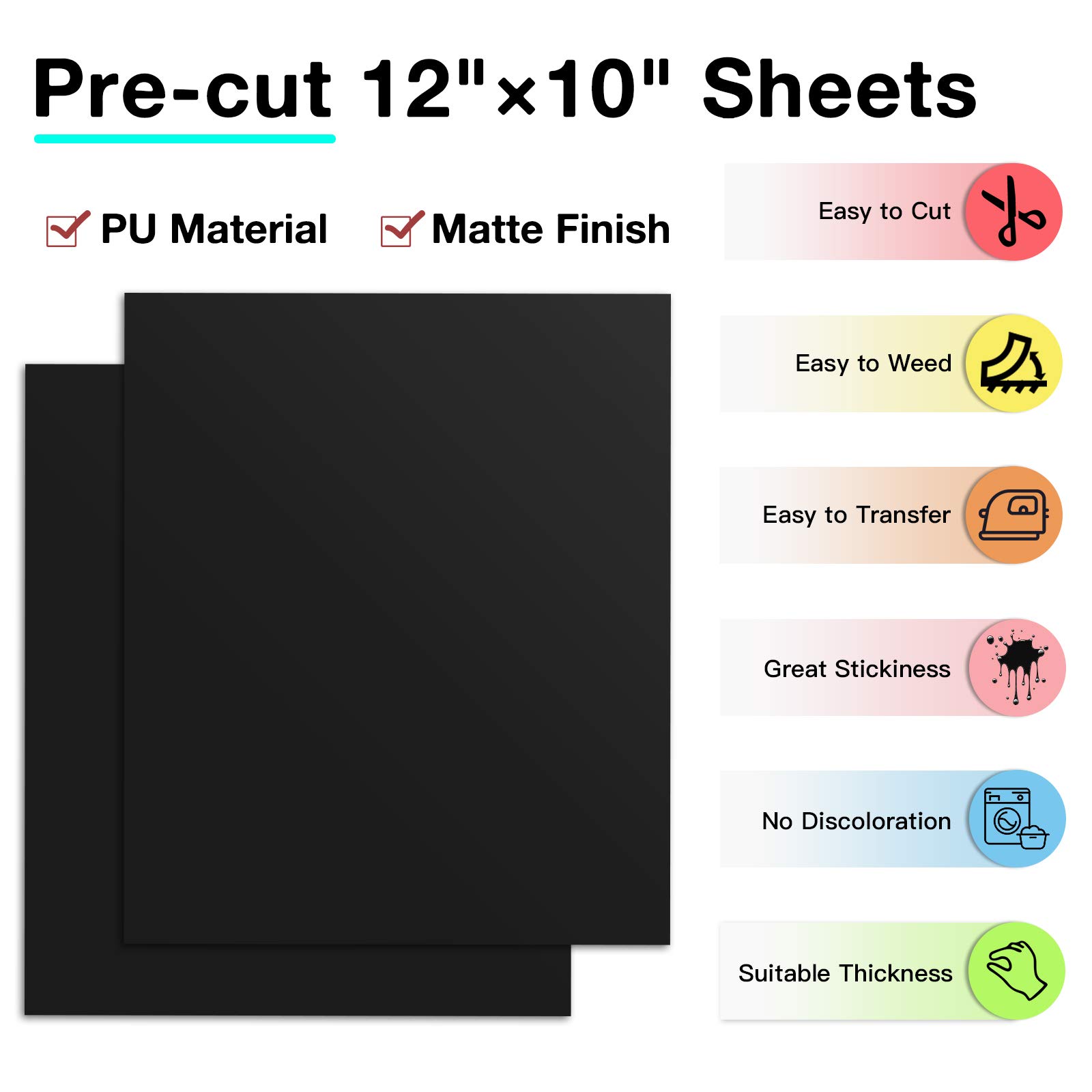
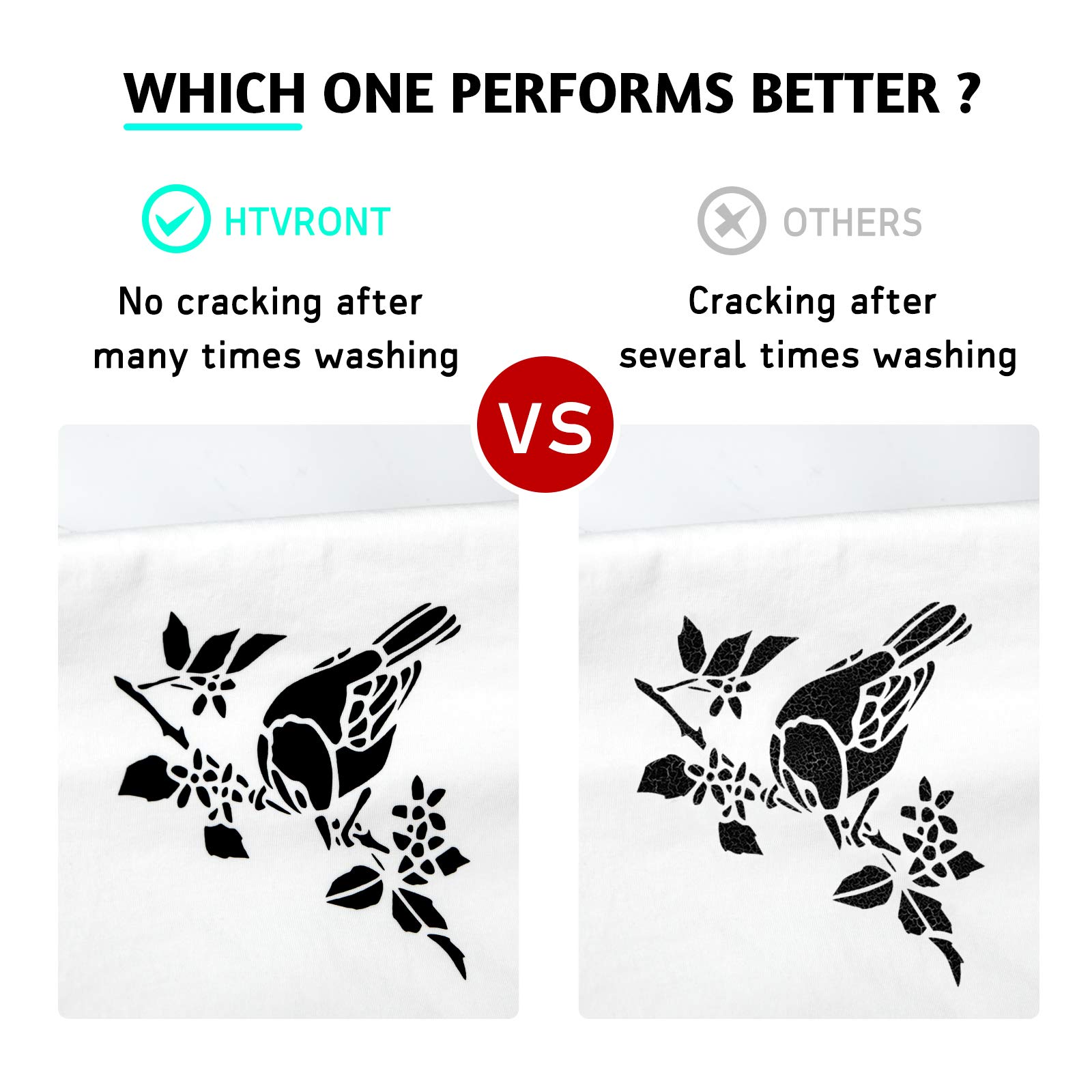
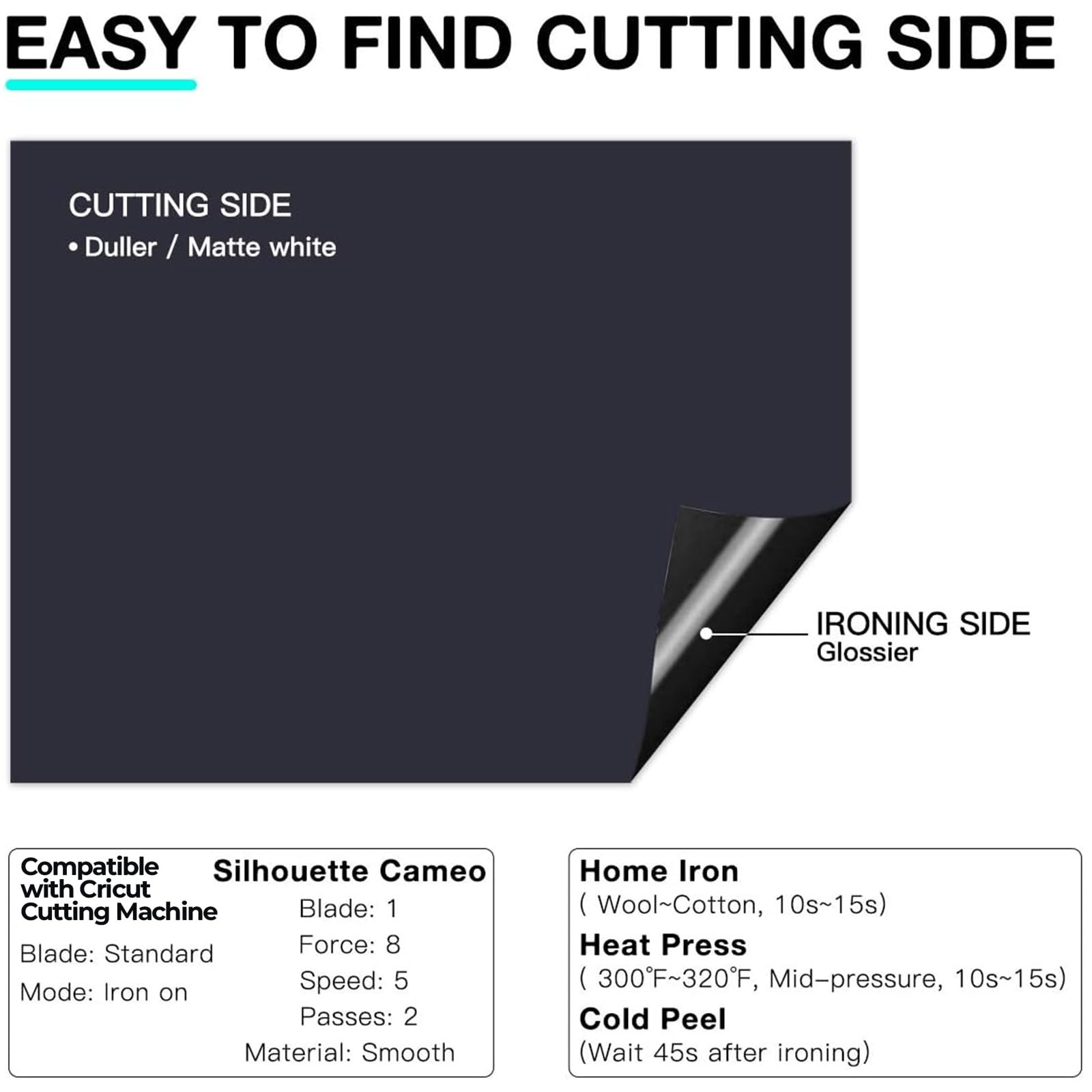
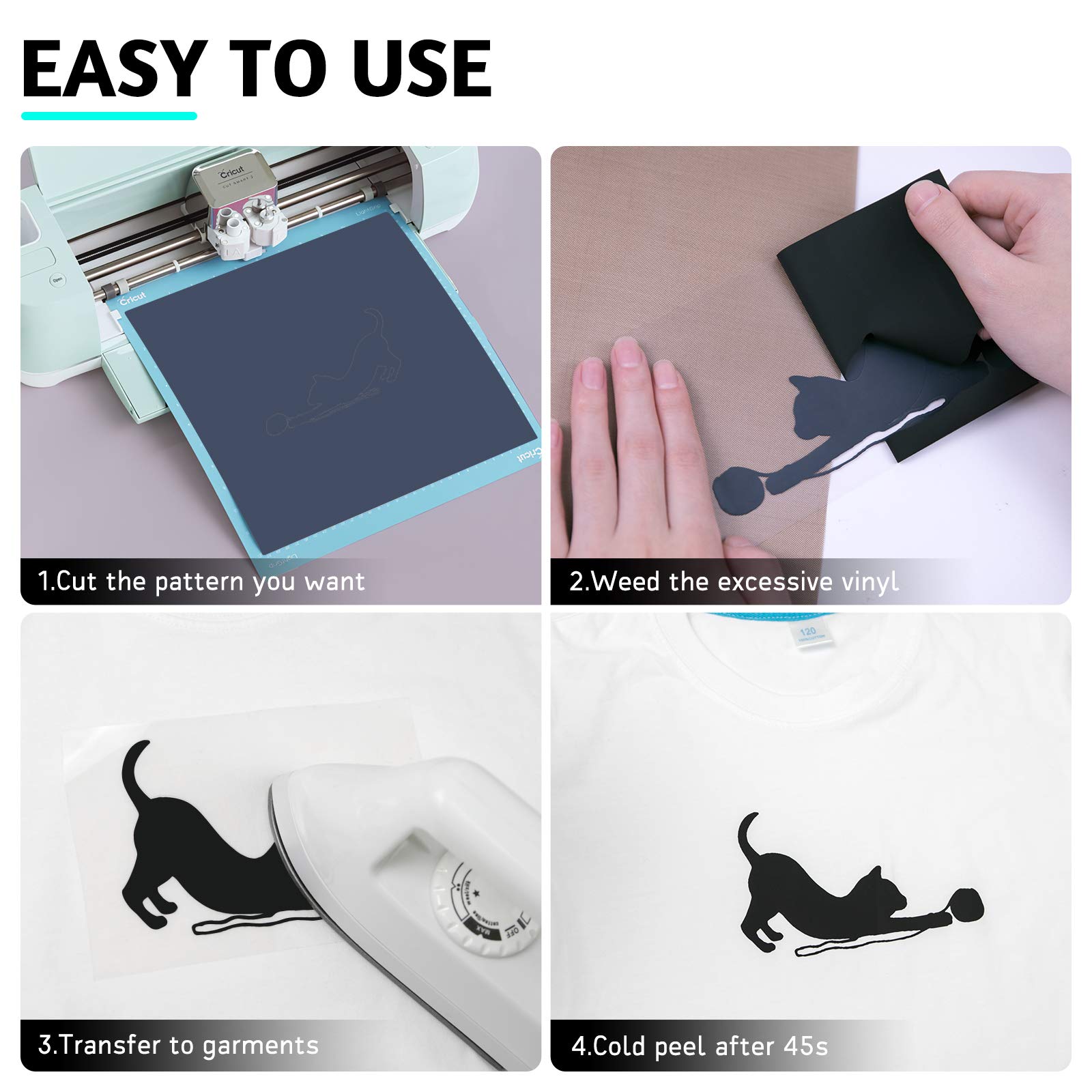
The Black HTV Heat Transfer Vinyl Bundle includes 13 premium 12" x 10" matte black PU vinyl sheets engineered for easy cutting, weeding, and cold peel heat transfer. Compatible with Cricut and Silhouette machines, this eco-friendly, machine washable vinyl adheres strongly to various fabrics, ensuring durable, vibrant designs that resist fading and cracking. Ideal for personalized apparel, gifts, and creative projects.


| Brand | HTVRONT |
| Colour | Black |
| Material | Cotton |
| Size | 12" x 10" |
| Number of Pieces | 13 |
| Manufacturer | HTVRONT |
| Item model number | HTVRONT-SG018601 |
| ASIN | B08K4B2743 |
K**
Great product!
I enjoy this product because it cuts easy and the color stays vibrant. It stays on long. The pre-cut rectangles make it much easier sticking it to the mat than other roll on versions. I have ordered 3 times and this will continue to be my go-to iron on vinyl.
G**C
Black vinyl
I purchased this black vinyl to use with my cricket machine. I’ve used it on a number of arts and crafts and it works great. It’s easy to weed and it’s very durable. I would definitely purchase again.
L**T
Overall great! Different Shirts, Different Results.
I used 3 different types of shirts for my project, with different results on each. To achieve success, I modified the temp and added a few steps. I have not yet washed the designs. Just based on the making, I would buy this material again.- Heavyweight “Comfort Colors” cotton shirts from Hobby Lobby had the best adhesion results. Gildan “ Heavy Cotton” was the most difficult to adhere, and pulled up slightly even with warm film removal. I used the Re-Press instructions below to fix it.- Included instructions for Silhouette Cameo settings were spot-on. Instructions say “Material: Smooth” which means “Heat Transfer Vinyl: Smooth”. I used a mat.- Weeding: There is no “protective backing.” Yes, sometimes it separates into layers while weeding, but you don’t need to remove a layer from the design elements before pressing.- Cricut Easypress @ 320 degrees for 30 seconds. Use the protective pressing sheet provided and hold with firm pressure. I did 2 pressing cycles on the areas with finer details. Cool only ~ 30 seconds, then remove film. Basically when the film is cool enough to handle, pull it off.- I tried hotter temps (350) as suggested in some other reviews, but that burned a shirt. I dialed it down to 320 and had success. The Re-Press process (below) was the answer to my lifted edges.- CRITICAL: Remove film while still pretty warm! If it cools too long, the adhesive sticks too much and pulls up the design. Hit it with the press for a second if it gets too cool.- Re-Press: after removing film from the shirts I stuck 2 film sheets together (sticky sides together) and re-pressed all my designs with the film sheet plus protective pressing sheet provided. This fixed all the lifted edges.
J**O
First Time was a Charm!
I used this to add cut outs to a large banner. All I needed was a pair of sharp scissors and a regular iron. My concern was that I was adding cut out stars to a polyester background and didn't know if the heat needed to adhere the cutouts would melt the synthetic fabric. It worked just fine! Another helpful user tip if you are doing this manually: a fineline marker that works on plastic like a permanent marker is helpful to draw your shapes in order to cut them out. That plastic film will be peeled off so the marks dont matter.
G**N
Great HTV paper
Good quality HTV paper. I used it to make shirts for my boss. It was easy to cut on my Cricut and iron on.
Trustpilot
2 months ago
2 weeks ago