
🖥️ Elevate your screen game with vibrant clarity and seamless versatility!
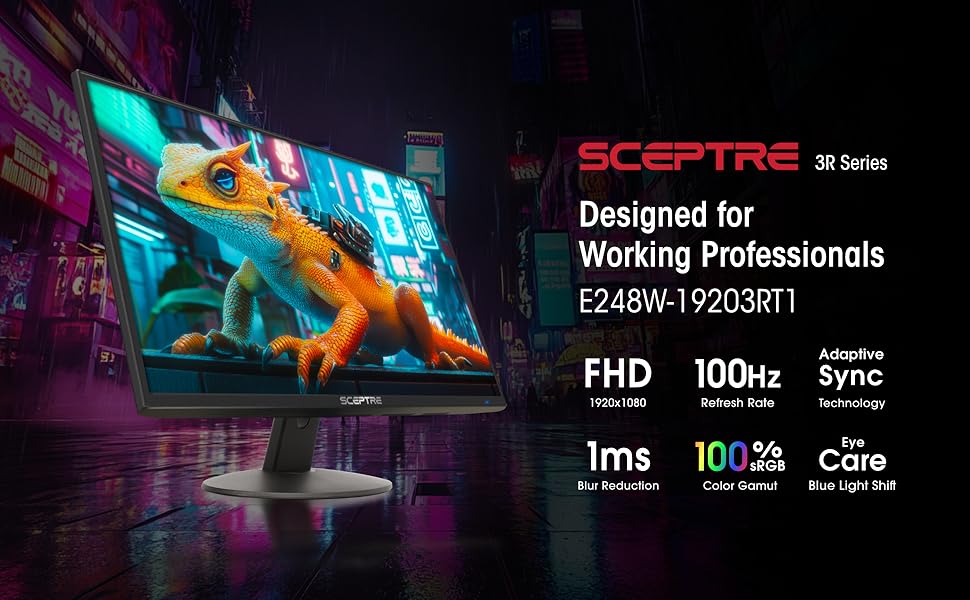
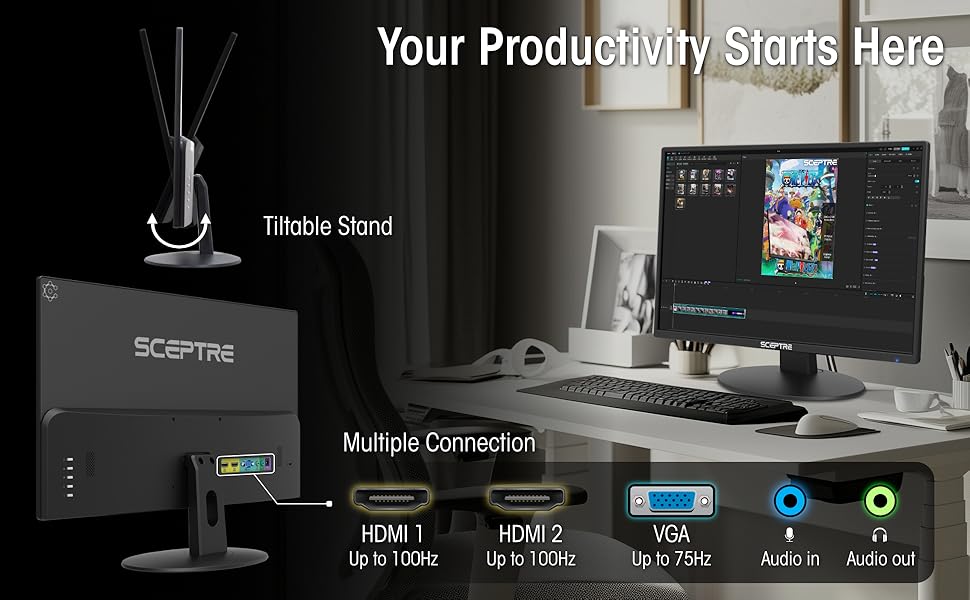
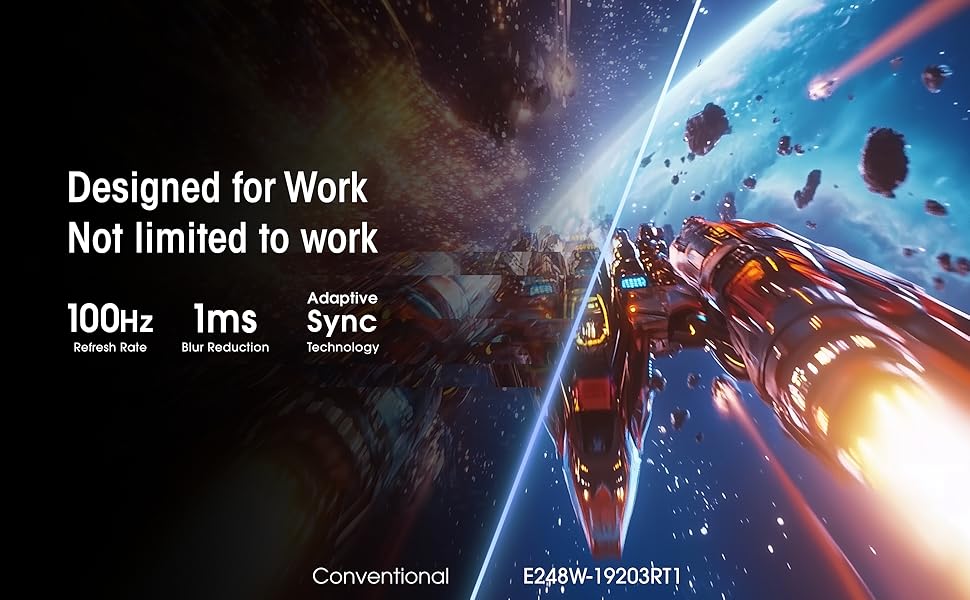
The Sceptre 24-inch Prime Monitor combines a 1080p Full HD LED display with a 99% sRGB color gamut and a rapid 1ms response time, delivering crisp, vivid visuals ideal for both professional and gaming use. Equipped with dual HDMI and VGA ports, built-in speakers, and eye-care features like Blue Light Shift, it offers versatile connectivity and comfortable viewing in a sleek, machine black design.

| ASIN | B0773ZY26F |
| Additional Features | Blue Light Filter, Built-In Speakers, Eye Care, Flicker-Free, Tilt Adjustment |
| Aspect Ratio | 16:9 |
| Best Sellers Rank | #329 in Electronics ( See Top 100 in Electronics ) #13 in Computer Monitors |
| Brand | Sceptre |
| Brightness | 250 cd/m² |
| Built-In Media | Monitor Display x 1, Base x 1, Base Screws x 1, User Manual x 1, AC Adapter x 1 (12V/2.5A), Cables |
| Color | Machine Black |
| Color Gamut | 99.0 |
| Compatible Devices | Devices with HDMI or VGA output |
| Connectivity Technology | HDMI, VGA |
| Contrast Ratio | 16:9 |
| Customer Reviews | 4.6 out of 5 stars 38,072 Reviews |
| Display Resolution Maximum | 1920 x 1080 Pixels |
| Display Technology | LED |
| Display Type | LED |
| Global Trade Identification Number | 00792343323037 |
| Hardware Connectivity | HDMI |
| Has Color Screen | Yes |
| Item Dimensions D x W x H | 7.03"D x 21.25"W x 15.53"H |
| Item Height | 15.53 inches |
| Item Type Name | Sceptre E248W-19203R 24" Ultra Thin Frameless 1080p LED Monitor HDMI VGA, Machine Black |
| Item Weight | 5.77 Pounds |
| Manufacturer | e-Sceptre |
| Model Name | E248W-19203R |
| Model Number | E248W-19203R |
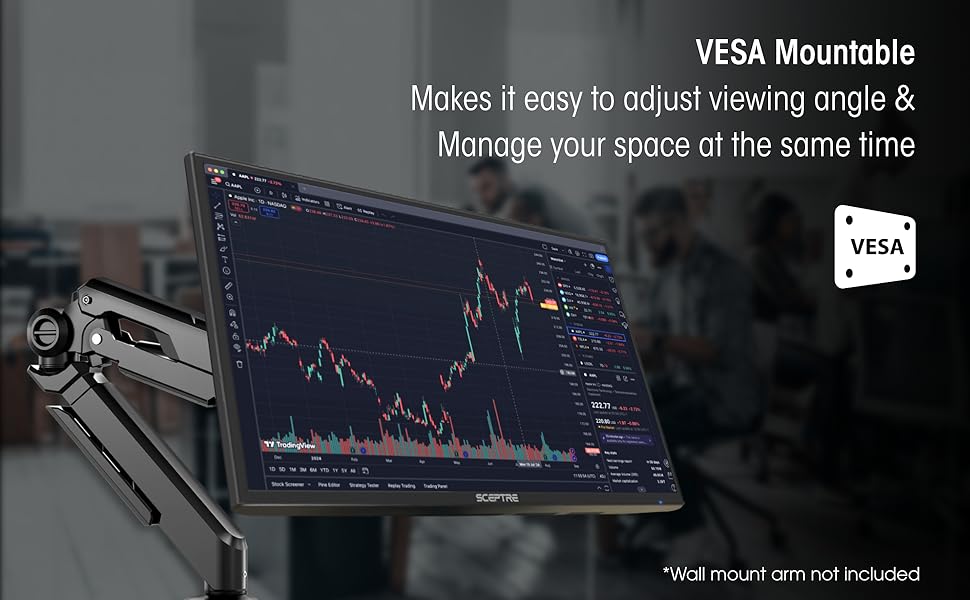
| Mounting Type | Wall Mount |
| Native Resolution | 1920x1080 |
| Number of Component Outputs | 3 |
| Picture Quality Enhancement Technology | Yes |
| Power Consumption | 25.4 Watts |
| Refresh Rate | 60 Hz |
| Resolution | FHD 1080p |
| Response Time | 1 Milliseconds |
| Screen Finish | Glossy |
| Screen Size | 24 Inches |
| Series Number | 2025 |
| Shape | Round |
| Specific Uses For Product | Business, Gaming, Multimedia |
| Total Number of HDMI Ports | 2 |
| UPC | 792343323037 |
| Unit Count | 1.00 Count |
| Viewing Angle | 178 Degrees |
| Voltage | 12 Volts |
| Warranty Description | limited one year |
| Warranty Type | 1 Year Manufacturer Warranty |
M**I
Perfect!
Needed a basic monitor for my 11yr old son's xbox...this is perfect! Built-in speakers and hi quality resolution at a very affordable price. Set up super easy. He's thrilled. !
A**R
Good monitor for the price
As others have mentioned, while not "ideal" this monitor is good for the price (I paid less than $70 US when I purchased my monitor). I was previously using an aging 23 inch TV as my "monitor". However, that TV was in the process of dying, so I found this monitor on Amazon. After a few minutes of setup, the monitor worked to provide video and audio to both my computer (a Raspberry Pi) and my XBox series S (both devices connected via an HDMI switch I have). While this monitor is not what I would call "perfect", it does do a decent job of meeting all of my "must have" needs. In my ideal world, I would have liked the monitor control buttons to be on the front (for example on the bottom of the bezel) where they would have been more easily reachable, instead of the awkward action of moving your hand to the rear of the monitor every time you want to adjust the monitor (even when that adjustment is just raising or lowering the audio volume). Also, even with an "external speaker" (which I have) the sound isn't great. Still the video is decent and the sound is functional, so I have little complaints on the lack of "premium features" on this "budget monitor". NOTE: One thing I did find out (from experimentation with my monitor) is that you can turn this monitor on/off with an external switch that you plug the monitor's power adapter into. This is handy, as you can position that external switch to be easy to reach, preventing you from needing to reach around to the back of the monitor to use the official monitor power button. NOTE: When I first tried this monitor with my XBox, I was getting an annoying buzz on the audio. However, I eventually tracked this problem down to the XBox audio settings. Apparently my old TV had some support for "Dolby Stereo", and so I had previously enabled that audio option in my XBox. The problem was when I switched to this monitor (which lacks Dolby audio), there was a mismatch between what audio the XBox was trying to send and what this monitor could accept. Once I realized that was the problem, it was a simple matter to go into the XBox audio settings and tell the console to only send basic uncompressed stereo to the monitor (and the buzz problem immediately went away).
L**Y
very very very good monitor for my son
very good monitor lightweight picture quality was gorgeous it has good durability and its functionality was perfect and so was the cable connection it was fantastic
M**T
Very clear picture
This is a very good monitor for the money. I bought it for work because it has a built-in speaker. Everything is great, but the speaker sounds tinny while playing music. Other than that I would highly recommend it.
B**Z
For the PC enthusiast on a budget. Best budget tertiary screen on Amazon.
Exactly as advertised. This is NOT a gaming monitor, please do not expect to get a great gaming experience from it. What it IS, is a highly durable, highly mobile, lightweight second monitor that can do pretty much anything not resolution demanding. In the roughly year I have been using this monitor, there has been zero flickering. This is a excellent low cost second monitor, with IPS panel levels of response times. That is to say, the panel has an extremely quick response time, and shows no ghosting or afterimages even during action scenes in movies.
P**Y
Just what we needed at work!
Great for the price point! We don't use these monitors for gaming, but at work. They have been very reliable so far, are much larger than what we had before, and are easy on the eyes.
D**Y
Perfect for gaming
Great quality. Picture and colors amazing and easy to set up. Thank you!
J**N
I am extremelly impressed with this monitor! Great buy specially for gaming!
I have a GTX 1060 laptop, set up is easy and there was no need for me to calibrate anything, I even dare say this monitor looks better than my own laptop screen at 1080p. At first i thought it didn not support 75Hz and the colors were washed out and it was too bright, also on the nvidia panel it said 1080p at 60Hz however this is what you gotta do to fix it. "CALIBRATION" 1. Connect via HDMI 2. Open Display settings and make sure that they are set so that only the 2nd display is turned on, do not put duplicate or extend. 3. Open Nvidia control panel and go to "Change Resolution" 4. You will see two lists, one will say HD, UHD etc, the other one at the bottom will say "PC", (changing the first list will project your laptop screen to the second screen however your laptop is 60Hz and the monitor is 75Hz that is why its limited to 60Hz and colors are washed out, changing the second list will basically use your laptop to power up the monitor at full 75Hz 1080p with the right color calibration.) 5. On list two "PC" change the resolution to 1080p and 75Hz And there you go, now you can use your 75Hz monitor for gaming, make sure to change the settings indvidually in games to 75Hz or they will still run at 60Hz and the colors will be washed out. Now onto the review *** REVIEW *** The screen resolution is full 1920x1080p at 75Hz, the colors are very accurate, it looks no where near like a TN panel, I would say its in between a TN panel and an IPS panel but closer to IPS. It comes with speakers which are ok for the price but I recommend headphones or your own speakers which are probably better if you got this for gaming. This is what comes in the package - Monitor - 4 screws for mounting - Two screws for setting up the monitor (non adjustable height( - HDMI to VGA cable - VGA to VGA cable I really recommend this monitor even if not for gaming, its a great price for what you get and it even comes with two cables. However one thing to note is that the difference between 60Hz and 75Hz is hard to notice in games. Playing Witcher 3 and Rise of Tomb Raider at locked in 75FPS wasn't anything much more amazing than 60FPS. However it is still an improvement. One last thing to confider if you’re debating on a 75Hz vs 144Hz monitor - If you have a graphics card such as the GTX 770,970,1060 Most games (witcher, call of duty, battlefield wont go back 80 fps on ultra / high graphics) so you wont be able to take advantage of a 144Hz monitor, so I suggest this one. UNLESS you play on medium/low settings. - If you have a graphics card such as a GTX 770,780,980,1070 and above, I suggest the 144Hz monitor since these can run most tiles at well above 100FPS so you can take advantage of the monitor. *** UPDATE *** Earlier on the review I said the difference between 60Hz and 75Hz was negligible, I take it back. I played on my laptop which is limited to 60Hz and it feels bad and slugish compared to 75Hz, once you go higher refresh rate you can never go back Its one of those things you dont realise until its taken away, great improvement.
Trustpilot
3 weeks ago
2 weeks ago



