We remain fully operational. Our teams are working around the clock to ensure your deliveries continue safely.

DOWNLOAD THE APP


Customer Services
Copyright © 2025 Desertcart Holdings Limited
DOWNLOAD THE APP

🚀 Elevate your network game with Festa FR365 — where speed meets smart business control!
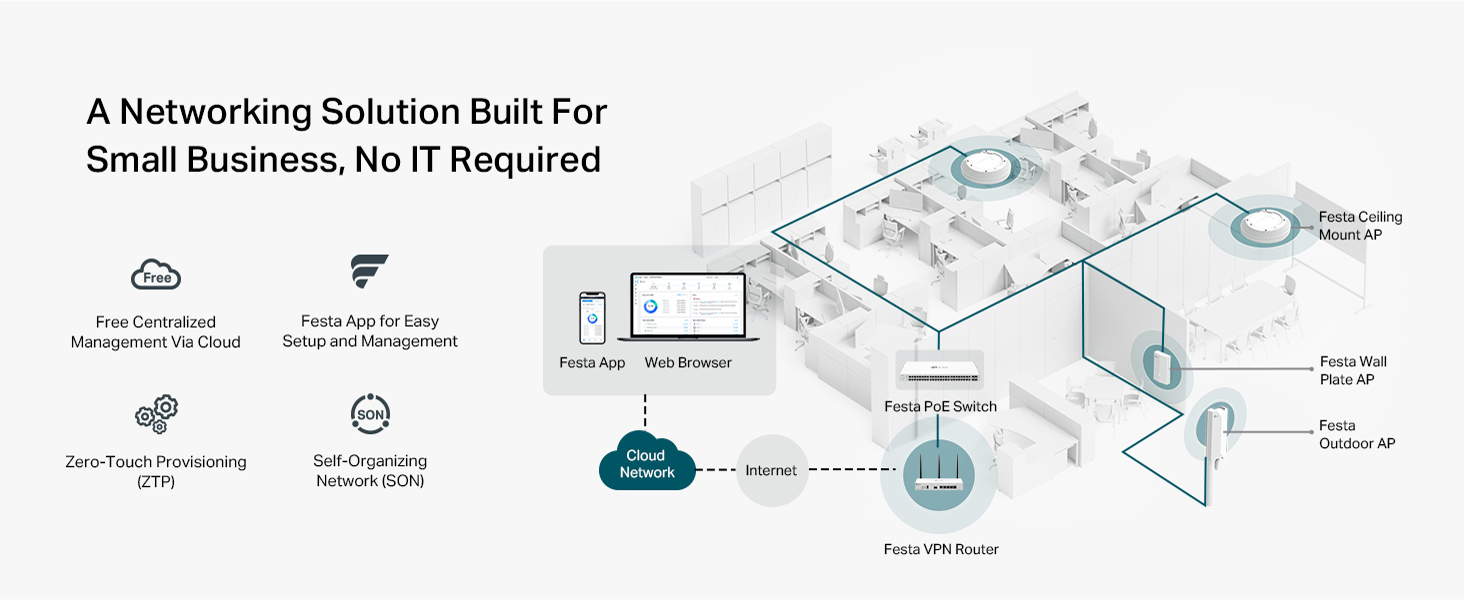
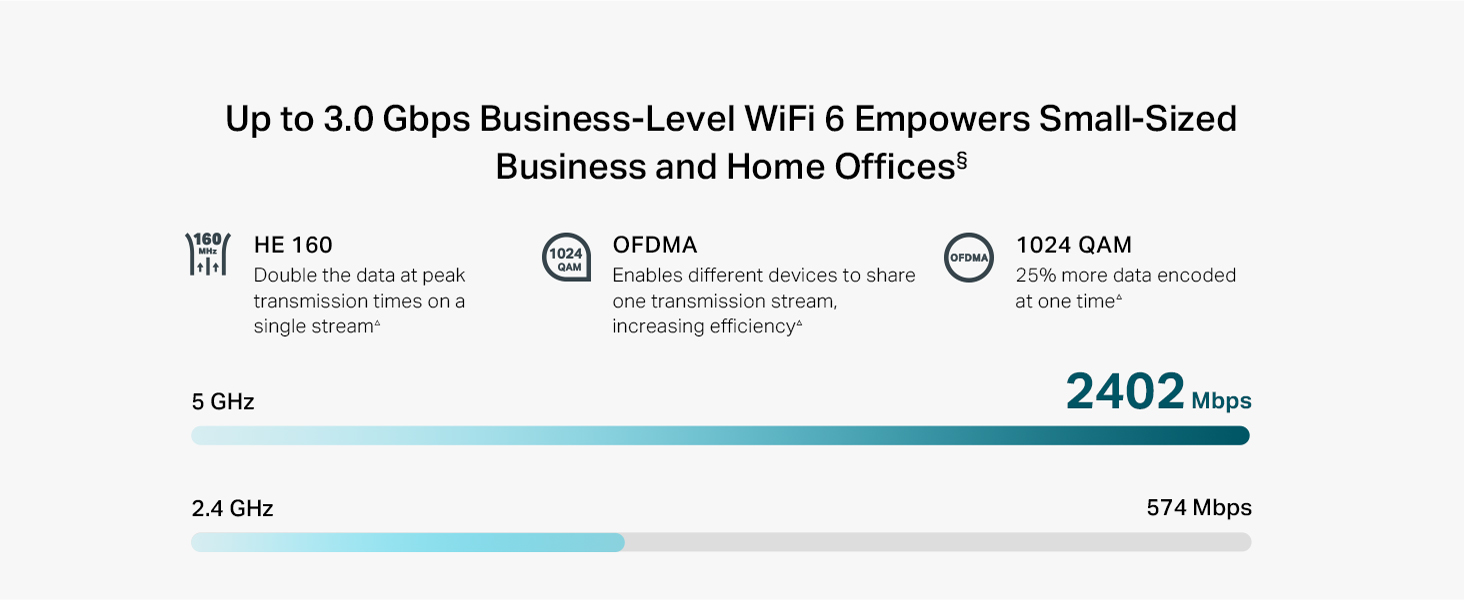
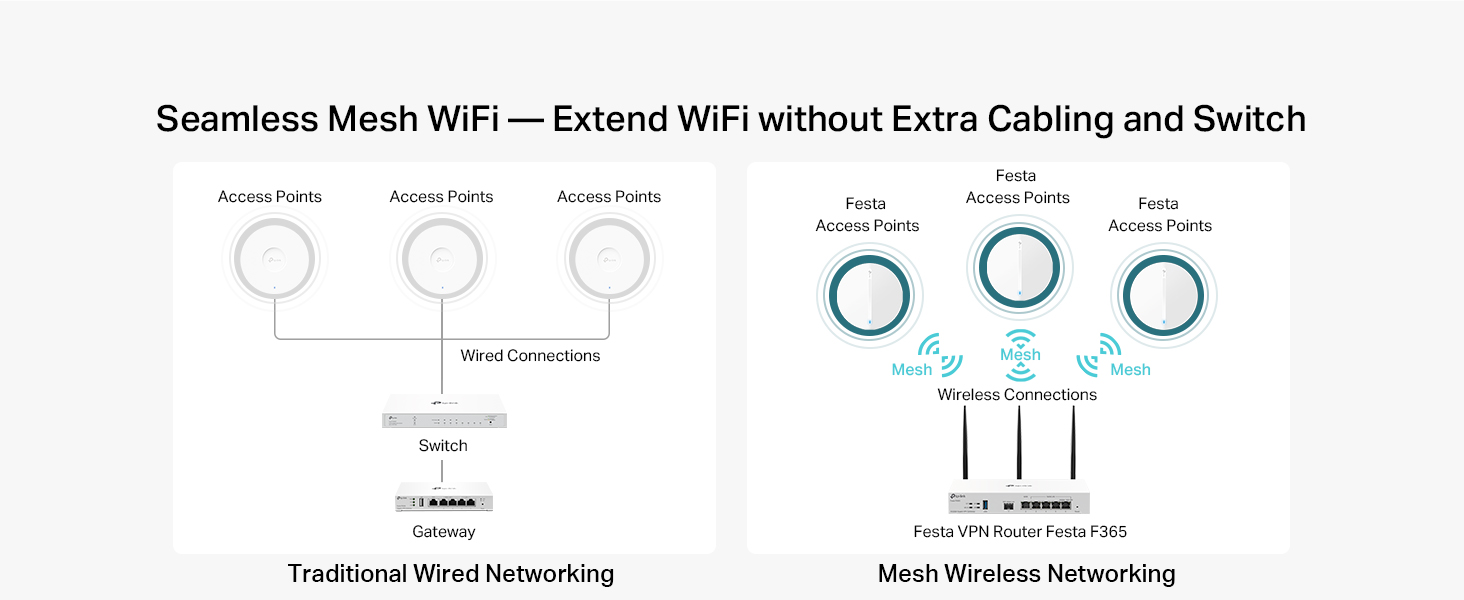
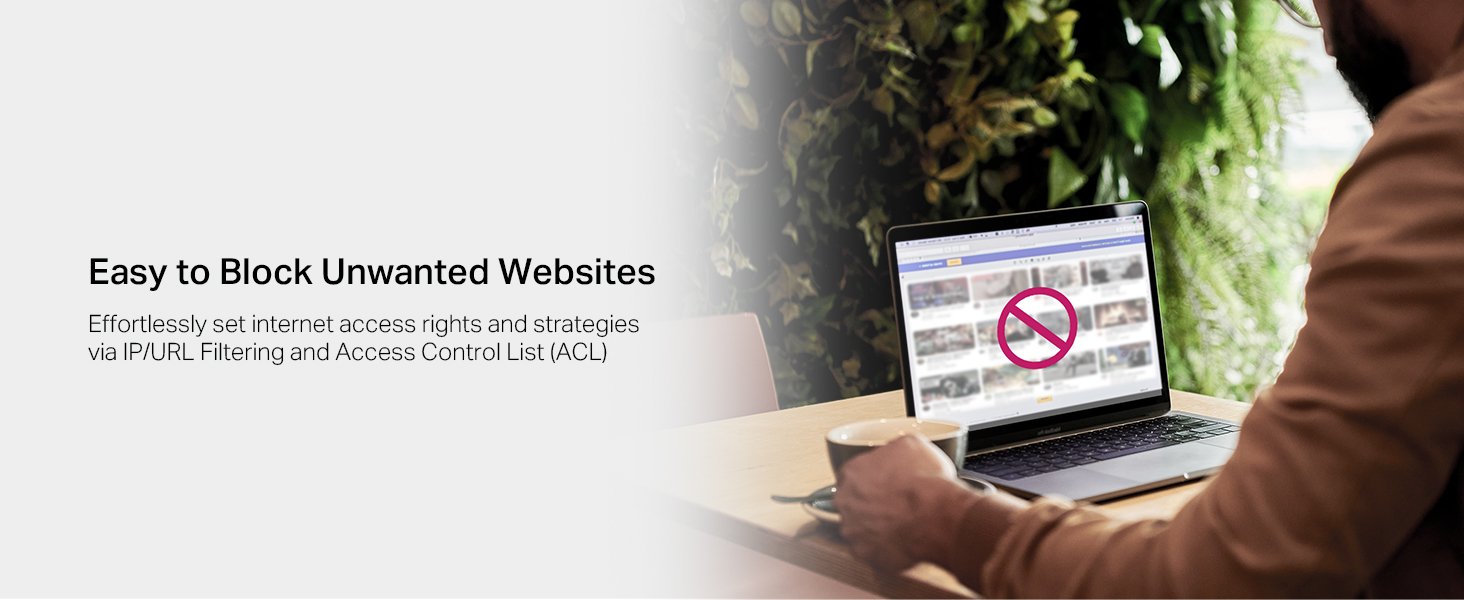
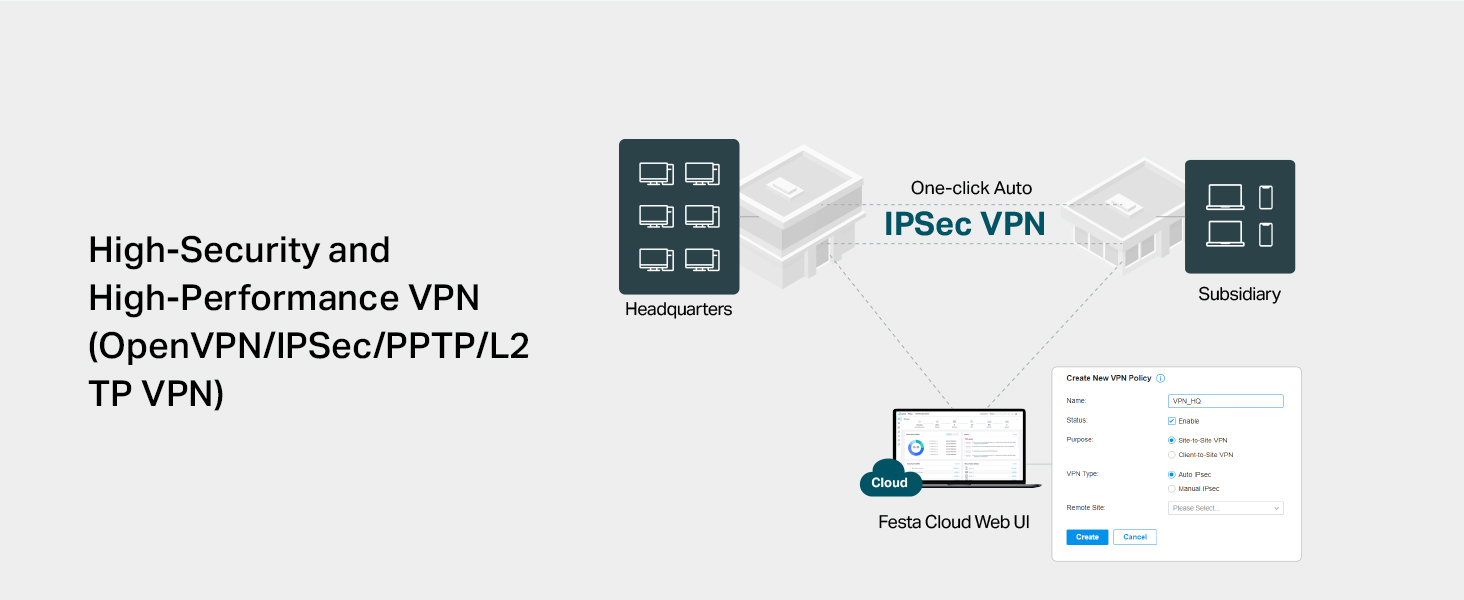
The TP-Link Festa FR365 is a WiFi 6 AX3000 VPN router designed for small businesses and advanced home users. It features six gigabit ports including an SFP port, supports multi-WAN load balancing with up to 5 WAN connections, and offers ultra-fast dual-band WiFi speeds up to 2976 Mbps. Managed via a free centralized cloud platform, it enables seamless mesh networking and robust VPN security with up to 100 IPsec tunnels. Its metal casing and versatile mounting options combine business-grade durability with easy setup, making it a powerful yet user-friendly networking solution.





| ASIN | B0D8M44Q91 |
| Best Sellers Rank | #149,966 in Computers ( See Top 100 in Computers ) #1,800 in Routers |
| Item model number | Festa FR365 |
| Manufacturer | TP-Link |
| Product Dimensions | 18.2 x 7.9 x 37.5 cm; 1.06 kg |
A**S
no funciona el provisionamiento, se queda como confingurando y nunca termina de configurar
E**O
I can't stress this enough. This is by far the worst experience I have ever had with a router. I'm a sysadmin with 8+ years of experience and this box drove me nuts. When you try to access the box locally to set it up, you have absolutely no control whatsoever. The only thing you can do is set up your AP name and that's it. Port forwarding? VLANs? VPN server? All the things they claim they support? They are ONLY AVAILABLE in the cloud version. "It's just the way it is, they're trying to copy Ubiquity" was my first thought. But NO. This is not Omada, their corporate solution... this is Festa, effectively an outdated and unmaintained fork of Omada that targets prosumer users but simply fails miserably. The setup looks fine in the UI but then you realize nothing works. You configure a network and then onboard devices to this network, but there's no effective way to send the settings to the device you're 2 feet away from. Wanna forward a port? You can do it through the UI, but you can't make the router actually do it. I had to wait literally 1 day until magically the port was being forwarded. I can't change my WiFi SSID or password because it doesn't sync it automatically! It's simply unacceptable. Last but not least: wanna configure static IP reservations for your wired devices? YOU CAN'T BECAUSE THEY DON'T SHOW UP IN YOUR DEVICES LIST. Their response: "to be able to view wired devices, please BUY A FESTA SWITCH" even though this device has 5 ports. It's simply the worst user experience I have EVER had with a router. You're better of with a 30 buck router or even your ISP's. I'm telling you, please DO NOT buy this.
P**R
Does not work with surfshark and Nord VPN,l. You have to enter IP address of VPN endpoint.
J**N
I purchased the TP-AX3000 Fest FR365 because I need VPN for a business to Cloud connection for a new cloud application implementation. I setup a new account for the cloud management which was easy and put in the Serial Number of the new AX3000, but I was initially unable to get it Imported into the TP-link management cloud. I tried the online chat for support and once I got past the AI question and asked to chat with a real human, I got connected to Edemer. I typed what we were seeing with the AX3000 being imported, but not connected. Edemer pointed me to the step where I needed to enable the device to be cloud managed. That step did not exist on the quick start guide, but it was in the user manual. I connected to the Web UI on the AX3000 directly and checked the setting to enable management from the TP-Link Cloud. I then needed to FORGET the device and re-import it. Within 5 minutes is was imported properly and manageable from the TP-Link Cloud management portal. The online support chat experience was quick and efficient and Edemer pointed me to the correct solution. The problem was fixed with 5-10 minutes after already spending 2-3 hours trying to get it to import on my own. The product itself seems good. I configured a few port forwards already and will be working on the VPN in the future. The port forwards even have the ability to limit the external source addresses using the port forward, so that is a helpful security feature. Thanks again Edemer for your help on the online support chat.
T**P
I've had Xfinity home internet service for years. It's really the only option where I live in Florida. Hurricane Milton knocked out internet service for a few days. With my work, I really need internet access all the time. So, I purchased StarLink service as a backup provider. I original purchased the TP-Link Festa FR205, but the download/upload internet performance was really bad especially when I added my own wireless network router to the configuration. Anyway, I returned that and purchased the FR365 AX3000. Night and day difference! The FR365 AX3000 rocks! Great performance! I use the WAN load balancing feature (without enabling Application Optimized Routing) and the thruput is fantastic. Native Xfinity provides around 250Mbps and Starlink provides between 50-150Mbps. When used with WAN load balancing, I lose about 10-20%. The FR205 was totally horrible. I could only get about 50-75Mbps. I used client side VPN (SurfShark) and that reduced the thruput about 50%. That is acceptable to me. I haven't tried the embedded VPN option on the FR365 AX3000. When I do, hopefully I can update this review. I also replaced my aging mesh network with the Wireless LAN capability in the FR365 AX3000. This product has a longer range than my old mesh network. So, its a win-win. I hope my experience helps you with make a knowledgeable decision with your use case.
Trustpilot
1 month ago
2 months ago