


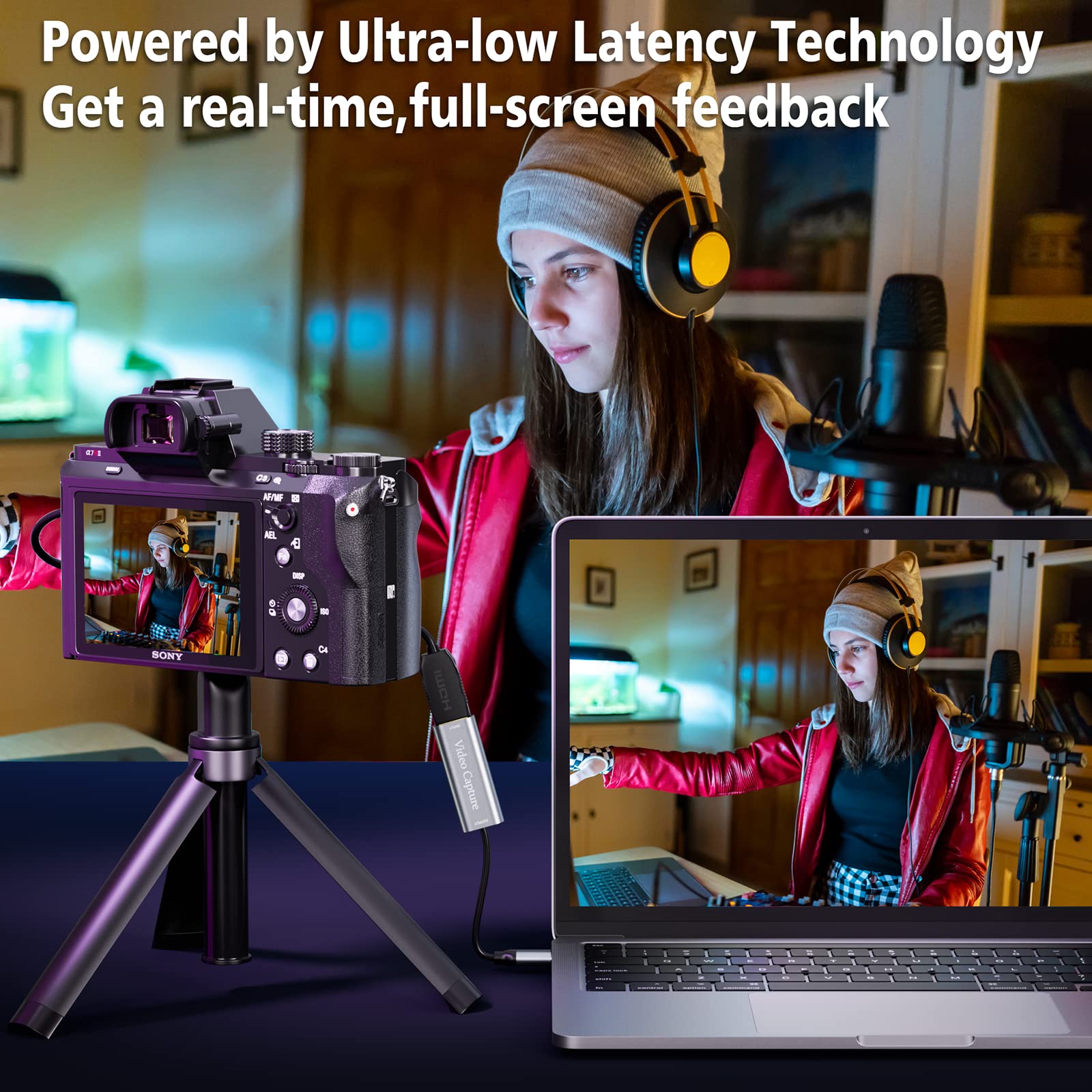


🎥 Capture Every Moment, Own Every Stream
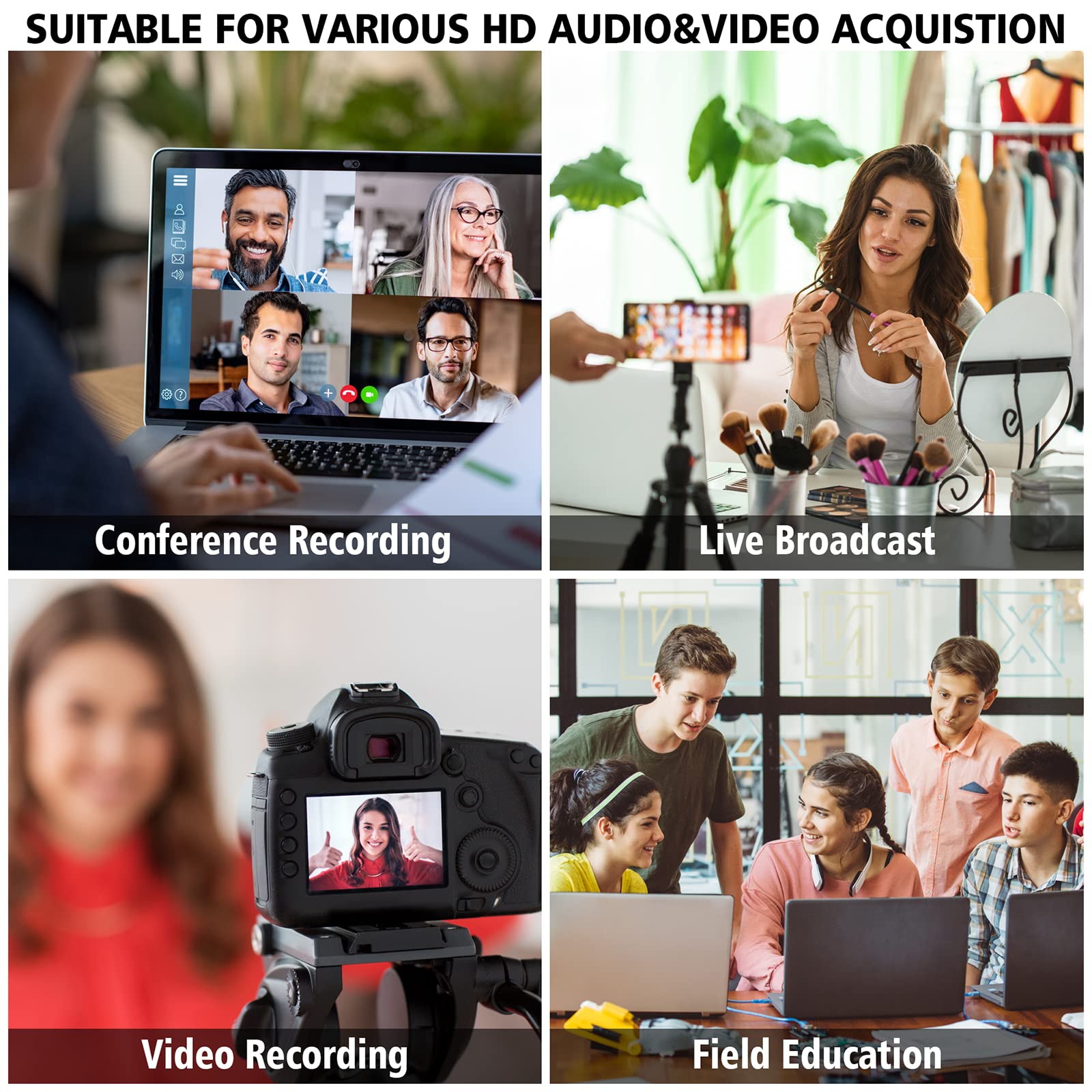
The VIXLW Video Capture Card delivers crisp 4K 1080p video at 60FPS with ultra-low latency via USB 3.0 and USB-C interfaces. Compatible across Windows, Mac, Linux, and Android, it supports major consoles like PS4, Xbox, and Switch. Its plug-and-play design requires no drivers, while the compact aluminum build ensures heat management and portability. Ideal for gamers, streamers, educators, and professionals seeking reliable, high-quality video capture with real-time audio and video transmission.


| ASIN | B0DGGLBV9T |
| AV Output | HDMI |
| Best Sellers Rank | #20 in External TV Tuners |
| Brand | VIXLW |
| Built-In Media | Installation Guide |
| Compatible Devices | Gaming Console, Personal Computer, Smartphone |
| Customer Reviews | 4.4 out of 5 stars 1,318 Reviews |
| Hardware Interface | HDMI, USB 3.0, USB Type C |
| Item Weight | 0.18 Kilograms |
| Manufacturer | VIXLW |
| Model Name | Capture Card |
| Model Number | U168-1 |
| Operating System | Linux, Mac OS |
| Other Special Features of the Product | Compact |
| Platform | Mac, Windows |
| Special Feature | Compact |
| UPC | 797409168683 |
| Video Capture Resolution | 1080p |
| Warranty Description | 2 years warranty |
R**E
A Personal DVR That Works with Roku
I bought this rather generic and cheap video capture device a few months ago with the hopes of building my own HD DVR. After a lot of frustrations and messing around I actually got it to work! I have a Roku 3 and I wished to be able to record from the HDMI output of the Roku. I used a mini-pc (TrigKey G4, Win11Pro, built-in SSD, about 5"x5"x1.5", incredibly cheap on Amazon!) For software I used the free open-source OBS which allows one to record from an HDMI video capture device. As anyone will tell you, OBS is incredibly feature-rich but has a very steep learning curve. Fortunately there are loads of YouTube videos describing how to use it. It seems to be highly popular with the gaming folks wishing to stream their games, but it is also a nice DVR. OBS recognized the video capture device no problem. There are lots of settings in OBS regarding screen resolution, video levels, frame rates, etc etc. I don't begin to understand all of them but I got a very decent HD picture after some messing around with the settings in OBS. This video capture device also extracts the audio from the HDMI input and is shown in the audio mixer of OBS. This is where I encountered lots of problems. The audio stream was nothing but annoying scratchy static, absolutely no actual program content. I spent a couple of weeks trying to solve it. For a while I was thinking there must be something wrong with my video capture device, but then one day I tried recording an old 1990s show...and the audio was perfect! I immediately tried again with a modern show; nothing but static. Weird, but a hint. With some searching around I eventually found a forum posting at an A/V site where a guy was describing a similar problem. It turns out these cheap capture devices cannot handle any program content that is using Dolby Digital audio. I went into the Roku settings and turned off Dolby and told Roku to only put out stereo audio. Ta dah, it solved the problem! The old show I was recording was in the days before Dolby and that's why it worked. Modern programming almost universally uses Dolby audio and this capture device cannot handle Dolby. But now it is working fine since I forced Roku to only use stereo. I've recorded a lot of modern content from Roku and I'm happy. While the device says it can do 4K I haven't bothered with that at all; I'm content with HD video at 720 or 1080. To play back the recordings I make, I simply use the free VLC Player app on the same mini-pc. OBS can create files in a number of formats - I'm using mp4 which is fine. I bought a wireless mouse and wireless keyboard to be able to interact with the pc from the comfort of my living room couch, sitting back about 10ft from the TV. A click of the mouse and I'm fast forwarding or rewinding, just like in the old VCR days. In conclusion, if you have a desire to build your own HD DVR, this inexpensive video capture card will work. You'll have to provide a PC of course but a lot of us have surplus pc's stuck in the closet. It doesn't have to be a super-hot pc; my little mini-pc isn't a race car but recording using OBS and this capture device only loads the CPU to about 50%. It was a fun project!
W**K
Great for ad hoc use
Definitely your new best friend for ad-hoc recording of HDMI inputs. Just plug it in and let Windows do it's work installing the drivers, plug in the input, open your recording software, and off you go. That's how easy it is. Even the quality is great for this value item. The only thing would be it's not good for your professional recording needs. Make sure you get something more quality for that one.
A**V
Works good, but beware of hidden limitations
I used this capture card with my camera, and overall, it’s reliable—no connection drops, and it performs consistently. However, there’s a noticeable delay in the video signal. After some testing, I found that I had to offset the audio by about 125-130 ms to sync properly with the video. I’m not sure if this is due to my camera or the capture card, but it’s likely the encoding time needed by the card. It would have been helpful to know about this delay upfront. Also, the product title is a bit misleading. It says ‘4K HDMI to 1080p USB,’ which seems optimized for search results to catch those looking for a 4K capture card. However, it only outputs 1080p, so you’re not getting a true 4K capture. While this isn’t outright deception, it feels like an attempt to attract attention in an unfair way. I bought it expecting 4K and was disappointed to find it only supports 1080p. Otherwise, it’s a solid product, but I’m giving it 4 stars due to these issues."
S**L
Solid Connection for Video Recording
Using this for a direct video hook up to a Mac, and recording through OBS. This worked perfectly and there were no drops, etc. It does what it is intended to do and no complaints. Well built and appreciate the included USB-c adaptor.
H**Y
Works Great at a good price
Works Great at a good price
Y**B
Works great
Works great easy setup! Now I can watch shows on my laptop
G**R
It works great!
Works perfect to connect my Panasonic G9 to my computer to make my videos for YouTube and Facebook.
R**N
Buy a different product
I started using this to convert mini-dv videotape to digital on my computer. Everything was going fine, I had a couple of dozen tapes to do. After 4 or 5 of them, the device would no longer transmit sound, only video. If I left the device sit for a couple of hours, it then worked again. If I put it in my refrigerator for 20 minutes, it started to work again, but then dies again. Clearly an electronic issue with the device. I couldn't find any support from the company to get a warranty replacement or log a complaint. There is plenty of places to buy their products, but no where is there a support or warranty claim link. I bought a different brand and successfully converted all my videotape. Stay away from this particular item.
Trustpilot
1 week ago
2 months ago



