




💼 Elevate your data game with power, speed, and style!
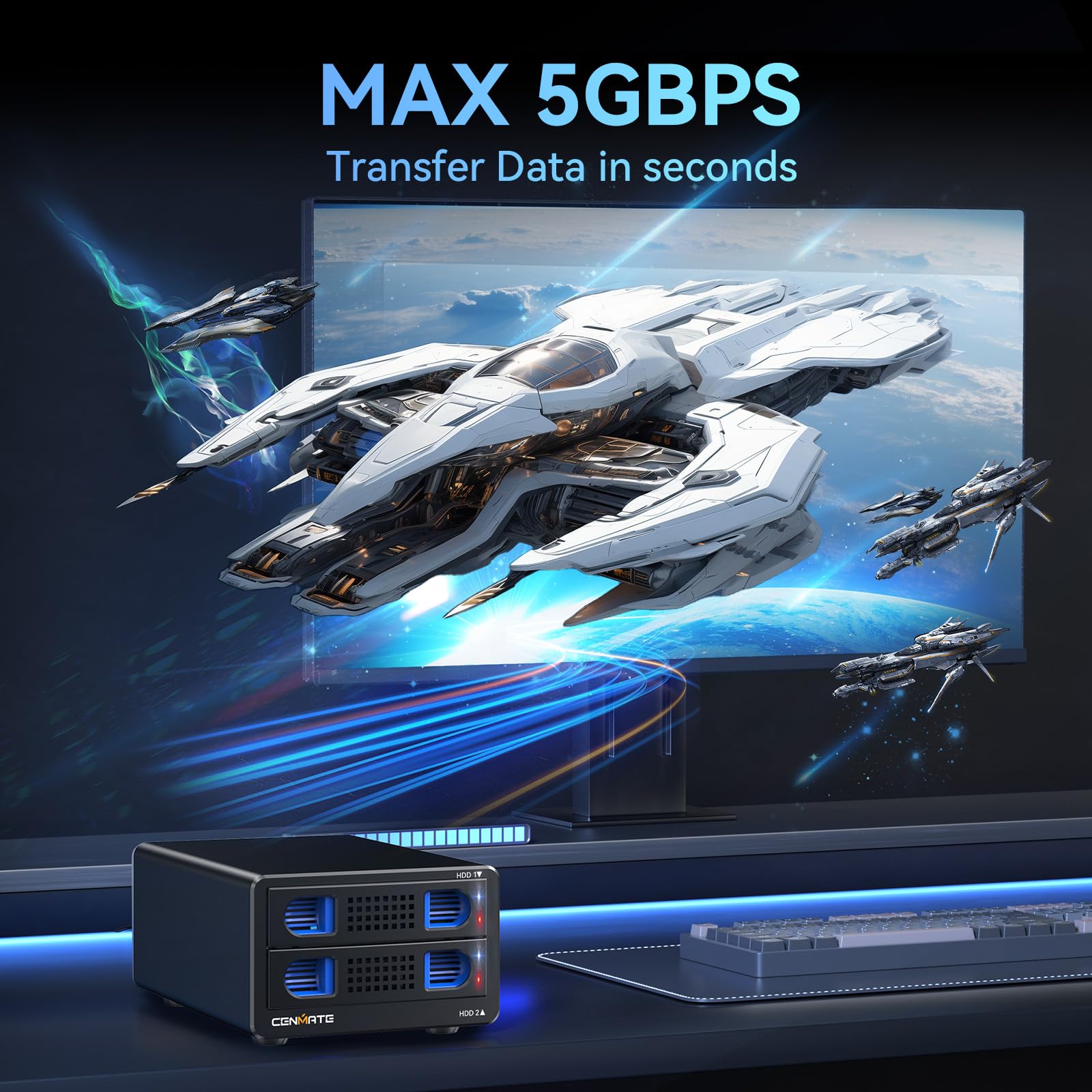
The CENMATE Aluminum Dual Bay RAID Enclosure is a professional-grade external storage solution supporting 2.5"/3.5" SATA HDDs and SSDs up to 40TB total. Featuring USB 3.0 with 5Gbps transfer speeds, four RAID modes for customizable data management, and a built-in cooling fan within a durable aluminum chassis, it ensures reliable, quiet, and efficient operation. Compatible across major OS platforms, it’s designed for seamless plug-and-play use in both personal and enterprise environments.


| ASIN | B0DCZB849Y |
| Best Sellers Rank | #56 in Enclosures |
| Compatible Devices | Desktop, Laptop |
| Customer Reviews | 4.1 4.1 out of 5 stars (354) |
| Data Transfer Rate | 5 Gigabits Per Second |
| Date First Available | August 13, 2024 |
| Hard Disk Form Factor | 3.5 Inches |
| Item Weight | 2.11 pounds |
| Item model number | 2 Bay RAID |
| Manufacturer | cenmate |
| Material | Aluminum |
| Max Number of Supported Devices | 2 |
| Memory Storage Capacity | 40 TB |
| Product Dimensions | 7.95 x 5.2 x 3.46 inches |
B**H
It just works: simple!
5/5 for being rock solid and free of "issues". I plugged it into my home lab server and within seconds I had 8 JBODs looking at me. Wowza! And I've transferred many TB of data already, pretty much maxing out the USB interface for weeks on end at 5 GB, no issues. Yes, at 5Gbs It takes a while to fill any of today's high capacity drives, but that's USB, and even SATA isn't much faster. I'll probably buy another soon. The only gotcha: at least on my Linux systems, if I try to hot swap any drives, they all reset, causing any data transfers underway to stop. Since this is a very rare occurrence, I'm ignoring it, and committing to shutting all drives down and powering down before I change drives.
D**M
Quality External Drive
Quiet fan, forget the drive is sitting on my desk. Easy mounting and installation, performance is great! Able to mount a 3.5" SATA drive and 2.5" SSD in the same enclosure.
J**C
Working well configured as a Raid One.
Great small Raid device, for those with extra drives setting around. I love the easily removable bays, and how easy it is to add the drives. For full size drives, there is side rails that pressure fit into the side screw holes of the drives, taking just seconds to attach. For 2.5 drives, the rail closest to the drive needs to be removed, which is easy to do, as it just snaps off the drive bay, and then you use the included screws to attach drive to bay.. which is quick and easy to do. The drive bays inset and engage smoothly. The power adapter and USB cable are included. And love that there is on/off switch on back of chassis. HOWEVER, I had some problem with HDD drives being recognized and configured as a Raid One. After trying a few combinations of the reset button-on switch-and holding reset in long enough, unit finally did it's thing and created the Raid 1 that I had set the configuration to. File transfer speeds are adequate. AS for FAN NOISE - I saw reviews that complained about this - HOWEVER - on my unit fan noise was negligible, with the fans in my desktop computer being louder. Maybe mine features an upgraded fan, so for me I am very satisfied. They do have Raid Manager software on their website, which I downloaded. It connects to the unit, with an intuitive interface, and may be a better route for you raid setup initially.
E**Z
Solid Build, Fast Performance
Impressed with this enclosure. The build quality feels solid, setup was quick, and the drives run smoothly. Quiet, stable, and works exactly as advertised. Definitely worth the price - reliable and professional-grade performance.
D**E
Did not work for MacOS
I'm using this on my Mac Studio as my Time Machine. I spent 15 mins trying to figure out what was wrong with this enclosure. I resetted it multiple times and nothing worked. I can see that when resetting its doing something but was not popping up on the Mac. Thankfully I have a Windows machine and so I plugged it in and it started working. And the enclosure identified the mode that I chose correctly which was Raid 1. I was also able to format the drive. So I came to thinking and hoped theres a firmware update because the description does say MacOS is supported and wanted to use this as my Time Machine. So I went to the site and found the firmware. They had two different model types, I also dont really know the difference. They have 802TC and 802RU. I tried 802TC and it did not work and then tried 802RU it started to work. The instructions were subpar, it had screenshots and and written in chinese. However, the document had a translation section in english which was nice. That being said after updating the firmware, it started to work on the Mac. And right now its finally backing up. I'm most likely going to return it, i dont know how reliable this is given that it did not work out of the box. Funny thing is that the firmware that came with it is the same version as the one I used to flash the enclosure. 'Like why did it work after the flash and not out of the box given that its the same firmware version' One thing to Point out, I may have the wrong version. The picture on the description has a flat rubber feet whereas this one doesn't, if anything it looks like the old model.
H**L
Great budget RAID enclosure at a nice price
Currently building a headless Jellyfin media server running on Ubuntu server 24.04 LTS using this enclosure as DAS in a RAID 1 configuration. The enclosure works out of the box. The diagnostic lights on the hard drive bays are easy to see, making it easy to see when something is wrong. In testing the reliability of the RAID function, I first pulled the power to simulate a power outage. Data remained in tact with no corruption or loss. I then yanked out one of the drives, wrote some data to the other drive, then reinserted the removed drive. The array rebuilt itself with, again, no corruption or data loss. Overall I am extremely pleased with this enclosure; especially since it includes hardware RAID, which is superior in every way to software RAID. I'm so please I'm going to buy another. I see a few users complaining about noise. In my very small room, ambient noise level is ~30db. With the enclosure powered on, that noise level rises ~+5db. All I gotta say is, if you can't handle +5db of added white noise, you might need to seek out some therapy.
J**I
la caja cenmate caja raid 2 bahias, funciona bien y cumple su cometido. Es fácil de instalar y de poner en funcionamiento. En negativo, usando un USB3 la velocidad de transferencia de un disco a otro, con un sencillo copy / paste es de 150mb/s o menos, cuando en la publicidad dice que son 5Gb. No es ruidoso, más allá de un leve zumbido que a mi criterio no es molesto en absoluto. Hacen más ruido los HD (Seagate SATAIII 3") al funcionar que el ventilador del Cenmate. No necesitan anunciar cosas que no son verdad, porque el producto ya es bueno, para lo que está diseñado. NOTA: no lo he usado en formato RAID1 que es mi objetivo. Seguramente actualizaré la nota, cuando lo tenga hecho y comprobado.
R**J
Werkt perfect. makkelijke installatie.
A**N
Quite annoying sound coming from the fan. Otherwise seem to work fine as a external HDD. I've not tested the other features. As long as you're keeping it somewhere you can't hear it or only use it for short periods of time it's fine.
M**O
Got this to replace an Orico USB Dual drive caddy that continually would disconnect from USB. I am using 2 old 4TB Seagate Drives in RAID 0 Configuration and it this CENMATE Enclosure has not skipped a beat. I have it connected to a Plex server and it runs 24/7 no disconnects and no issues after a months of use. Really happy with it, it was extremely easy to setup and no tools required to put hard drives in. Overall really satisfied and works as advertised, no complaints and would buy another CENMATE product.
D**T
Wir haben das Gehäuse tatsächlich als RAID1 in einer professionellen Schnittumgebung im Einsatz. Wichtige Punkte: - Der Rebuild funktioniert, dauert aber recht lange (je nach verwendeten Platten) - Man kann mit einem Tool die Hibernation deaktiveren, was für Schnittprogramme wie dem Media Composer durchaus relevant ist. Die Vorgehenweise hierfür ist ein wenig hemdsärmlich, muss man aber nur einmal machen - Das Gehäuse ist nicht lautlos aber vertretbar laut, am besten hinterm Rechner verstecken. Es gibt einen Nachteil. Der RESET Knopf ist sehr leicht zugänglich und ohne Hilfsmittel gedrückt werden kann. Wenn man im eingeschalteten Betrieb diesen Resetknopf 5 Sekunden lang gedrückt hält, werden beide Festplatten neu initialisiert und alles Daten sind gelöscht. Hier wäre ein versenkter Reset Button, den man z.B. nur mit einer Nadel erreichen kann, etwas sicherer,
Trustpilot
2 months ago
5 days ago



