
DOWNLOAD THE APP


Customer Services
Copyright © 2025 Desertcart Holdings Limited
DOWNLOAD THE APP


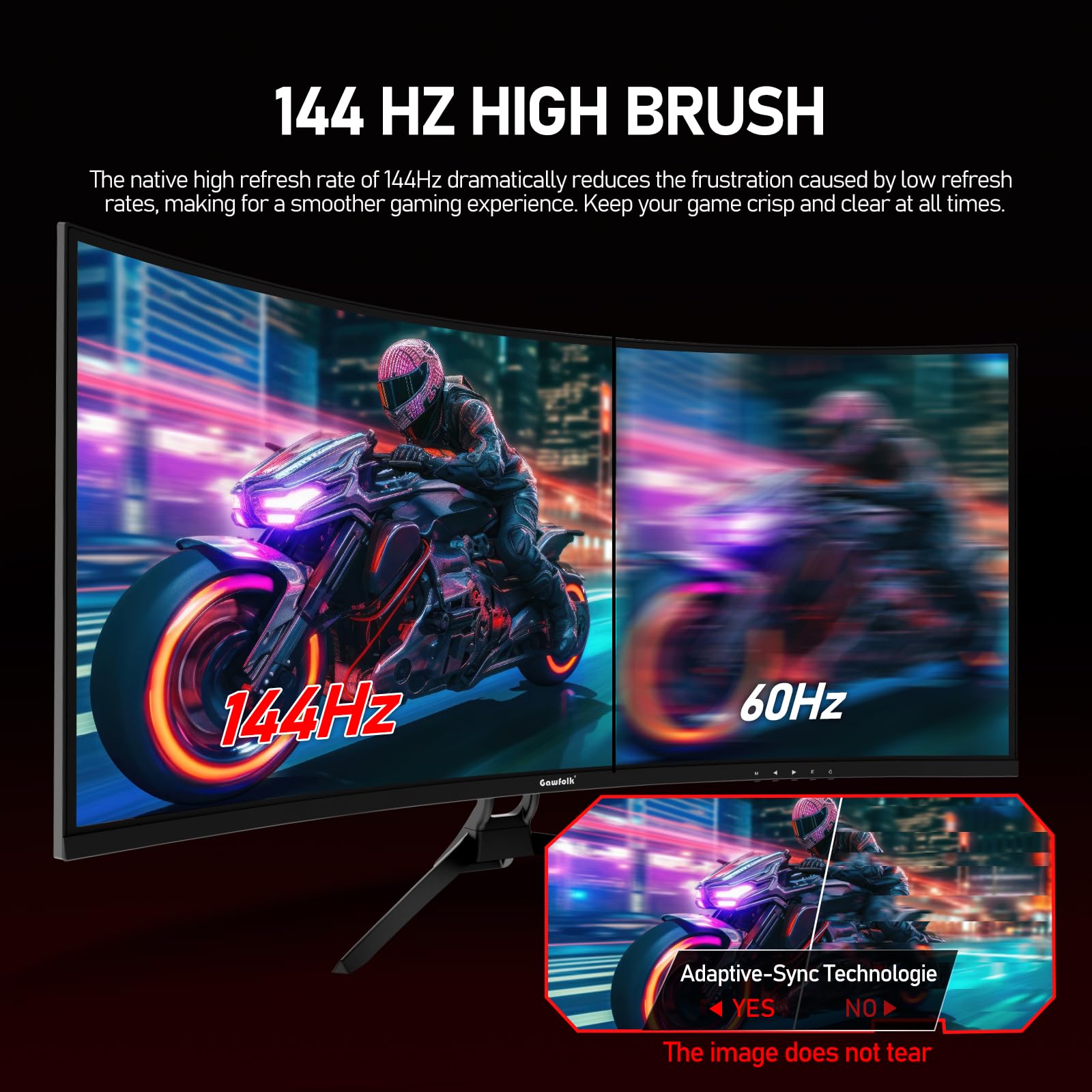
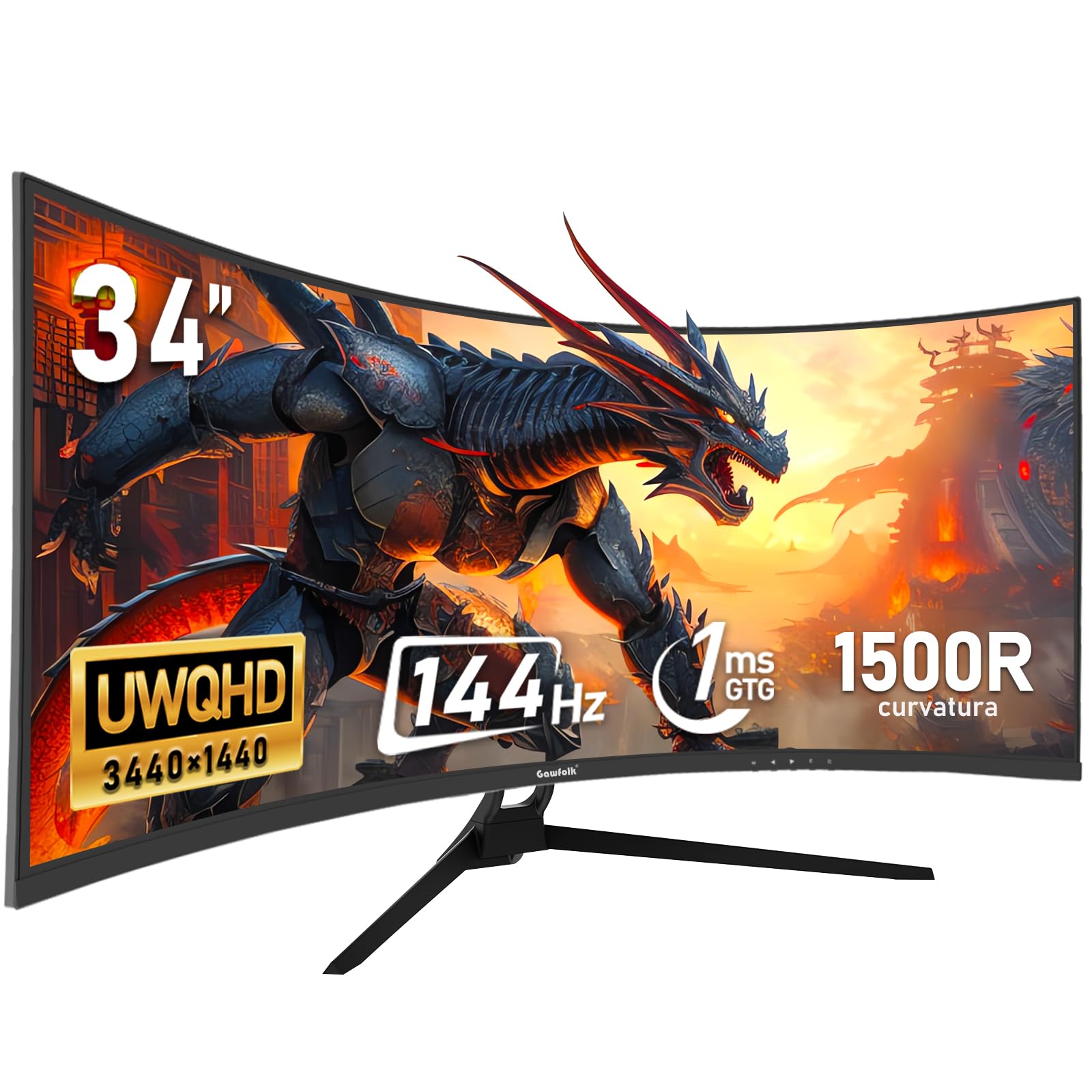


🚀 Elevate your workspace & game with ultrawide clarity and silky smooth speed!
The Gawfolk 34 Inch Ultrawide Curved Monitor features a 1500R curved 21:9 UWQHD (3440x1440) VA panel with a 144Hz refresh rate and Adaptive FreeSync for tear-free gaming. It boasts 320 nits brightness, 99% sRGB color accuracy, and a 4000:1 dynamic contrast ratio, ensuring vivid, sharp visuals. Connectivity includes DisplayPort and HDMI 2.0, with a wide 178° viewing angle and eye-friendly low blue light and flicker-free technology. Compatible with wall mounting, it’s designed for immersive productivity and smooth gaming experiences.


| ASIN | B0DSM8Z7B9 |
| Adaptive Sync | FreeSync |
| Aspect Ratio | 2.39:1 |
| Best Sellers Rank | #144,125 in Electronics ( See Top 100 in Electronics ) #3,038 in Computer Monitors |
| Brand | Gawfolk |
| Color | black |
| Connectivity Technology | DisplayPort, HDMI |
| Contrast Ratio | 4000:1 |
| Customer Reviews | 4.1 out of 5 stars 40 Reviews |
| Display Resolution Maximum | 3440 Pixels |
| Display Technology | LED |
| Display Type | VA |
| Hardware Connectivity | DisplayPort, HDMI |
| Has Color Screen | Yes |
| Image Contrast Ratio | 4000:1 |
| Manufacturer | Shenzhen Qinghong Zhuoyue Technology |
| Model Name | GF340A |
| Model Number | GF340A |
| Native Resolution | 3440x1440 |
| Number of Component Outputs | 2 |
| Picture Quality Enhancement Technology | Adaptive FreeSync, DC global dimming, low blue light mode, 99% sRGB, 4000:1 dynamic contrast ratio |
| Refresh Rate | 144 Hz |
| Resolution | QHD Ultra Wide 1440p |
| Screen Size | 34 Inches |
| Viewing Angle | 178 Degrees |
C**S
The perfect affordable curved display monitor to view two full screen pages simultaneously.
Why did you pick this product vs others?: I was a bit skeptical about this based on the price .. just one of those it's too good to be true but the monitor is perfect ... If you're looking for an inexpensive monitor with a very bright display, low profile, and very easy set up, this is perfect. The stand is sleek and takes up minimal space ... I purchased this one for my desk at work ... Brightness: My desk is next to a floor to ceiling windows and this monitor is so easy to read regardless. Adjustment capability: The base does not adjust up and down but does allow for minor angle adjustments to reduce glare if need be. Build quality: The stand and monitor frame are very well made. It even has an led accent light behind the monitor.
B**O
For its price, the 34-inch monitor offers very good quality.
For its price, the 34-inch monitor offers very good quality. Getting into the details, with an HDMI cable at first, it didn't look so good. I had to use my notebook's Intel graphics tool to adjust the screen to make it look right. Initially, everything appeared stretched, but that tweak fixed it.
S**N
Weird name, great monitor.
1. Packaging - comes in the standard cardboard box with plastic carrying handle which broke at one end when I lifted the box by it but fortunately the other end stayed intact. Styrofoam encapsulates the monitor, pretty standard. Be carefull when pulling the styrofoam packaging out, the accessories are not kept in place by any means and will just fall out. The monitor has a protective peel away film on the screen face. The accessories are either wrapped in bubble wrap or in a plastic baggie. 2. Stand - black powder coated metal that seems up to the task. Only one screw holds the base to the spine, phillips screwdriver needed. The stand snaps into the back of the monitor. If necessary to remove there is a release button. As advertised there is not swivel or height adjustment, just a tilt function. The stand is about 19" wide between the tips that extend out from the spine and is about 10" in depth with about 4" of that sticking out past the face of the monitor. 3. Monitor - Somewhat light but not overly so. It is a VA panel which provides great contrast, brightness, and evenly lit. I don't have any fancy measuring devices to confirm the nits and all that but I believe it is sufficient. No dead pixels were found. There is adjustability for contrast and all the rest within he monitor but I recommend using a software based tool to adjust for the correct gamma, grey, black, and white levels, etc. It starts up quick. The screen face is cool to the touch except the botton 1-2 inches at the bottom which is warm to the touch. I'm writing this using a LG monitor and it has the same heat signature so I would assume this is fairly standard. The only thing I found to be somewhat odd is the power brick outputs 5 amps. Seems kinda high. My 49" ASUS ROG Strix power brick only puts out 3 amps. The cord from plug you insert into monitor and where it terminates at the power brick which is at the end of the cord and itself is fairly standard size maybe 3" long and 2" wide is about 54" in length. The inputs are recessed at the bottom and you have 2 HDMI and 2 DPI along with an audio out and a USB port. Pretty standard stuff. The resolution is as advertised. You'll need to setup your graphics card to output the MHz you want but this supports 144Mhz. It is NOT 4k nor is it advertised to be. The menu is frustrating. I wish it came with a remote. To switch inputs you need to press the M button (menu), press the menu button again, that will get you to a new menu, and use the arrow buttons to navigate up or down to select your input. I run two computers into this monitor and it is kind of a pain to switch inputs. And it is slow to switch. The manual describes the function of the buttons, good luck with understanding. Speaking of the manual, there is a bunch of warnings and some are pretty comical - give it a read. One final thought is the company proudly emblazons the Gawfolk name in bright white on the bottom bezel. Kinda wish they didn't or do it in a light gray. Whoever came up with the name Gawfolk needs to rethink it. 4. Final thoughts - so far I like the monitor. I was using the 49" ASUS but to much head swivel if using for multiple open programs. Hopefully it lives 3 or 4 years. I believe it has a 18 month warranty. Don't bother going to their website because it doesn't provide any useful additional information. Someday I'll pull the back off of it and check out the internals and update this review. I only took off a star due to the 5 amp power usage, the crappy built in menu, and their logo emblazoned on the front. The manual has some funny stuff in it such as 'do not use in places where water is present' so I guess if you are using anywhere on planet Earth you may be violating that warning and 'ground the power cord grounding lead' but the power brick has no grounding lead and the grounding instructions seem more suited if putting up an outdoor antenna. Also 'do not damage the power cord' so if you planned on damaging it, don't, bad things will happen. And finally 'disconnect external connection cords when moving'.
T**L
Great budget monitor for 1080p & 1440p.
For the price good luck finding a better monitor. If you are gaming in 1080p or 1440p then go with this. 4k it’s not gonna be any good there. Very few of us actually game heavy in 4k
O**N
good but with flaws
product arrived with a noticeable dent in the screen on the bottom left corner. it’s about 6-7 inches long and is able to be seen at most angles. other than that the quality of the monitor is good. the brightness is pretty nice and it functions well.
A**S
Frequent blank outs and connectivity issues.
The display is nice but it has constant connection issues. It blanks out and if my computer goes to sleep I have to restart it for the display to return.
H**.
Muy bueno
Excelente monitor de 34” gran tamaño y muy buena resolución.
O**N
Dead pixel warning also only 32”
Monitor seems fine however it came with a dead pixel Days later; it measures out to be 32, not the listed 34( even with the curve accommodation on the measurement. It doesn’t measure out to be 34) So dead pixel and not the 34”…
Trustpilot
4 days ago
3 weeks ago