We remain fully operational. Our teams are working around the clock to ensure your deliveries continue safely.

DOWNLOAD THE APP


Customer Services
Copyright © 2025 Desertcart Holdings Limited
DOWNLOAD THE APP

🚀 Elevate your home network to WiFi 7 speed and security supremacy!
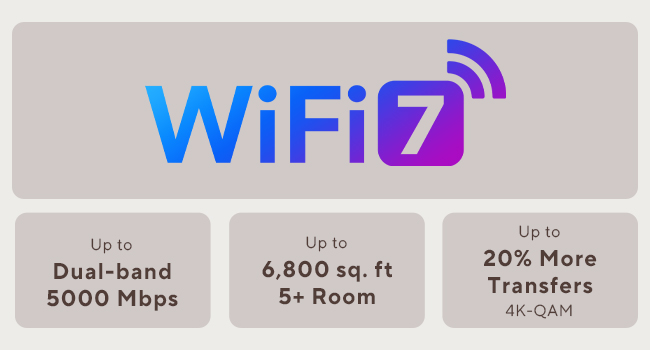
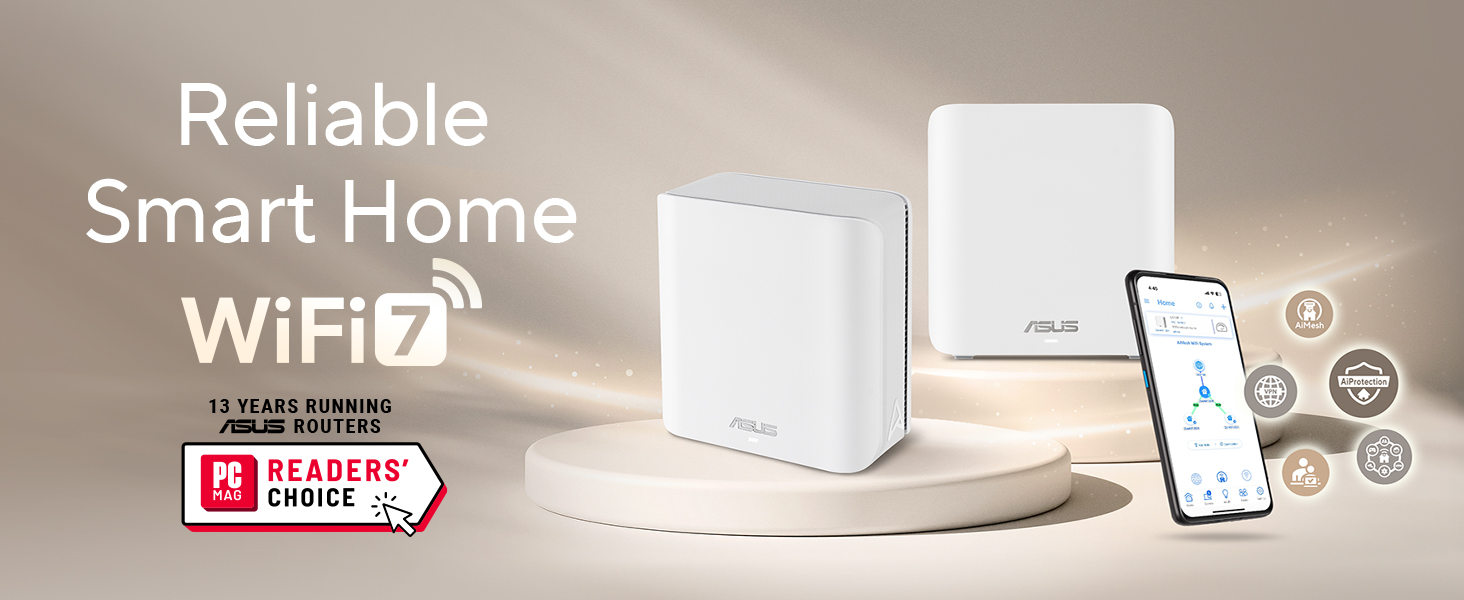
The ASUS ZenWiFi BD5 is a cutting-edge dual-band WiFi 7 mesh router delivering up to 5000 Mbps speeds and robust coverage of 2500 sq.ft. Featuring AiMesh technology for seamless network expansion, dual 2.5G Ethernet ports for ultra-fast wired connections, and commercial-grade AiProtection Pro for continuous security, it’s designed for smart homes demanding high performance and advanced parental controls.


| ASIN | B0DHWD6LQJ |
| Are Batteries Included | No |
| Best Sellers Rank | #19,157 in Computers ( See Top 100 in Computers ) #70 in Whole Home & Mesh Wi-Fi Systems |
| Brand | ASUS |
| Color | WHITE |
| Connectivity Type | Wi-Fi |
| Customer Reviews | 3.5 3.5 out of 5 stars (32) |
| Date First Available | 10 April 2025 |
| Hardware Platform | Laptop, PC, Tablet |
| Item Weight | 454 g |
| Item model number | BD5 (W-1-PK) |
| Manufacturer | ASUS |
| Operating System | Mac, Windows |
| Product Dimensions | 13.97 x 7.11 x 13.97 cm; 454 g |
| Series | BD5 (W-1-PK) |
| Wireless Type | 802.11.be, 802.11ac, 802.11ax, 802.11g, 802.11n |
J**N
Setup was a bit rough. Initially I was unable to connect to the primary over HTTP. After resetting the unit, I was able to connect, but after following the instructions the secondary was trying to use wireless to connect to the primary, even though both were connected to the LAN via ethernet. The next day, I found the buried menu page with the switch to use ethernet backhaul. That should be the default behaviour if it's plugged in to ethernet and can reach the primary via the ethernet port. It should at the very least be easier to find. Maybe put it on the same menu page as "backhaul priority". But it's working pretty well now. Legacy (IoT) mode does not support all older devices. Specifically, Slim Devices Squeezebox 2/3 does not work at all. Squeezebox Radio needs the "community firmware" upgrade in order to connect reliably. It doesn't seem like there should be an issue, since both devices support WPA2 security, and the legacy mode of the ZenWiFi is supposed to support WPA2/WPA3.
A**D
It's a low-cost WiFi7 router with the familiar Asus management tools. Works great and I don't have any issues with it. The one thing keeping it from a 5-star review is the low number of Ethernet ports, but you get what you pay for and a cheap network switch easily fixed that issue.
D**B
I had 2 BD5 units already set up after my super expensive Asus gaming router died after one year on the job. Bought this extra unit to place at the other end of the house to get faster speeds in the computer room, which is at the other side of the house. Mesh set up was easy, just plug in, use the app on your phone or iPad to find the units and the app does the rest. Use the optimize function in the app and it will set the units to their optimum settings. One suggestion, the wireless ID will only show two available names…the one you assign a name to and the same name with ioT attached…use the ioT one, it’s faster if you have WiFi 7 units. If you only have WiFi 5 or 6 units to connect, experiment and use Speed Test to see which one is faster. For me, on WiFi 7 computers, the *****ioT name was faster by a mile. I am getting over 1Gbps on units close to the router, i.e. same or next room location, and 500Mbps on my two computers across the house. This doubled my previous speeds. Your speed will vary based on your internet provider speeds and the distance of your attached units from the mesh nodes.
V**O
I love love love asus for the xt8. No fuss no muss. It just worked with the occasional update. Then it got hit by lightening. Not asus’s fault. Time to buy a new one. I thought, i’ll upgrade. I bought the asus BD5. The worst idea EVER! It has been a problem ever since i bought it. Box has a slip in it that says STOP! Call us before you return this item. So you call 3 times and the system puts you on hold and it clicks off at the 15 minute mark each time. You email and they say to call. They also say it’s the internet cable company’s fault. You change every cable 10x and still doesn’t work. You go through the setup at least a dozen times. Then it suddenly works and you have no idea why. Your only tools are a reboot, reset, an unwound paperclip and soooooooo much time watching lights. Signal strength says connection Great! with the xt8 Signal strength says connection ok or poor with the bd5 when it works. BTW - both units are in the same exact place they were before. Bd5 says update available. So you update and get the red light. No internet connection. Then you get the white light which means all good. No it does not because when you go to the app you get the orange bar that says “unable to connect to the internet” Value for money - no value at all. I would give ZERO stars if that were an option. These are paperweights that sometimes give you wireless internet. Context Lived with xt8 for 3 years, no issues. Pretty much set it and forget it. Living with bd5 since june 2025 and thoroughly regret the purchase. Now i’m gonna take my paperclip, reset the whole thing again and cross my fingers. Maybe i’ll have wireless internet again one day. The moral of this story is….. Do not buy the bd5. It’s so much more trouble than it’s worth.
J**.
I would give this 4 stars, but the app is just awful. Had to use the web interface to setup how I wanted it.
Trustpilot
3 days ago
3 weeks ago