

Desert Online General Trading LLC
Warehouse # 7, 4th Street, Umm Ramool, Dubai, 30183, Dubai
Desert Online General Trading LLC
Warehouse # 7, 4th Street, Umm Ramool, Dubai, 30183, Dubai
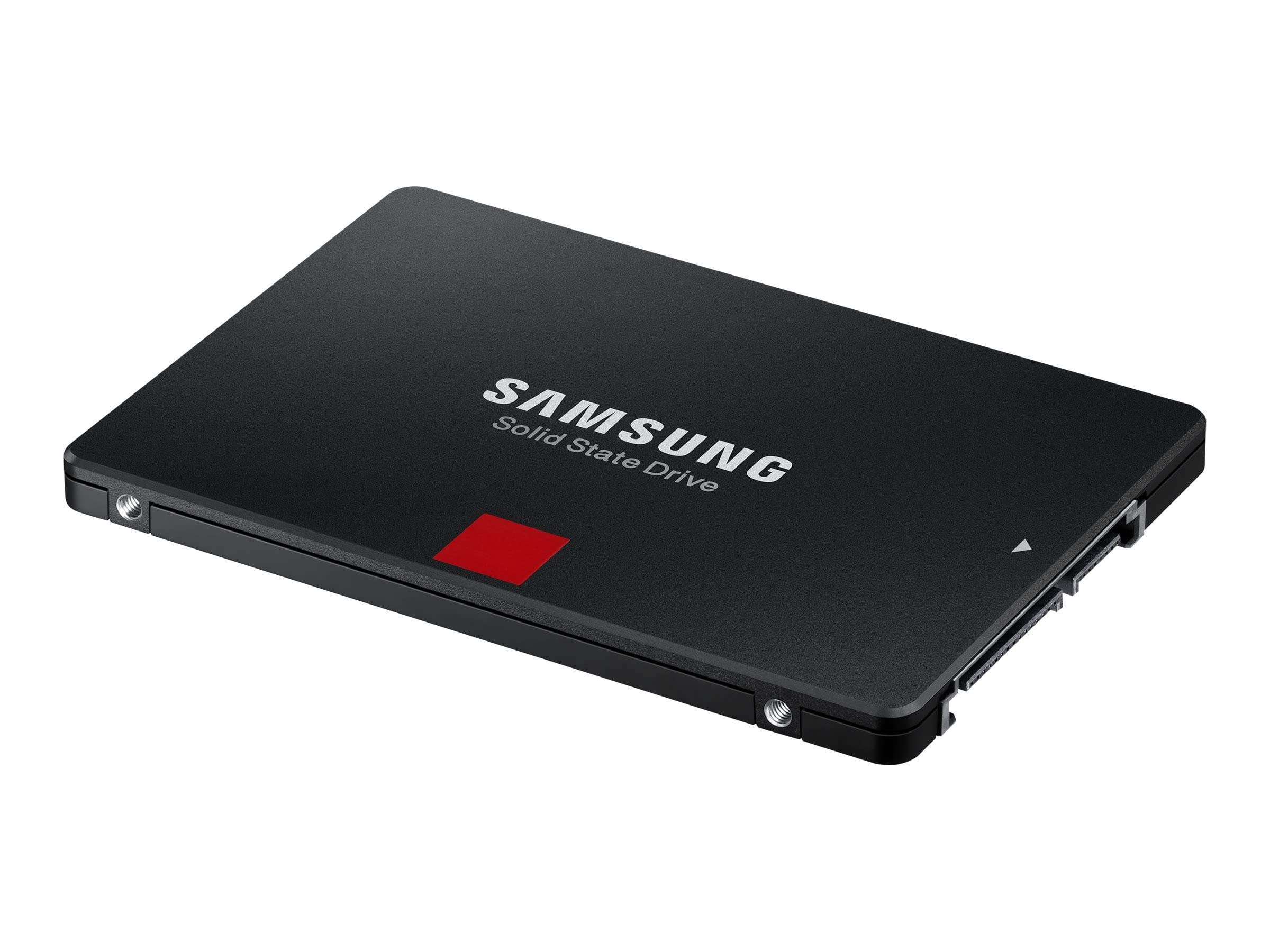
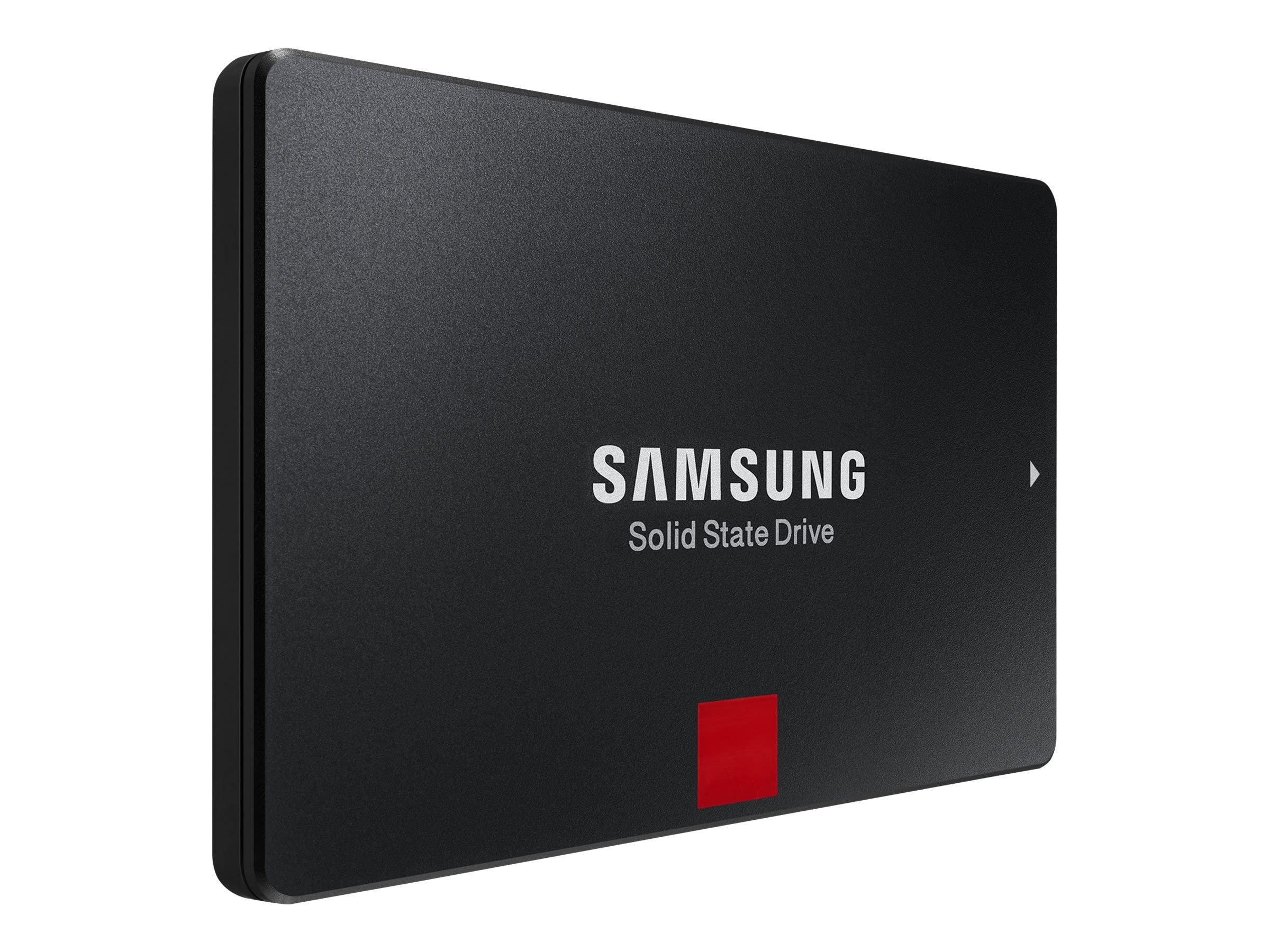
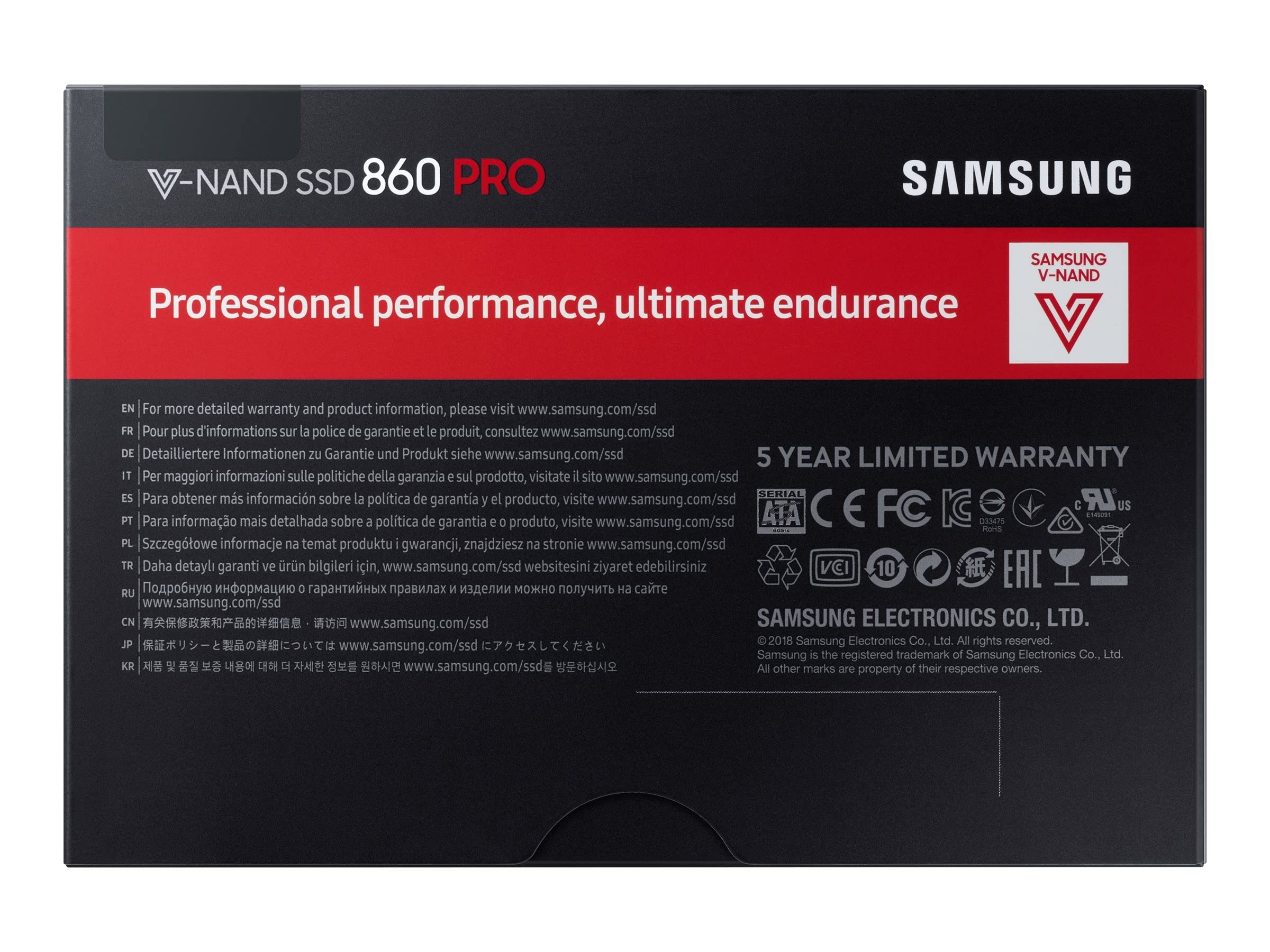
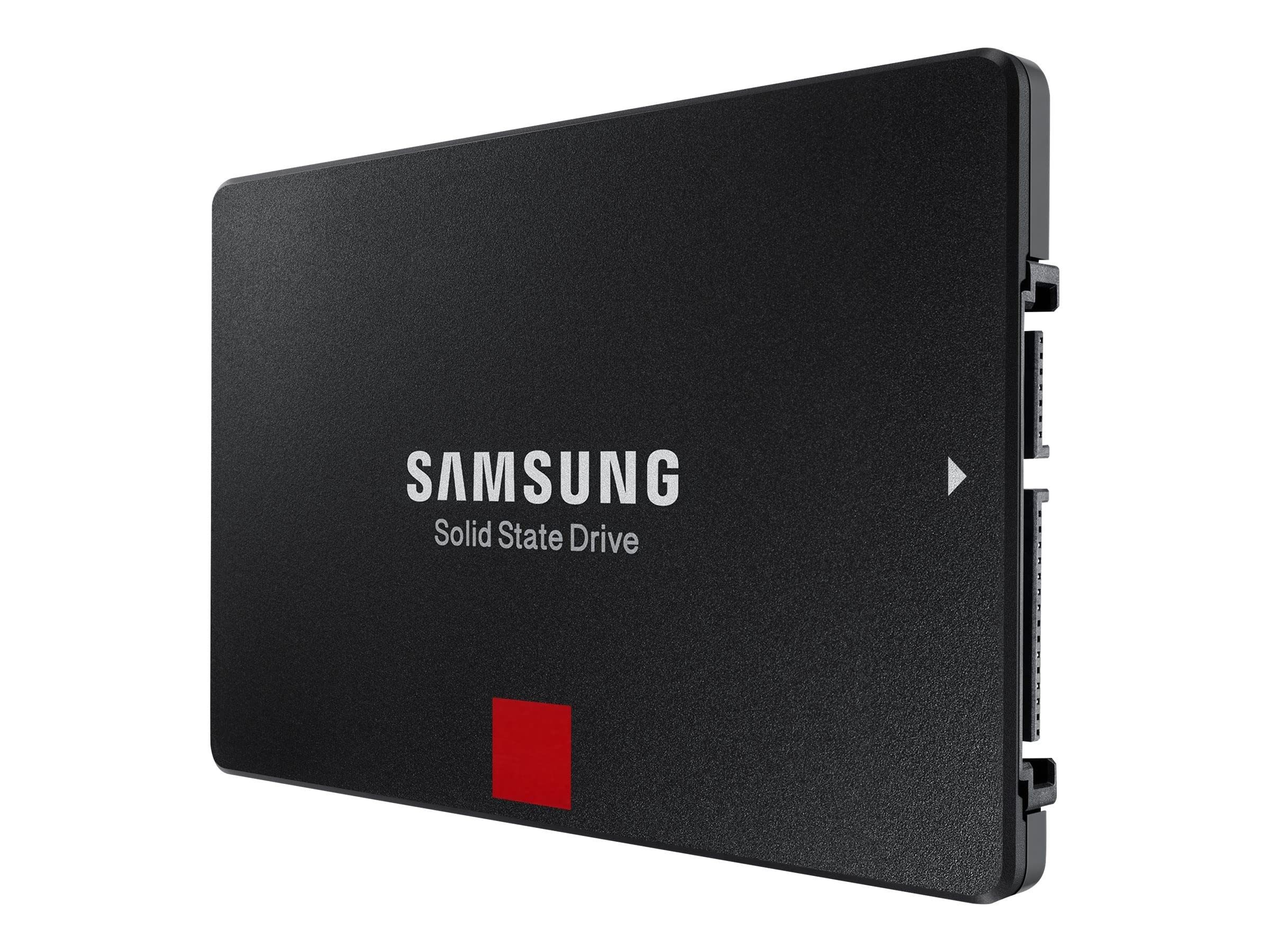
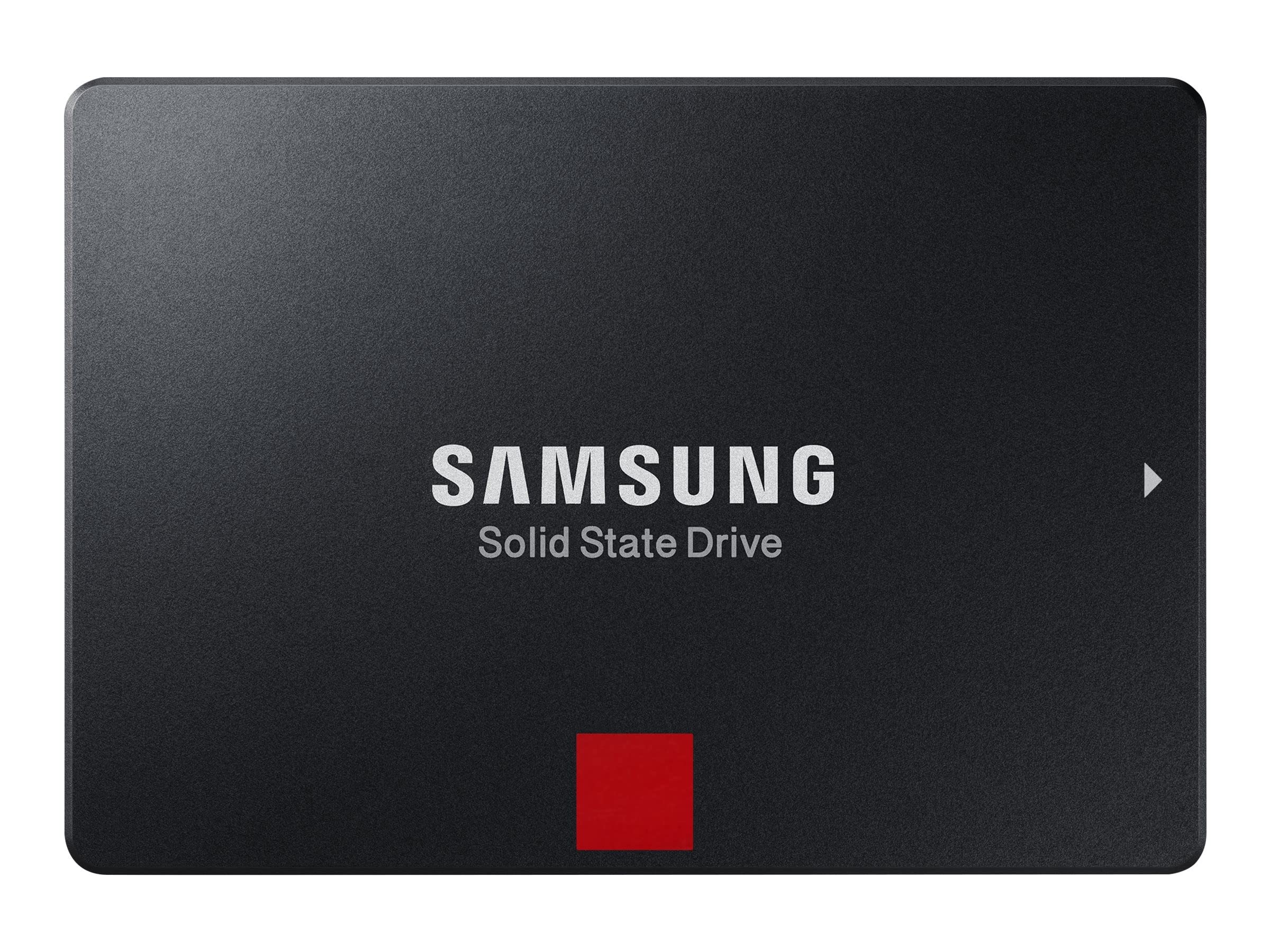
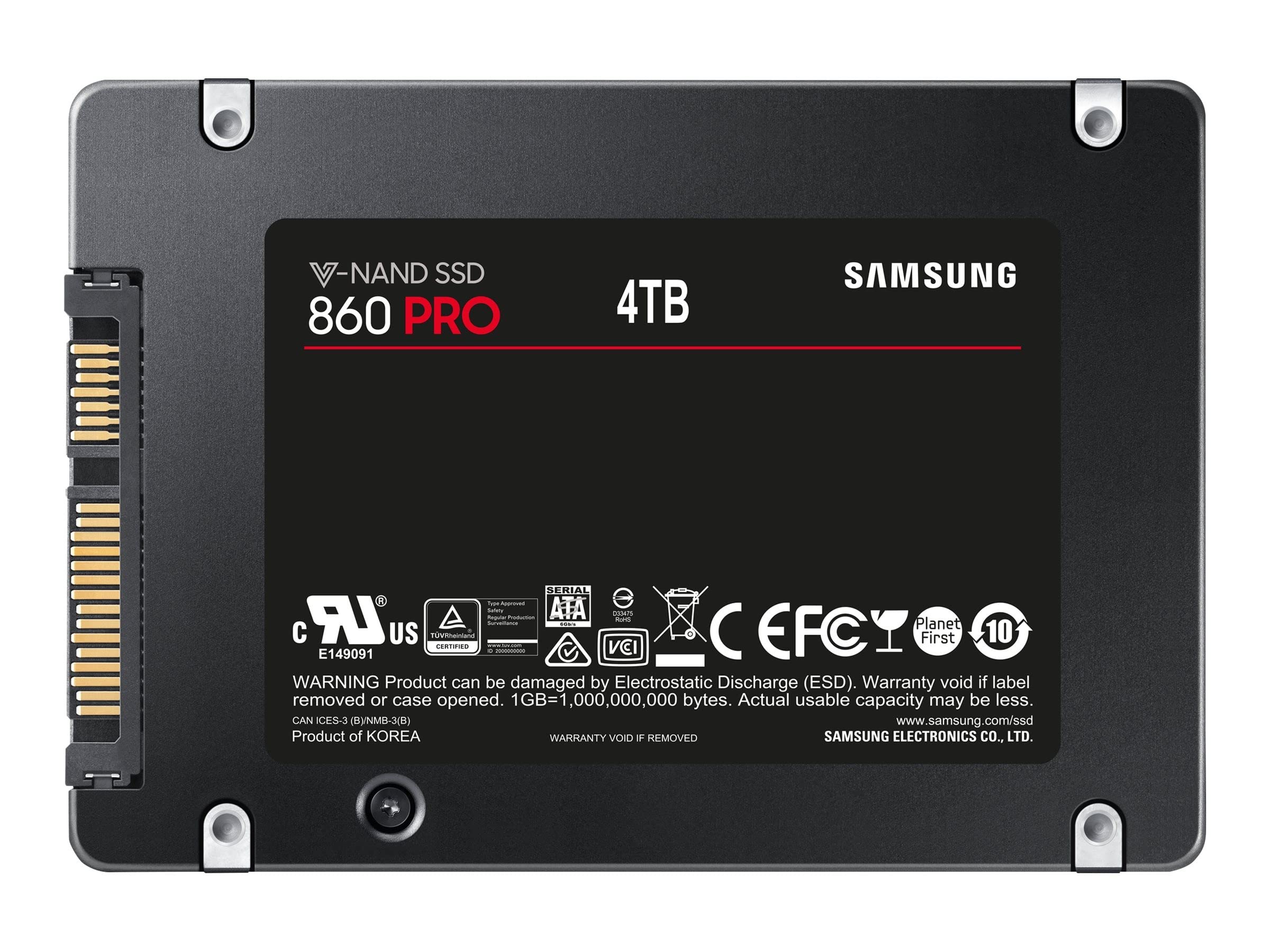
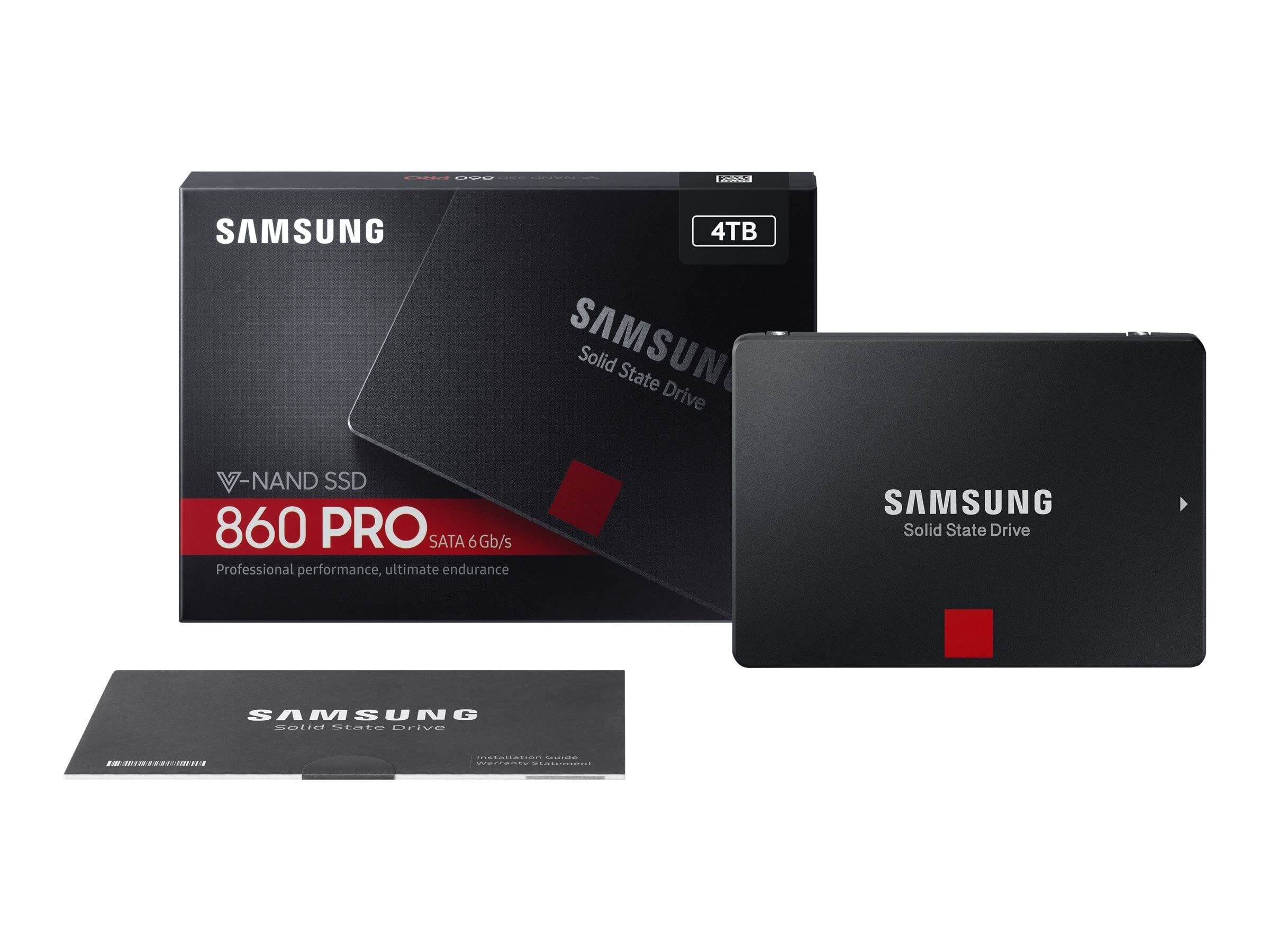
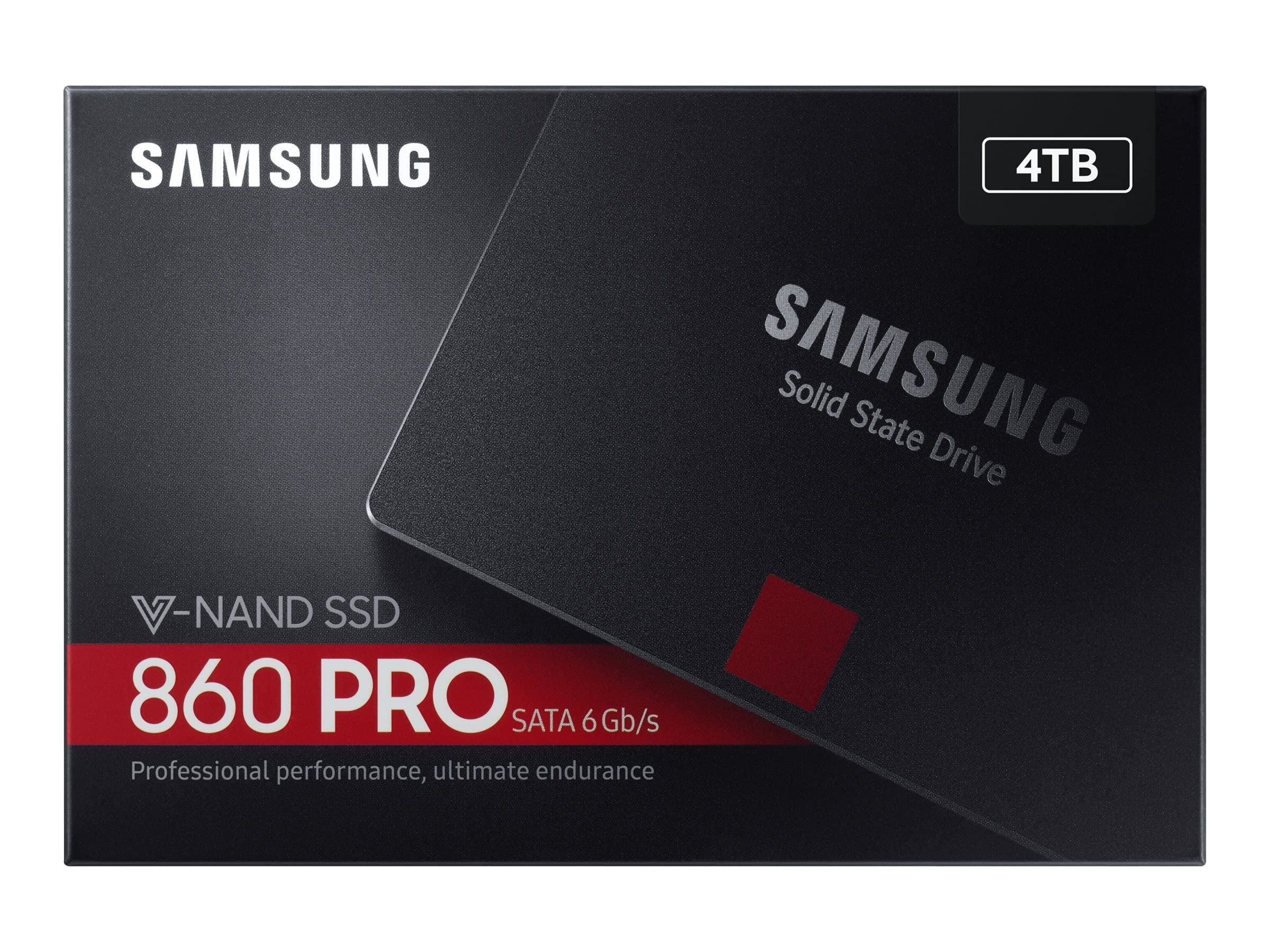
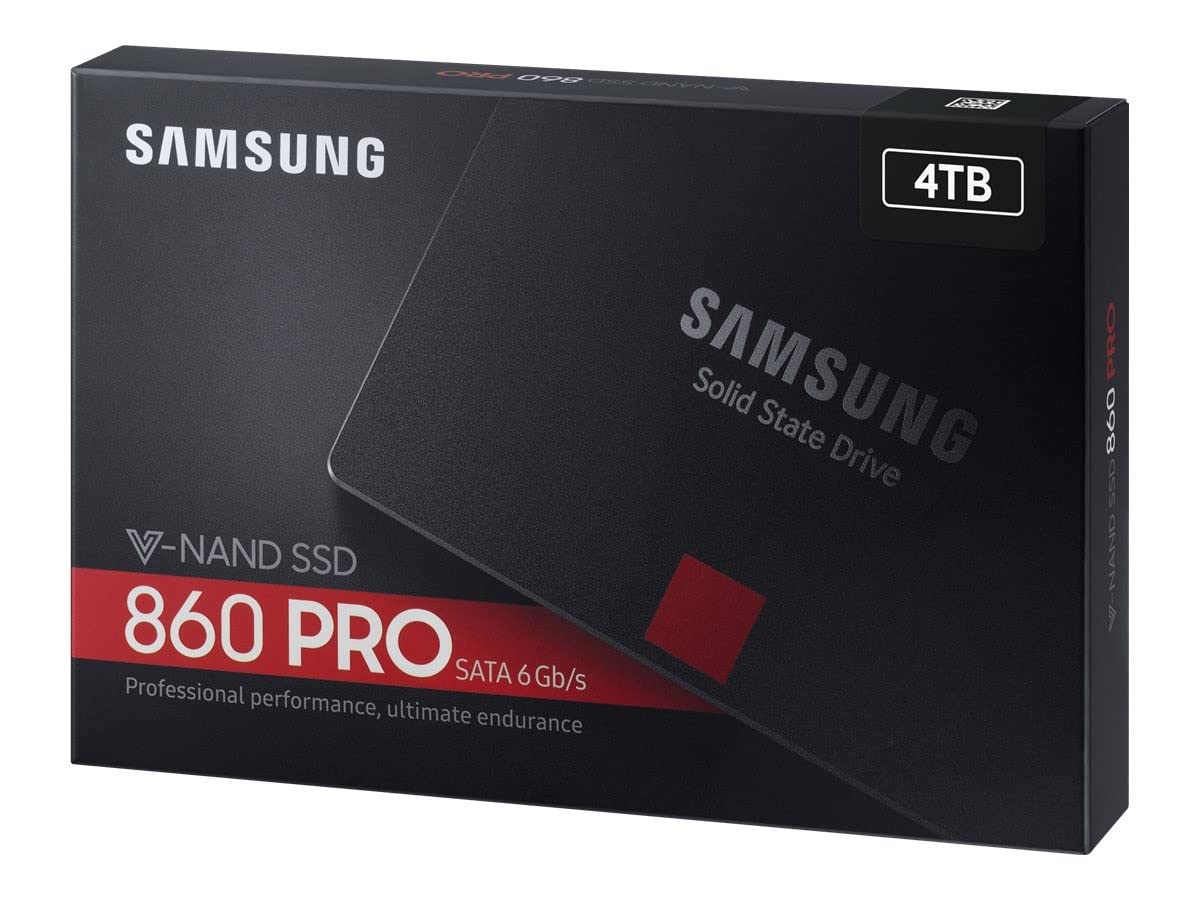
🚀 Elevate your storage game—speed, space, and style in one sleek SSD!
The Samsung 860 PRO 4TB SATA 2.5-inch SSD delivers professional-grade performance with sequential read/write speeds up to 560/530 MB/s. Designed for gamers and power users, it offers massive storage capacity and broad compatibility with all PCs supporting SATA 2.5-inch interfaces, ensuring fast, reliable, and durable storage for demanding workloads.


| Brand | Samsung |
| Product Dimensions | 10 x 6.98 x 0.68 cm; 62 g |
| Batteries | 1 Lithium Ion batteries required. |
| Item model number | MZ-76P4T0B/EU |
| Manufacturer | Samsung |
| Series | MZ-76P4T0B/EU |
| Colour | Black |
| Form Factor | 2.5-inch |
| Processor Count | 1 |
| Hard Drive Size | 4 TB |
| Hard Disk Description | Solid State Drive |
| Hard Drive Interface | Serial ATA-300 |
| Wattage | 3600 |
| Hardware Platform | PC |
| Operating System | Windows |
| Are Batteries Included | No |
| Lithium Battery Energy Content | 2 Kilowatt Hours |
| Lithium Battery Packaging | Batteries packed with equipment |
| Lithium Battery Weight | 2 Grams |
| Number Of Lithium Ion Cells | 5 |
| Number of Lithium Metal Cells | 5 |
| Item Weight | 62 g |
| Guaranteed software updates until | unknown |
O**M
The Highlight of my new PC
This SSD is a joy to use as a boot drive for Windows 10. Installing Windows with the installation media a so much faster than installing on a normal mechanical hard-drive; and everything you do within the OS after it is installed is lightning fast. You’ll never want to go back to a normal HDD after using an SSD. The boot times are also very fast; my PC boots up in about thirteen seconds using this drive.In terms on installation in your PC or laptop, the process very simple. The SATA data and SATA power cables are not included in the package with the SSD, but will likely be included in the box your power supply came in (if you built your own PC). The drive very easily screws into a regular hard-drive cage found in all cases, and also mounts to the SSD mounts by simply screwing them in. So, there’s no hassle here with sensitive parts etc.A commonly asked question regarding SSDs is regarding the differences between a regular SSD like this one and a NVME SSD. In theory, the NVME SSDs are faster. However, in everyday regular use when comparing the differences in boot time and the speed in which regular tasks are performed, you really won’t see a noticeable difference at all. So, it’s very likely an SSD like this one is a better choice for the average user and will save some extra money.The Samsung Magician software is a nice tool to use which you can get from Samsung’s website. It allows you to run benchmarks of the SSD, and view all kinds of general stats for your drives. For example, you can check the read and write speeds, temperature, drive health, etc.In all, this is the perfect choice of SSD to get, and it’s well priced. Highly recommend. This is an easy five-star product.
M**T
Samsung SSD 860 Evo 1 TB SATA3 - The best consumer 1TB SATA SSD - Great for Playstation 4 as well
Samsung SSD 860 Evo 1TB SATA3When it comes to SATA3 SSD’s, there were only 2 brands for me which I looked at – Samsung and Crucial.This time I opted for this Samsung SSD 860 Evo 1 TB SATA3 to replace a standard HDD as a secondary drive in my laptop – there was already a Nvme SSD as a primary drive for system, etc, but I was fed up with speeds of traditional HDDs.Installation was super easy – I simply replaced a HDD with SSD. Nothing complicated at all – just swap and connect.After powering on, my computer detected SSD without any issues and the only thing required was to format it to to desired format. All done within 30 minutes.Did the swap change anything?Abuslutely yes. My games load several times faster, searching my photo collection is superfast as well as access to my music library. Video editing, encoding and audio editing are absolutely hassle-free.SSD does not also generate any noise and generates less heat, especially with normal usage.I tested my Samsung 860 Evo with AS SSD and CrystalDiskMark – results are great, as expected (disk is half full/half empty) - please see the photos attached.A few details about Samsung 860 Evo 1TB SATA3 (different models may have different specs):- NAND: Samsung V-NAND TLC (aka. 3Bit MLC)- Controller: Samsung MJX Controller- Cache: 1GB LPDDR4- 5 years warranty or 600TBW- SATA3Would I buy it again?Absolutely yes.I cannot imagine going back to HDDs, especially not for tasks I use it for. I used Samsung SSD 840 Pro previously, so I knew what to expect from Samsung SSDs (although I could not justify spending extra for Pro series this time).I understand that the price of this disk has not changed for years nearly at all, but the reason for is that it is probably the best SATA3 SSD, which can be purchased.It is also a great disk for PS4/PS4 Pro, although neither Xbox One nor Playstation 4 make a full use of SSD technology. Loading times are still better though, sometimes cut by half. Tested with PS4 Pro out of curiosity.10/10 score and full recommendation.Warning: Please do not make a mistake and do not buy Samsung QVO SSDs unless you are absolutely sure you want QVO series for some, unknown to me reason. They can be slightly cheaper (but sometimes can even be slightly more expensive), but their performance and reliability due to use of QLC NAND in comparison to Evo and Evo Plus (TLC NAND) is a lot worse. They are still good SSDs in comparison to other brands QLC SSDs but in my opinion there is no reason to buy them as Evo SSDs are a lot better and for similar price.
M**H
Good reliable drive
I bought this drive to upgrade a Windows 7- 32 bit running on an ASUS H81M Plus mobo with core i3-4130 CPU. The mobo has 8gb ram as I sometimes plug in a 64 bit operating system via the drive caddy. I have so far purchased 3 x SSD and have another installed in my Windows 11 HP laptop. I chose the 860 EVO 500gb in preference to the later 870 etc versions due to its proven reliability. I made the transfer using Samsung Magician Version 6 and cloned from my existing 3.5" HDD on to the 860 EVO which I mounted in one of the USB3 ports on the PC. I then removed the HDD from the caddy and mounted the SSD in a 2.5" to 3.5" adapter. When I booted up the change in performance was dramatic. Boot up was much faster and passage to my desktop was almost instant. Changing from program to program was very fast and access via explorer to stored items was very fast as was the opening of any documents. Altogether a very worthwhile upgrade.
S**C
It's a Samsung. Most Excellent!
I have been a Samsung SSD fan for some time now. As for the 2.5-inch form factor units, the 860 series is a solid performer and has met my needs very well. I am a moderate gamer, creator, and programmer. To this day, I have never had an 860 fail in any way (knock on wood). My setup consists of rack style removable 2.5-inch form factor SSD's for my two workstations.I am not very impressed with the 870 series at all. I have two 870's and one of them developed issues after only several months of service. Also, just reading some of the bad reports on the internet about the 870's has turned me off. So, I continue to hunt for reasonably priced 2.5 inch 860's. When it comes to capacities of 1TB and larger, the 860's are priced much higher per GB then the 870's are at this time.
P**K
Beeindruckende Leistung und Zuverlässigkeit - Samsung 860 EVO 500 GB
Die Samsung MZ-76E500B/EU 860 EVO 500 GB SATA SSD hat mich in jeder Hinsicht beeindruckt. Mit ihrer herausragenden Kombination aus Geschwindigkeit, Zuverlässigkeit und Preis-Leistungs-Verhältnis stellt sie eine exzellente Wahl für alle dar, die nach einer zuverlässigen Speicherlösung suchen.Geschwindigkeit und Leistung:Die SSD liefert eine unglaublich schnelle Lese- und Schreibgeschwindigkeit. Mit einer sequenziellen Lesegeschwindigkeit von bis zu 550 MB/s und einer Schreibgeschwindigkeit von bis zu 520 MB/s ist die 860 EVO in der Lage, alltägliche Aufgaben wie das Booten des Betriebssystems, das Laden von Anwendungen und das Übertragen großer Dateien blitzschnell zu bewältigen. Diese Geschwindigkeit macht sich besonders bei der Arbeit mit großen Datenmengen bemerkbar und sorgt für ein flüssiges und reaktionsschnelles Nutzungserlebnis.Zuverlässigkeit und Langlebigkeit:Samsung ist bekannt für die Qualität und Haltbarkeit seiner SSDs, und die 860 EVO ist da keine Ausnahme. Mit einer TBW (Total Bytes Written) von 300 TB und einer 5-jährigen Garantie zeigt Samsung, dass sie hinter ihrem Produkt stehen. Auch nach intensivem Gebrauch bleibt die Leistung konstant hoch, was auf die hervorragende Speichertechnologie und das ausgezeichnete Wärmemanagement zurückzuführen ist.Einfacher Einbau und Benutzung:Der Einbau der SSD war ein Kinderspiel. Sie ist kompatibel mit einer Vielzahl von Geräten und passt perfekt in das 2,5-Zoll-Laufwerk. Dank der beiliegenden Samsung Magician Software ist die Verwaltung der SSD ebenfalls extrem einfach. Die Software ermöglicht eine benutzerfreundliche Überwachung der Leistung und Aktualisierung der Firmware, was zur Optimierung der Lebensdauer der SSD beiträgt.Preis-Leistungs-Verhältnis:Angesichts der gebotenen Leistung und der Zuverlässigkeit ist der Preis dieser SSD mehr als gerechtfertigt. Im Vergleich zu anderen SSDs in dieser Preisklasse bietet die 860 EVO eine überragende Performance und ist daher eine lohnende Investition, sei es für den privaten Gebrauch, für Gaming oder für professionelle Anwendungen.Fazit:Die Samsung MZ-76E500B/EU 860 EVO 500 GB SSD ist ein herausragendes Produkt, das ich uneingeschränkt empfehlen kann. Sie liefert außergewöhnliche Leistung, ist extrem zuverlässig und bietet ein ausgezeichnetes Preis-Leistungs-Verhältnis. Wer auf der Suche nach einer SSD ist, die auch langfristig überzeugt, wird mit dieser Wahl mehr als zufrieden sein. 🌟🌟🌟🌟🌟
P**R
Ausgezeichnete Festplatte
Benötigte eine größere Festplatte für meinen Rechner. Habe dann meine 128 GB auf diese 512 GB geklont und anschließend auf 512 GB erweitert (nach dem Klonen wurde die neue FP nur als 128er angezeigt).Arbeitet schnell und optimal.
E**N
Heel goed
Heel goed
M**D
Il s'agit de bien savoir comment ouvrir le laptop pour ne rien briser.
Remplacement d'un disque dur vieux de 11 ans apres l'arret de son fonctionnement.
Trustpilot
2 months ago
2 weeks ago