Desert Online General Trading LLC
Dubai, United Arab Emirates
Desert Online General Trading LLC
Dubai, United Arab Emirates


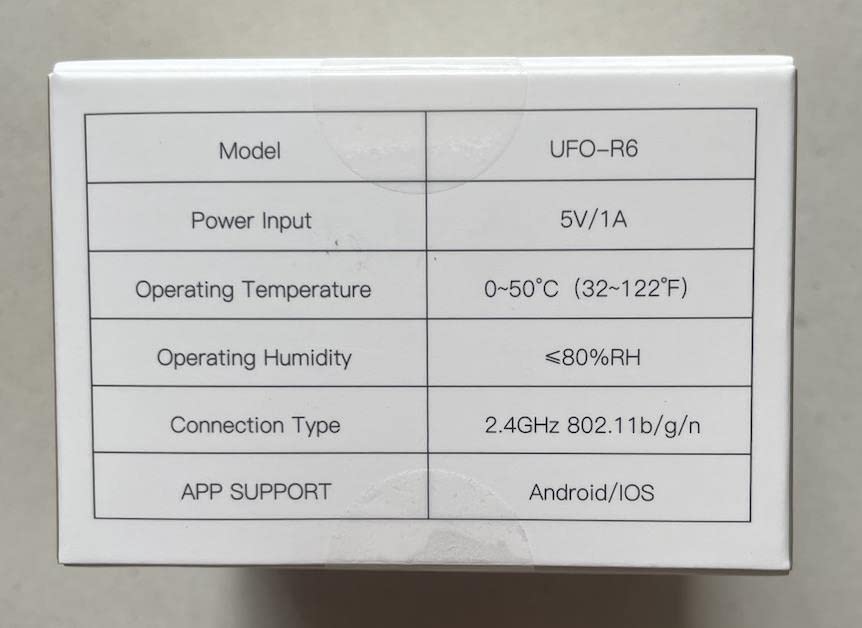

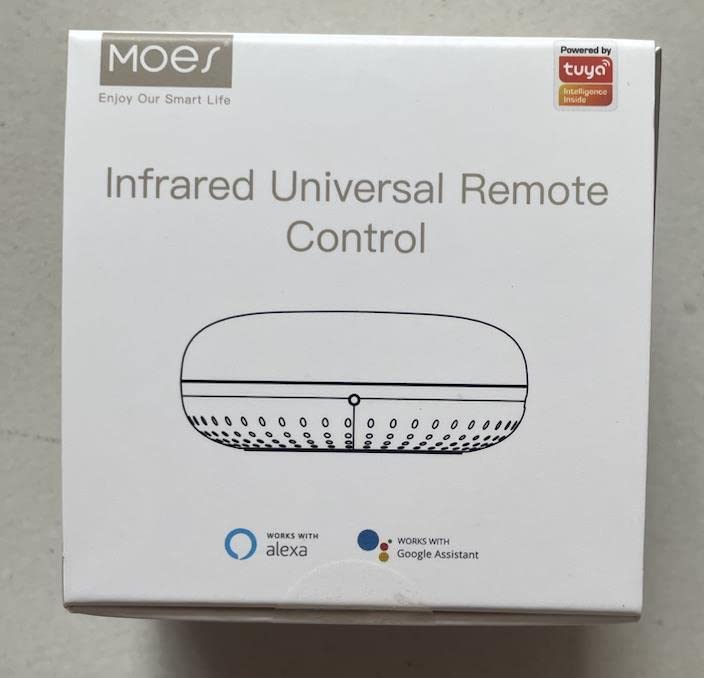
🌟 Elevate your home experience with MOES - the future of smart living!
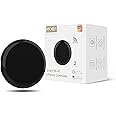
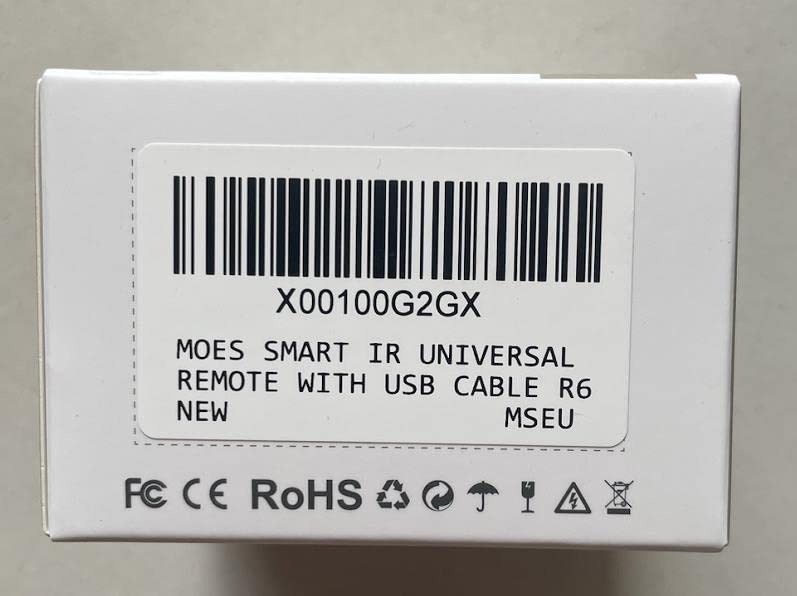
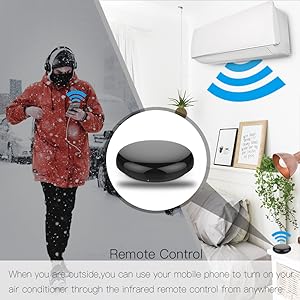
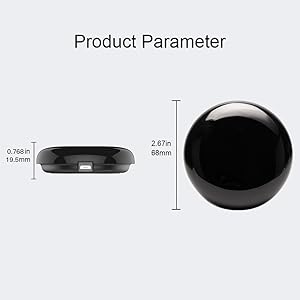
The MOES Smart IR Control Hub is a versatile, Wi-Fi enabled infrared remote control that allows you to manage multiple devices like TVs, air conditioners, and more from your smartphone or through voice commands with Alexa and Google Home. It supports a 2.4GHz Wi-Fi connection and features a DIY function for customizing control over additional devices. With a USB power supply and a 2-year warranty, it’s designed for seamless integration into your smart home.




K**N
Works fine
Bought to operate both our upstairs Fujitsu A/C unit and (RF operated) ceiling fan. Set up and works fine. I don't seem to be able to trigger the RF ceiling fan from Alexa but the A/C (which is IR) can be operated from Alexa just fine.Note that I bought the non-RF version of this also but had to return it because it absolutely refused to work with our Fujitsu A/C units - whether selected from the list of remotes or if programmed as a DIY. Very odd. Returned so that I can order a second one of these RF enabled units (despite RF not being required). At least I can be confident that it will work.
D**I
Works great with Alexa
Excellent product easy installation, works perfect.
A**L
Annoying renaming procedure
I bought this device to remotely control my Mothers TVIn theory this device works well, however it only connects to the average broadband hub using 2.4 GHz and not 5 GHz. This meant that You have to access the hub via the website and rename 2.4 GHz to any random name so that it can even be seen by this device. Once renamed it does connect however Unless you do this the device does not appear to connect to the hub and so on further investigation it turns out that there has to be a renaming procedure for it to work. The problem then was that the CCTV we have previously fitted also connects to the hub on 2.4Ghz but because I have renamed this frequency for the Mo’s device, the CCTV no longer connects!, as it can no longer recognise the hub. whereas with the CCTV it did connect initially but with no annoying renaming procedure.I now have to uninstall the CCTV, rename the 2.4Ghz to a random name so it can connect And then reconnect t the CCTV to the new name. I think if I did this the Mo’s device would work well But I could have done without the renaming procedure as this affect a any ore existing other device connection.
D**M
Awesome
This is awesome and is only 10% of the price of a harmony remote and hub. Granted it takes a little more setting up but it works just as well when you connect it to an echo device.The only thing to remember is you need to connect it to your WiFi's 2.4ghz frequency and not the 5ghz as it won't pair on the latter. If you don't know what I mean it how to do this just go to Google and type in something like 'split WiFi frequency on (name of your provider e.g. SKY)' and there's dozens of instructions and YouTube videos that will show you how to do it
C**C
Works fine, but fragile
Works fine with Tuya/Smart Life. Bit fiddly to add a remote that's not in the library, but can be done.What's not fine IS USING SOLDER TO MECHANICALLY ANCHOR THE USB PORT on to the PCB. The micro-USB port is just a surface mount (SMD), no pins or PCB thru-holes. This device will fail after only some minor knocks or a few cable connects. A spec-compliant micro-USB port is designed for 10,000 insert/remove cycles for example. Shame.Note vendor offered full refund for broken device, no questions asked.
G**W
Integrated with Virgin cable and Alexa
I have added device to Tuya pretty easily then added the remote for TV and virgin cable box using easy setup. To get Alexa integration, I added a scene "tap to run" and assigned "channel up" as action. Then on Alexa added a routine with trigger "channel up" and then assigned the Tuya scene action in Alexa scene Smart section. Then "Alexa, channel up" changes the channel. I even programmed "Sky sports channel" which is simply the channel number in a sequence of key press actions in a single Tuya scene and then add to Alexa as above.
C**L
Good device but needs better instructions
The overall quality of this device is very good and once set up and working it does a good job.The product came in a small compact box and includes a usb cable. The product is very neat and tidy.Ive been using this for about a week now so that i can give a good honest review, in that time connection has been rock solid and i would say it recognises my commands over 75% of the time. I'm still messing about with what it can do and trying to fine tune it as unfortunately the instruction are very poor and the app has taking some getting used too but im getting there. I also have a logitech harmony ultimate that I have hooked up to Alexa but i've always found the voice commands very unreliable and would say this is definitely much better.It won't replace my harmony physical controller but i'm hoping i can get it running along side it for the best of both worlds.I would give it 3.5 stars if I could and if the instruction were better then i would give it 4.5 stars.With a bit persevering though this a very good value product
L**N
Easy to add to Alexa for IR devices
Try to have all my Alexa items using the Smart life app so pleased this was easily found and no issues connecting to Alexa. Need a bit of thought to get it fully working as while most TV's are listed sound bars and Sky box are not.This requires reassigning buttons and you have to remember them all
Trustpilot
2 days ago
2 weeks ago